
Download 49 Minecraft coloring pages featuring iconic mobs, Steve, and blocky landscapes.
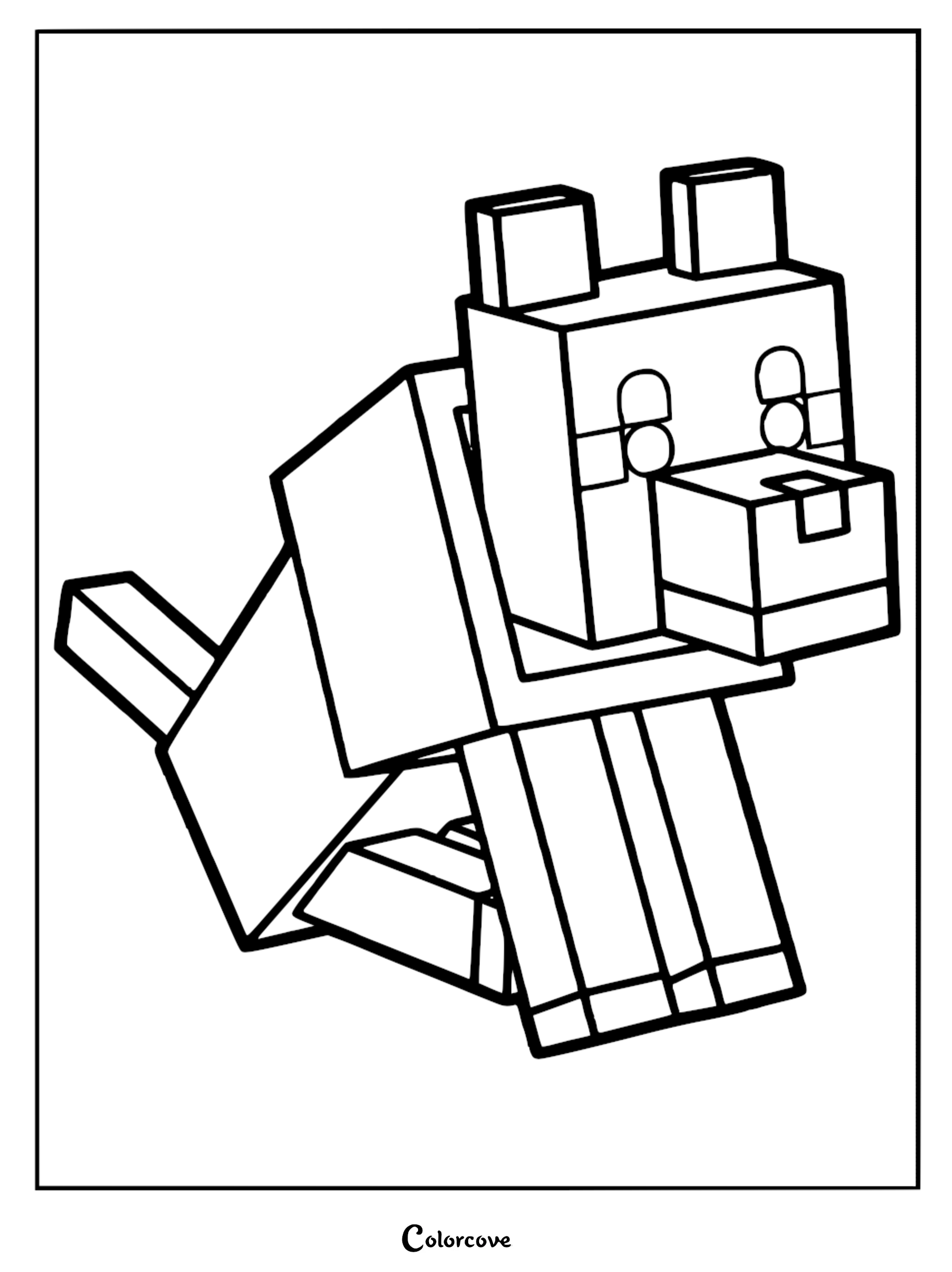
Perfect for fans of all ages to get creative. Whether you are a seasoned builder or a new player, these printable sheets bring the Overworld to life. Grab your crayons and markers to customize your favorite characters, from the sneaky Creeper to the helpful wolf, and turn your coloring time into a true creative adventure.
💡 Tip: Click any image to print, save, download, or color online for free!
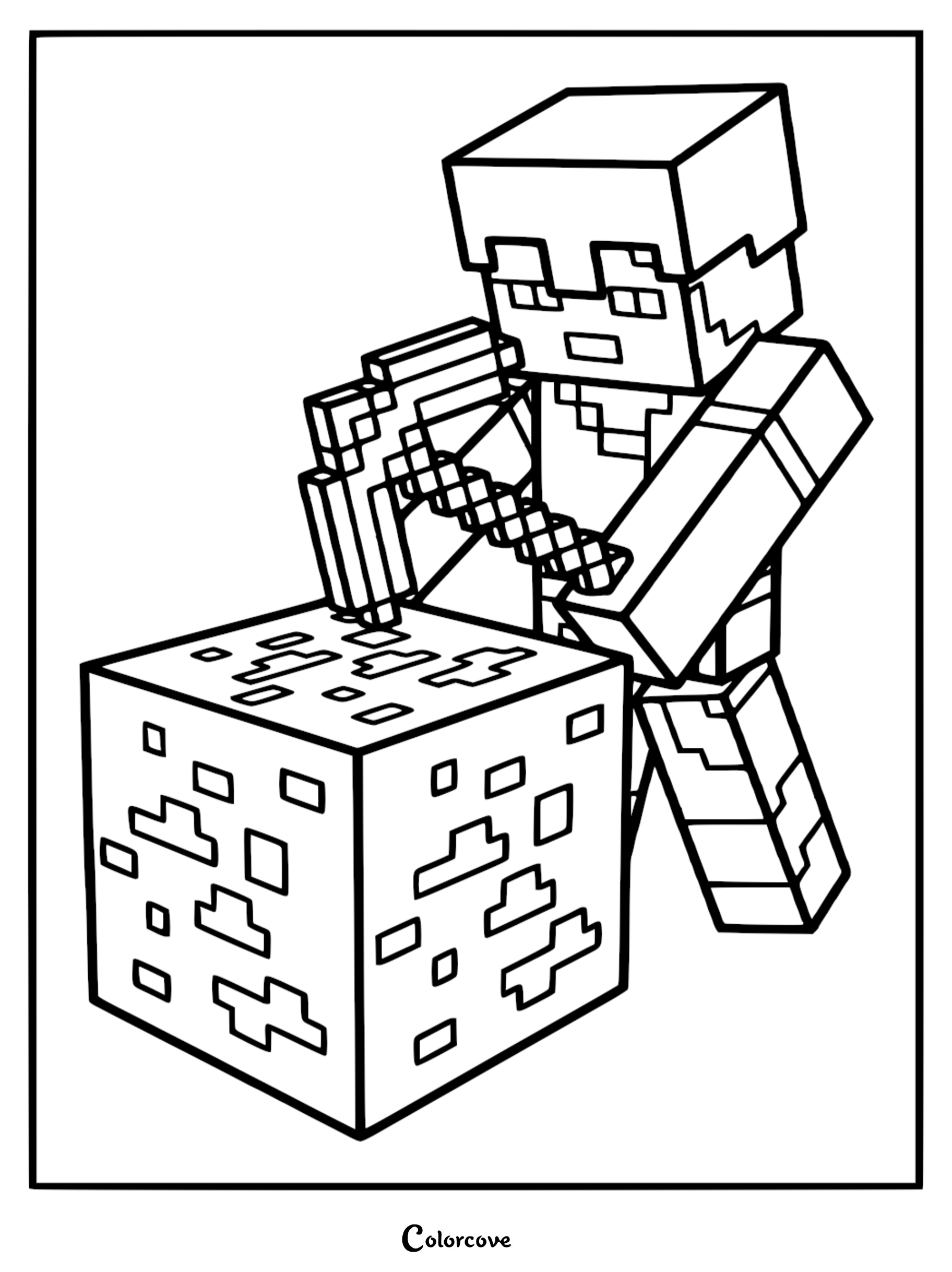
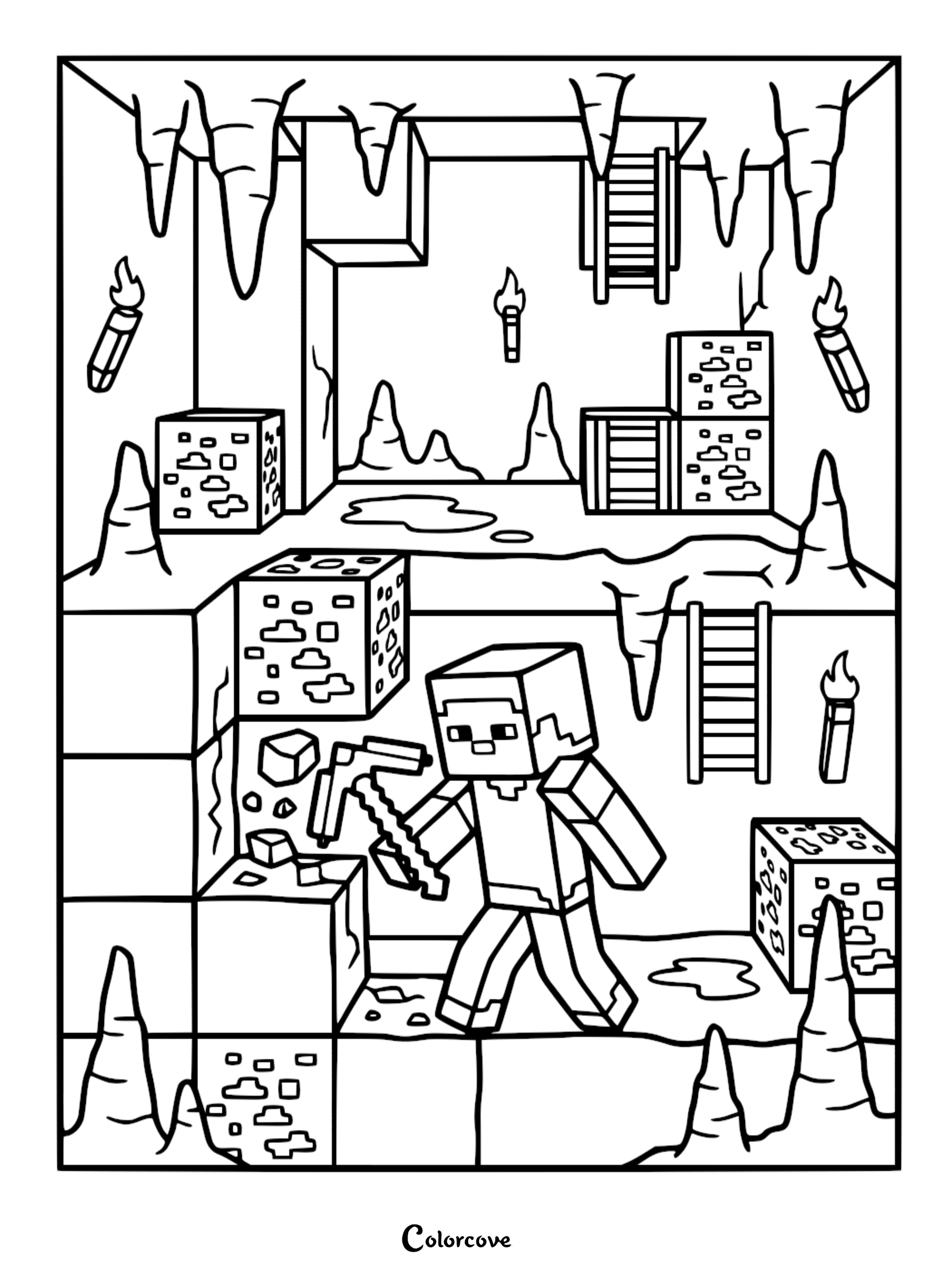
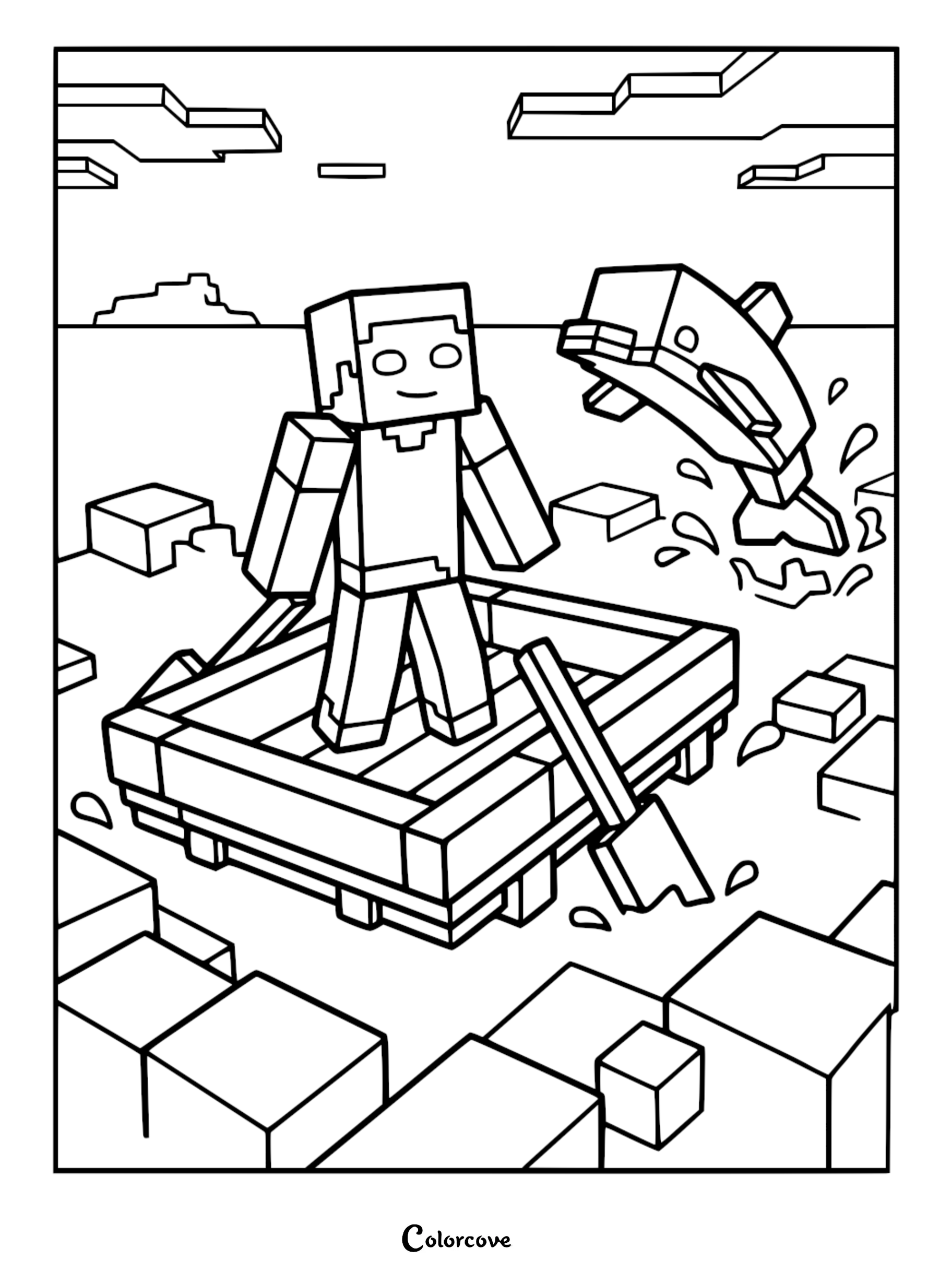
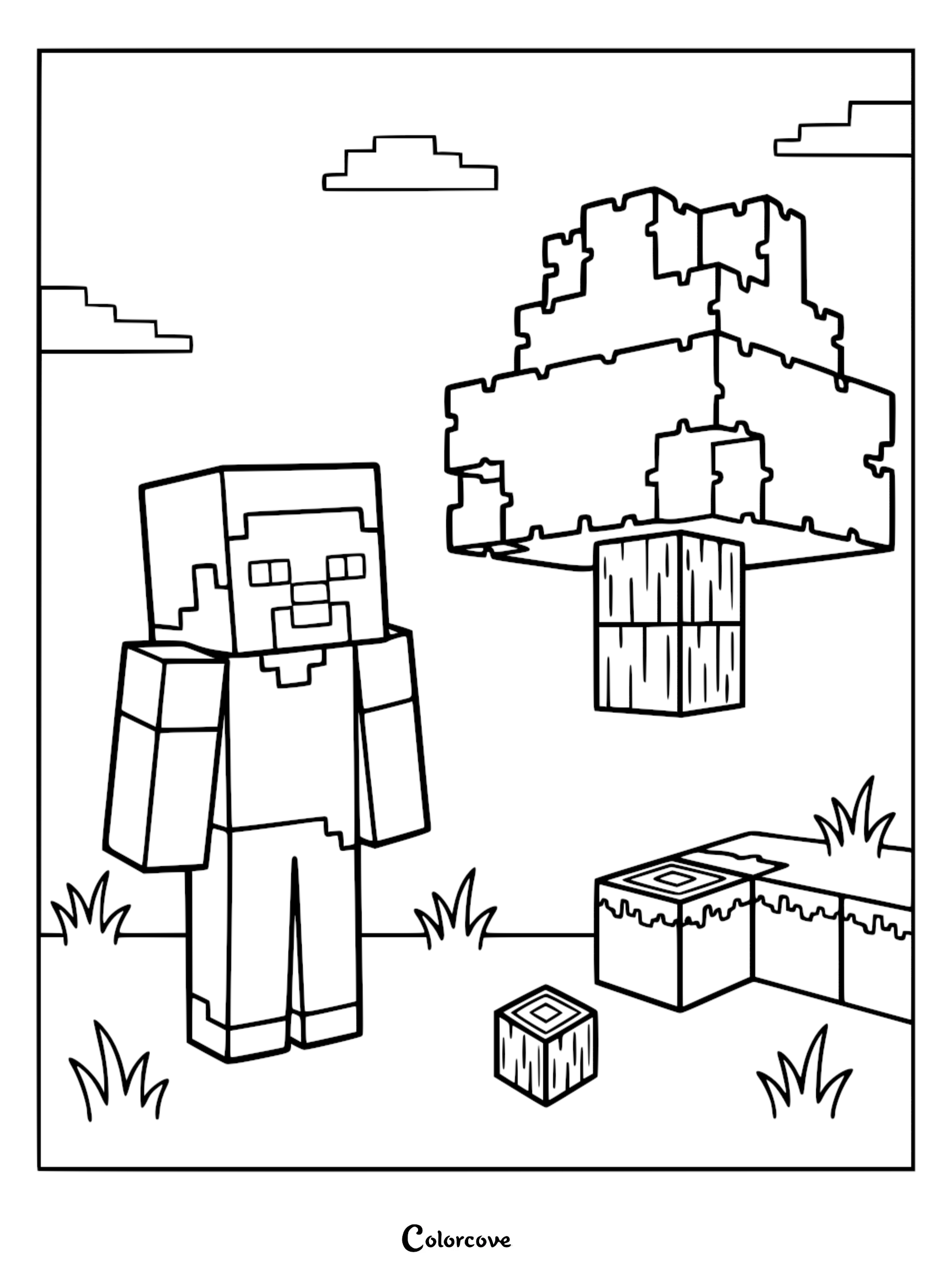
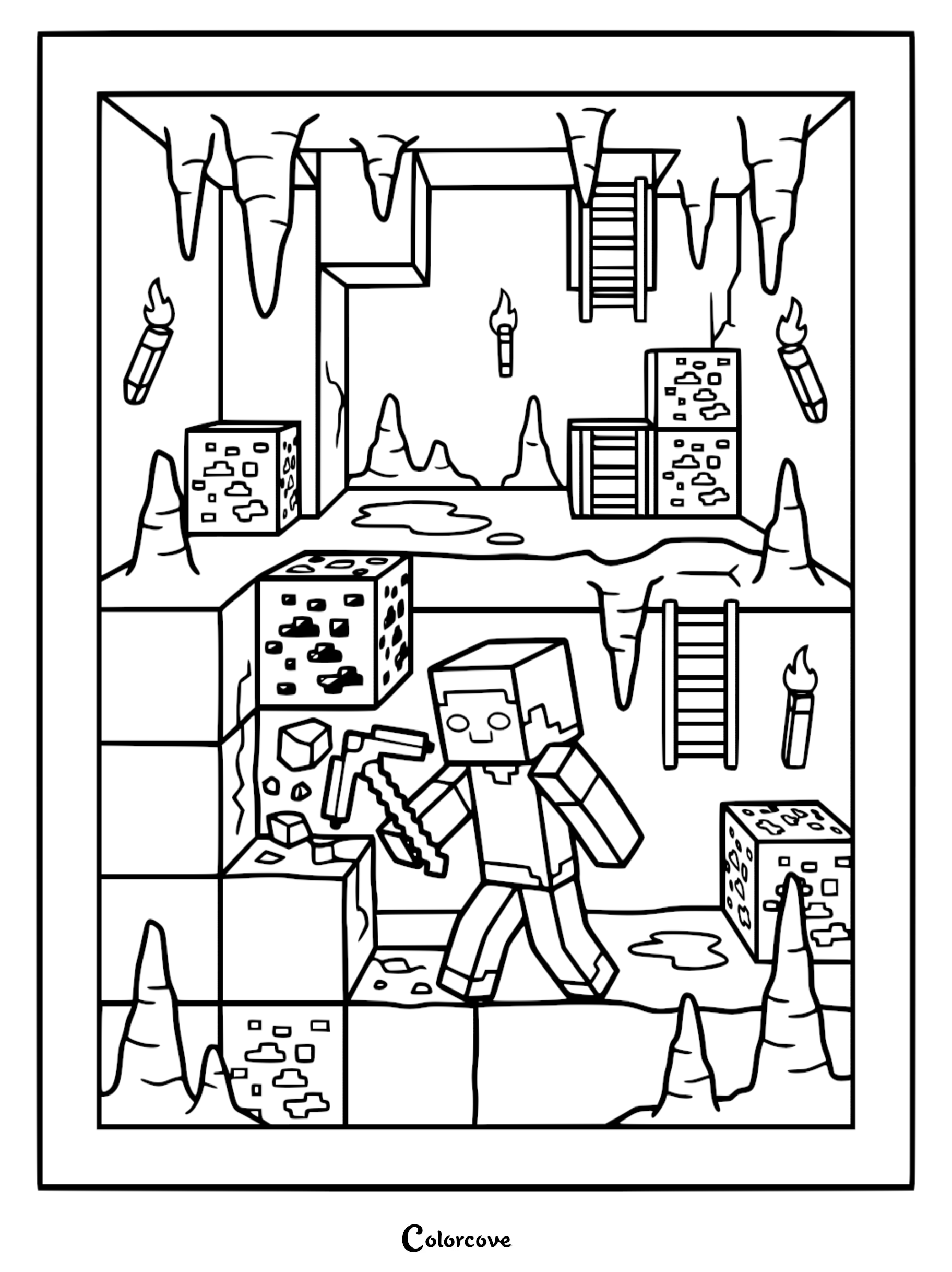
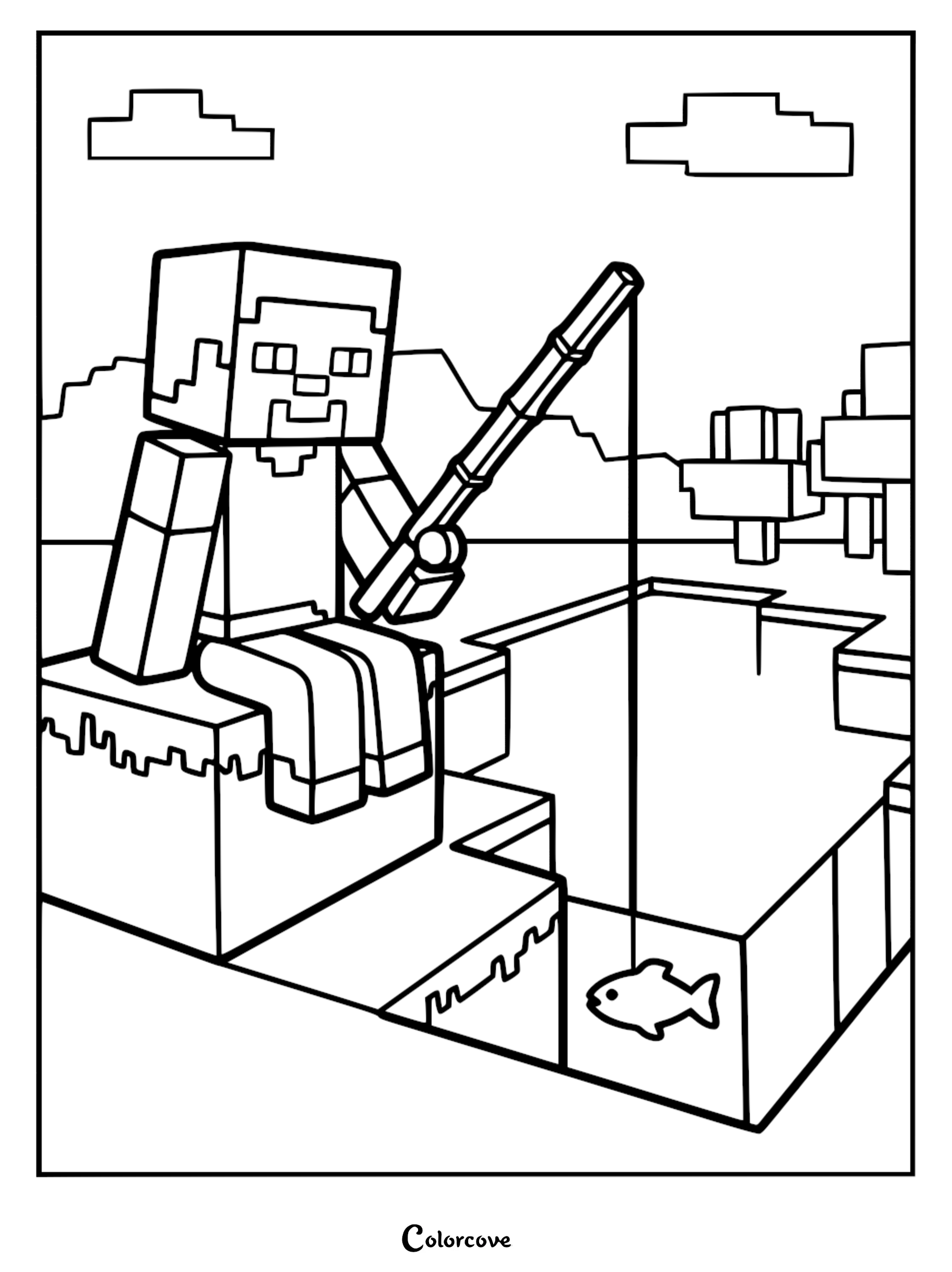
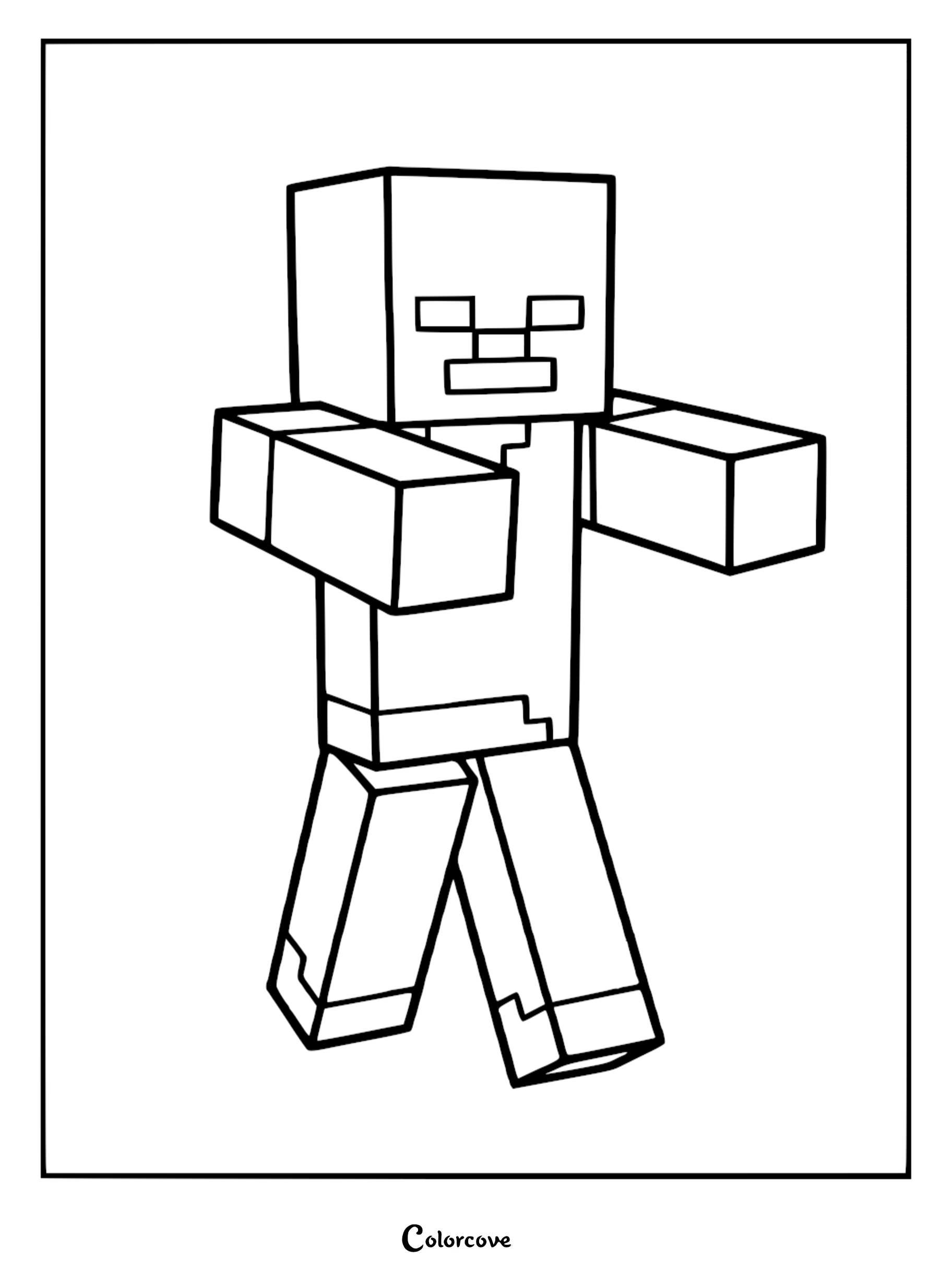
Steve and Mining Adventures
Follow Steve on his epic journey through caves and biomes with these action-packed coloring page options.


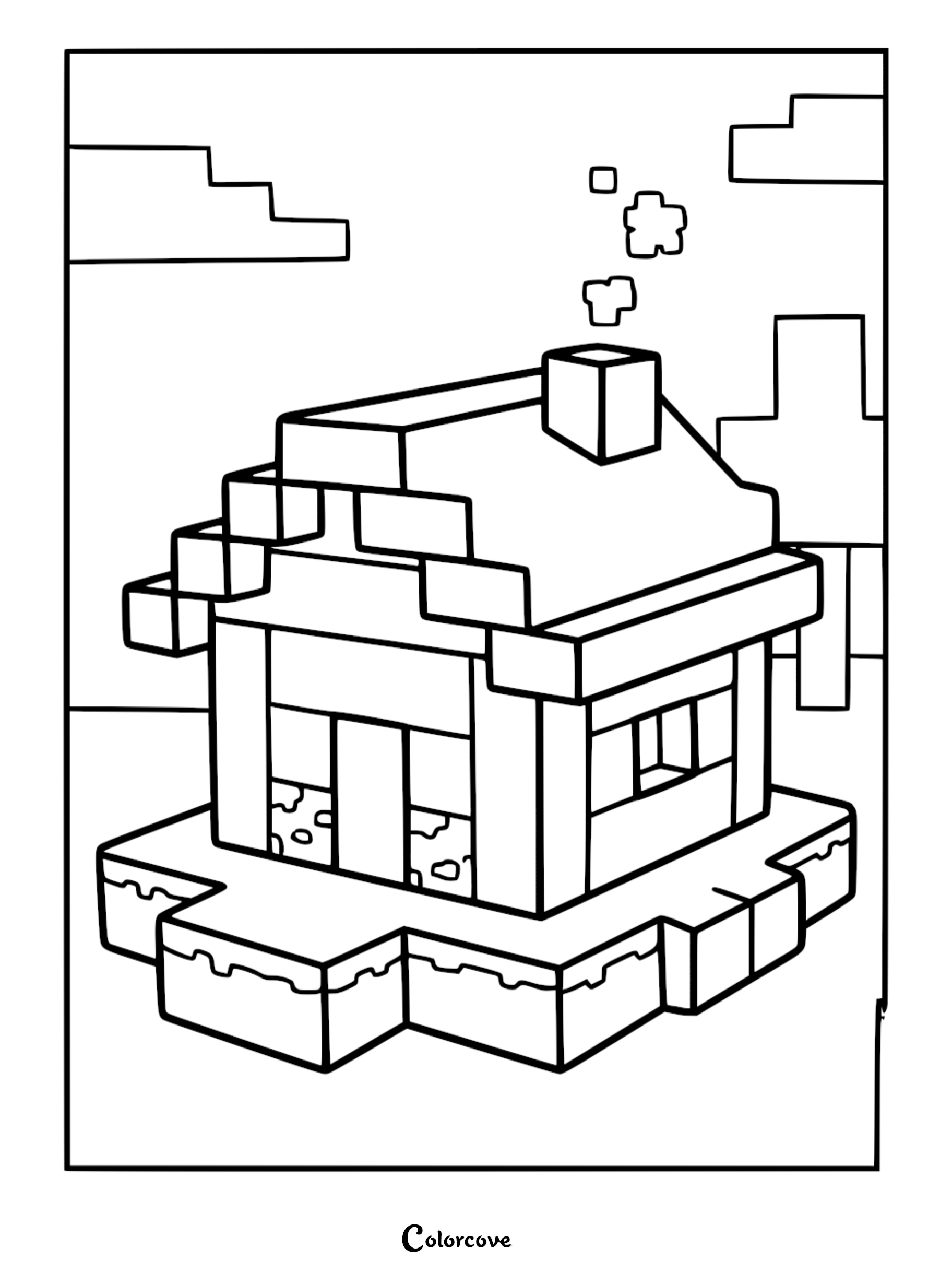
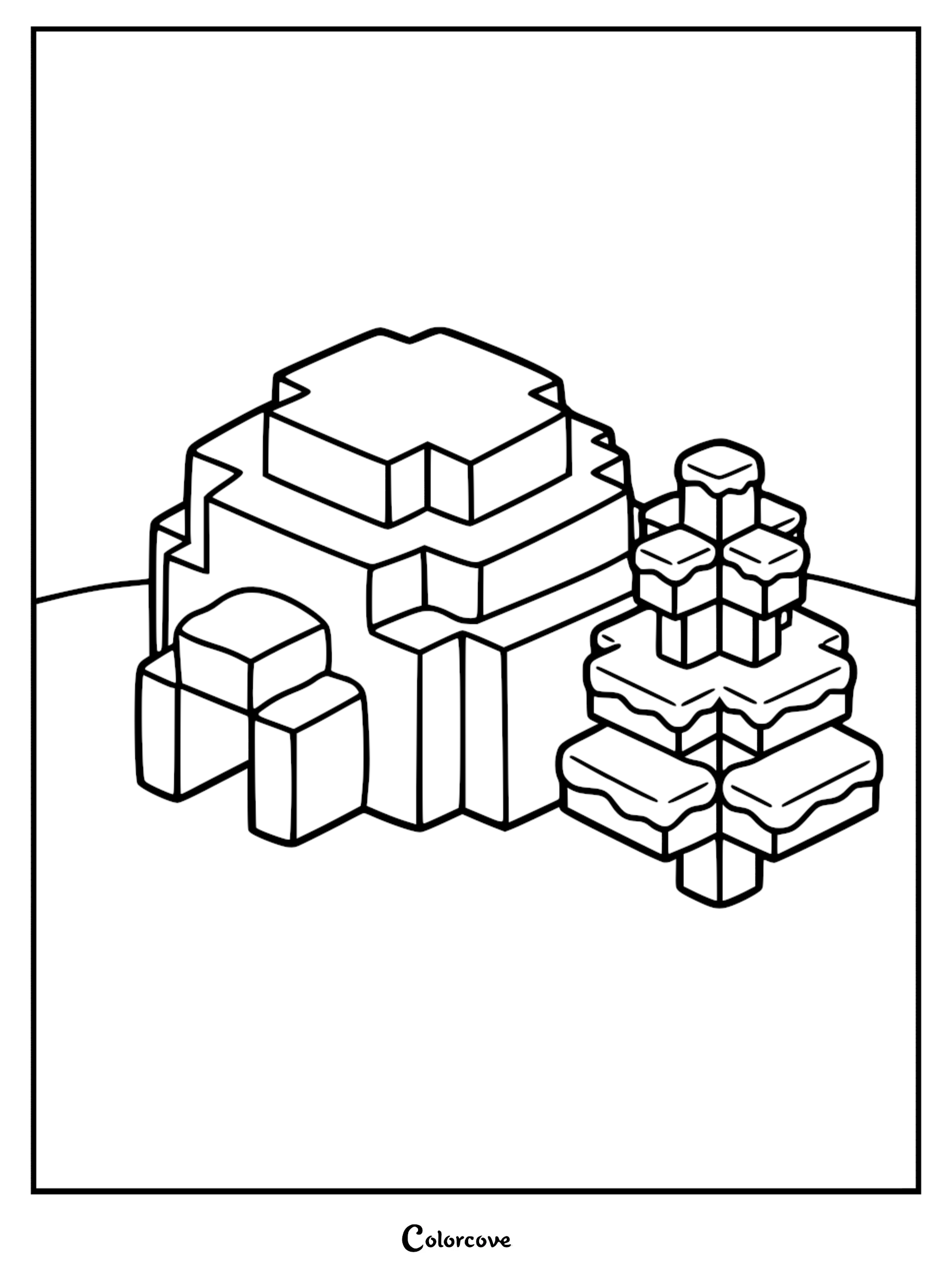
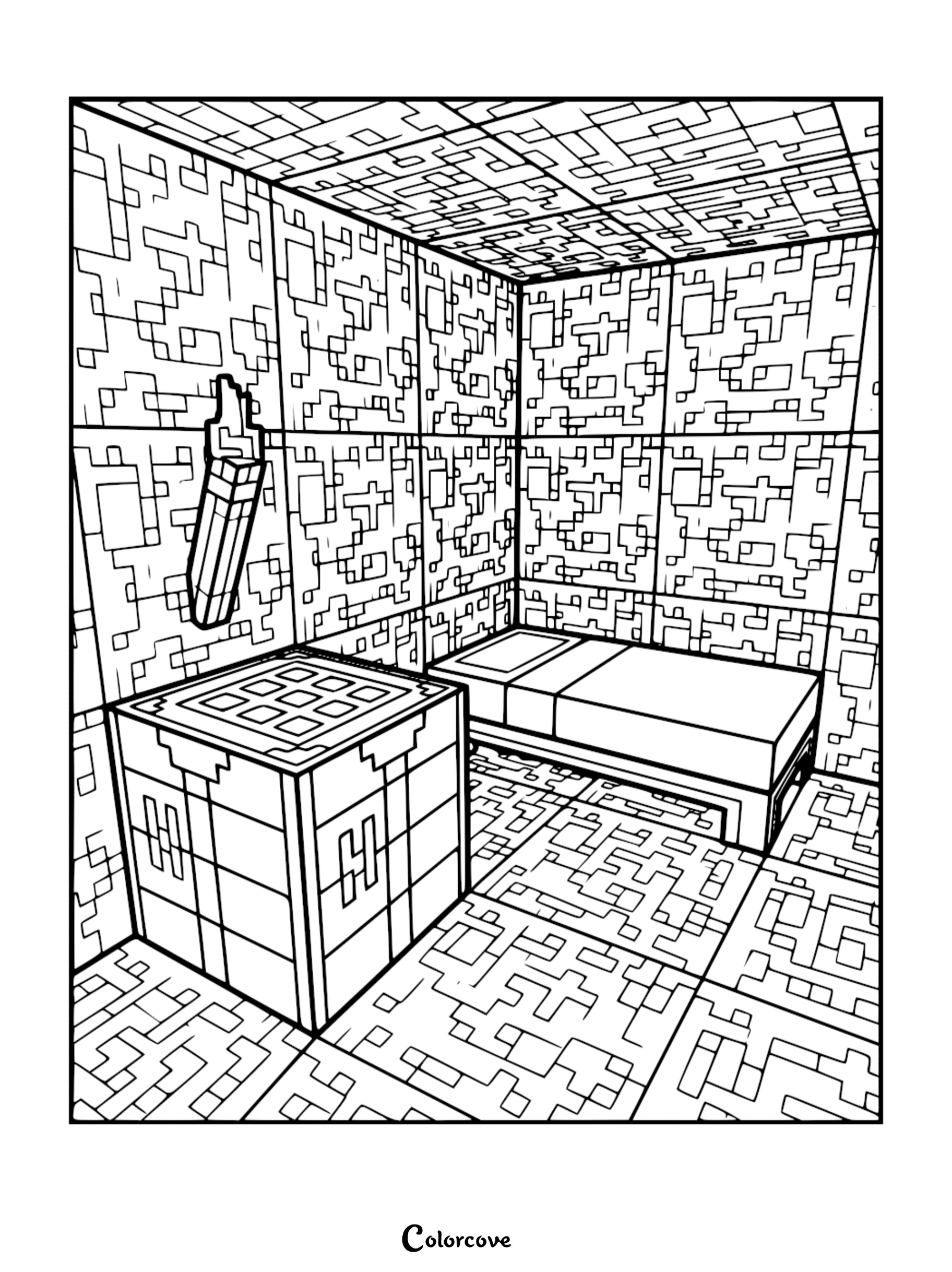
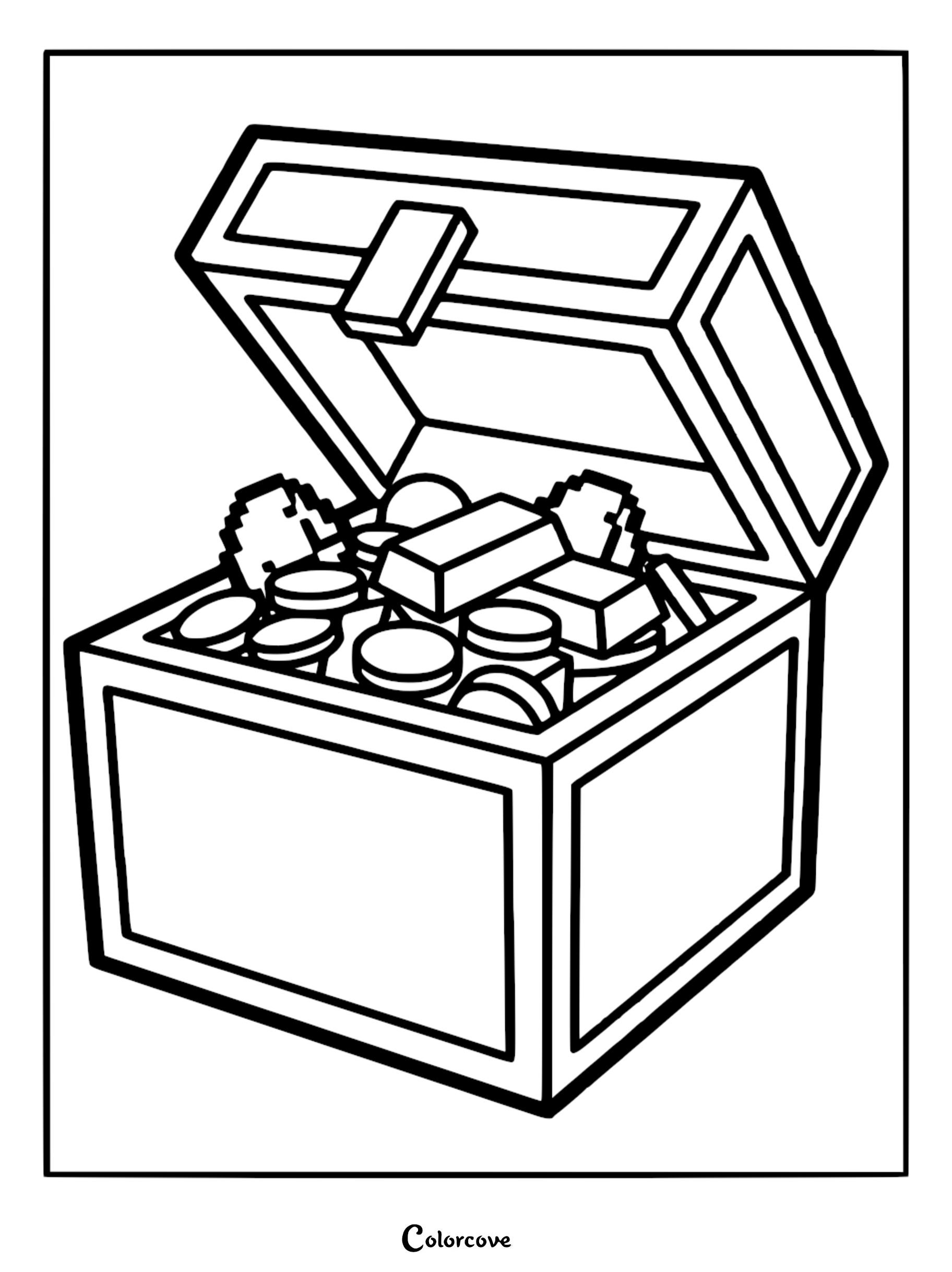
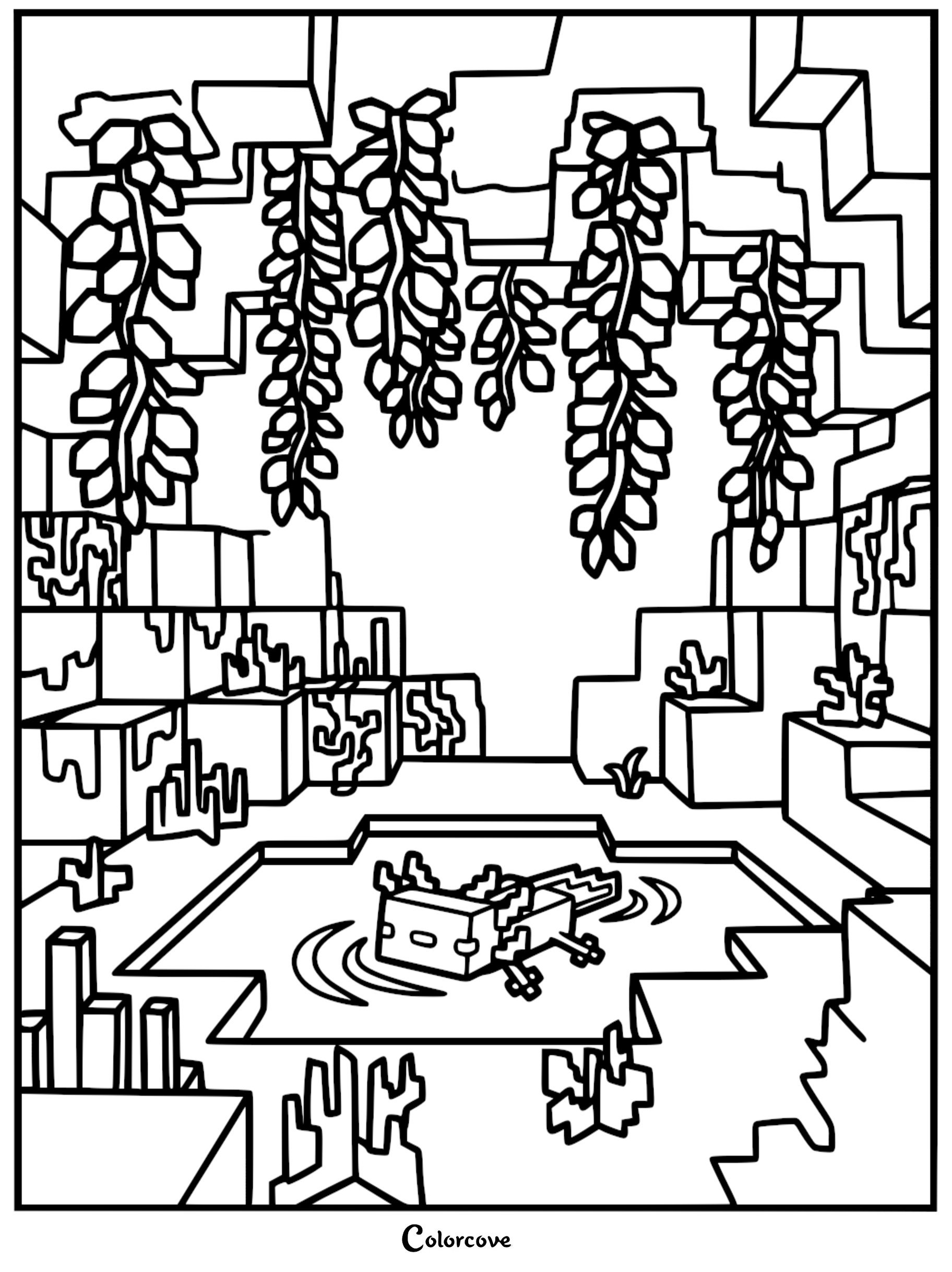
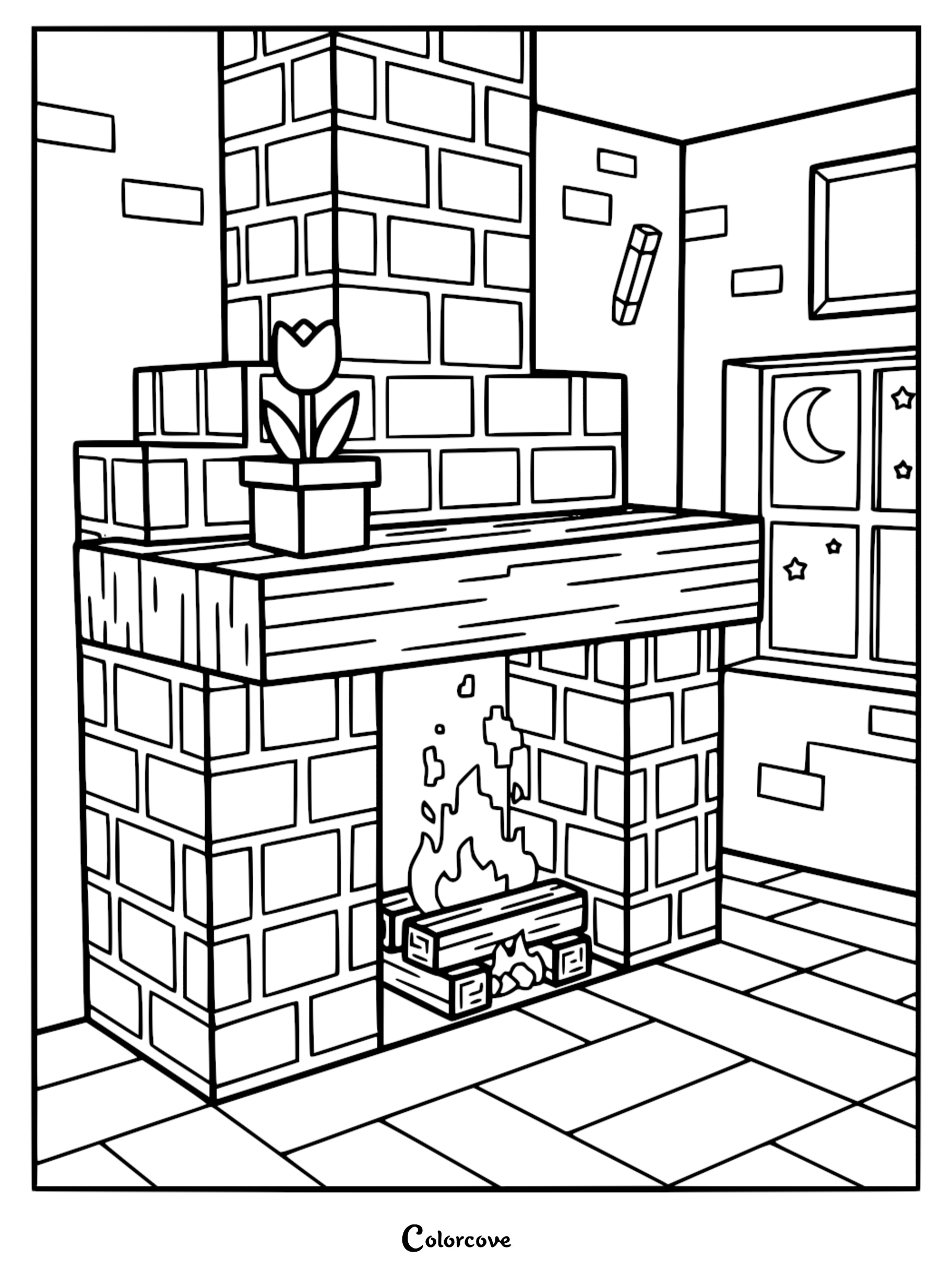
Blocky Landscapes and Structures
Explore the architecture of the game with these intricate building-themed coloring page illustrations.

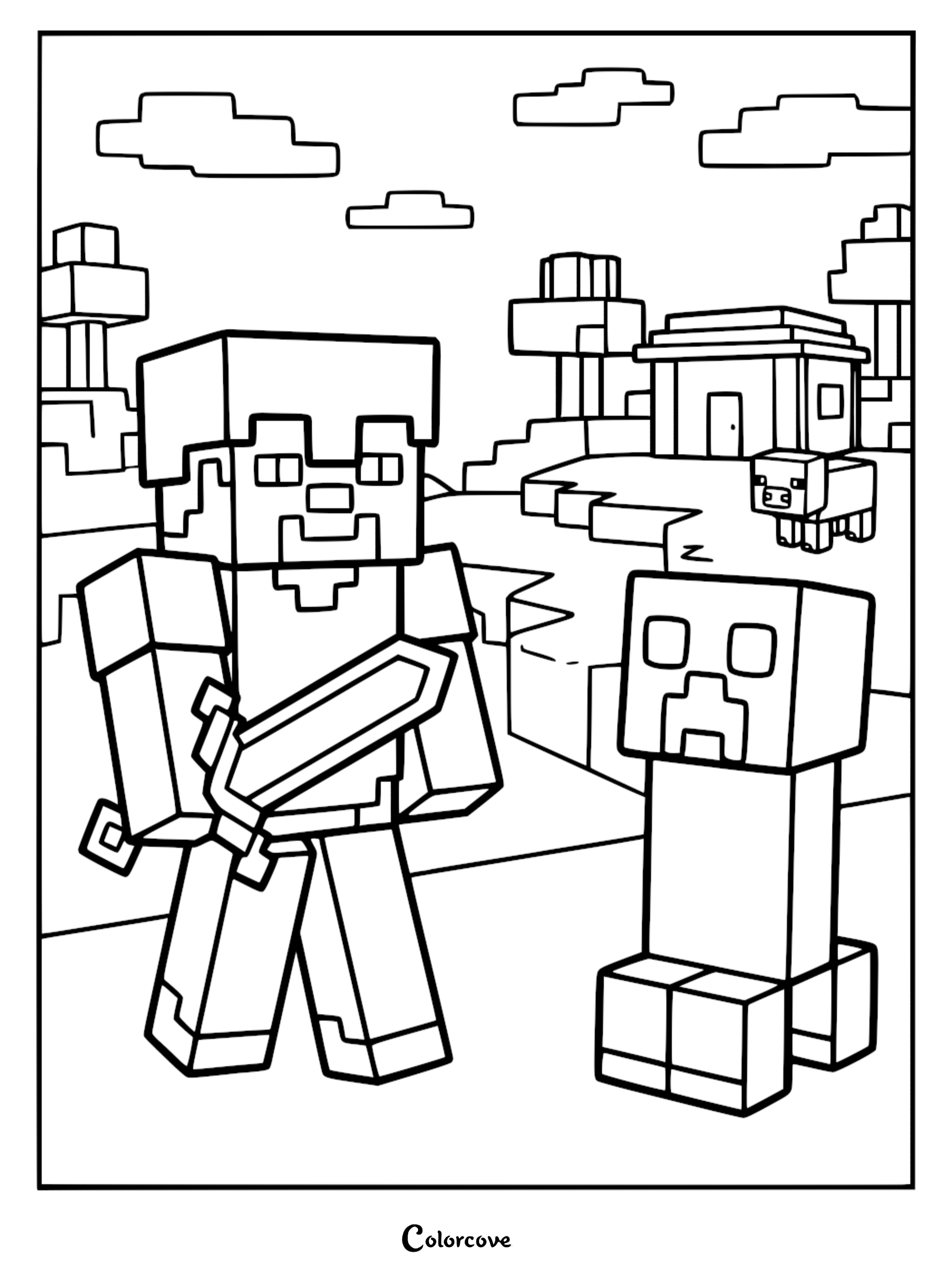
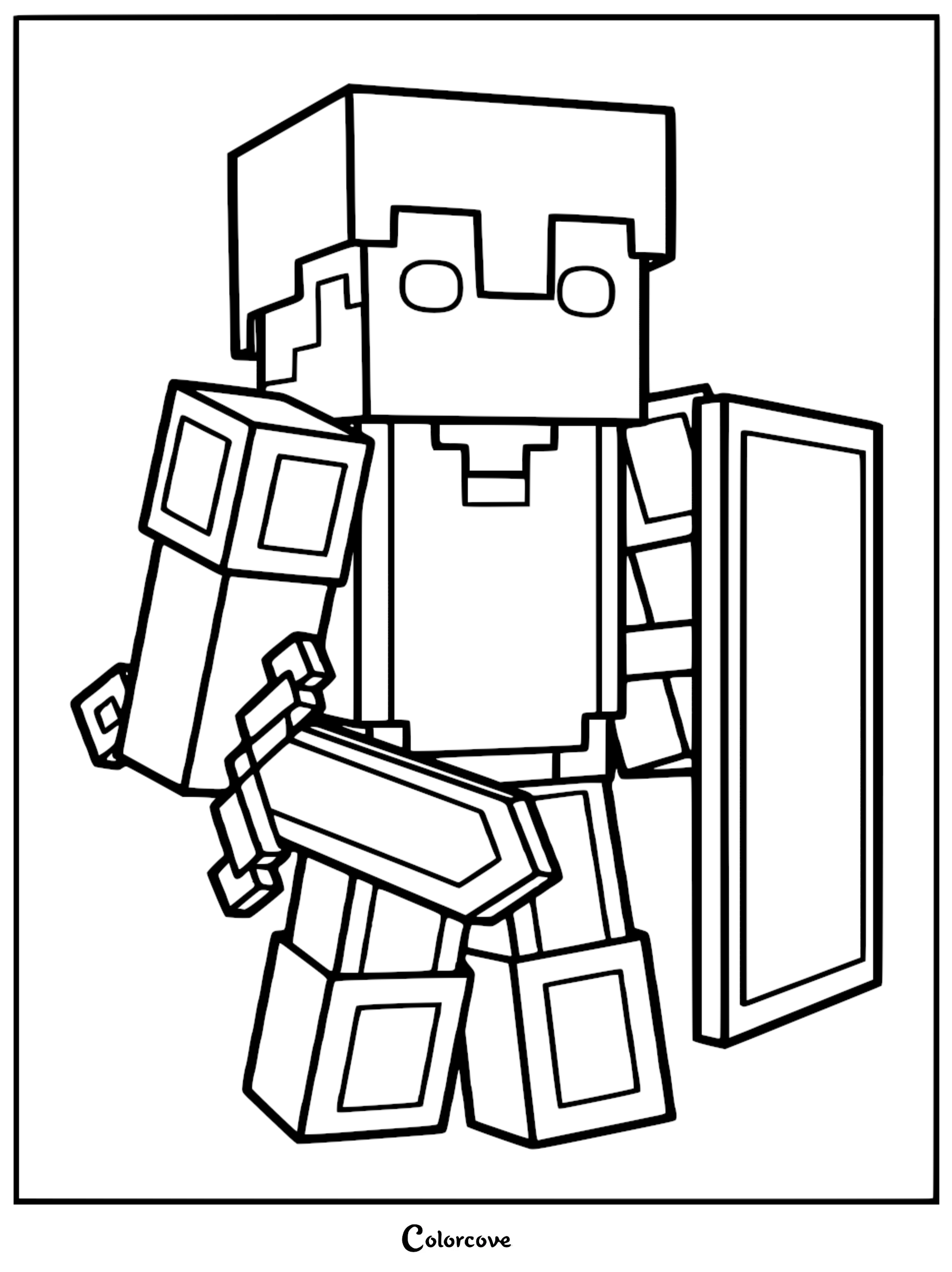
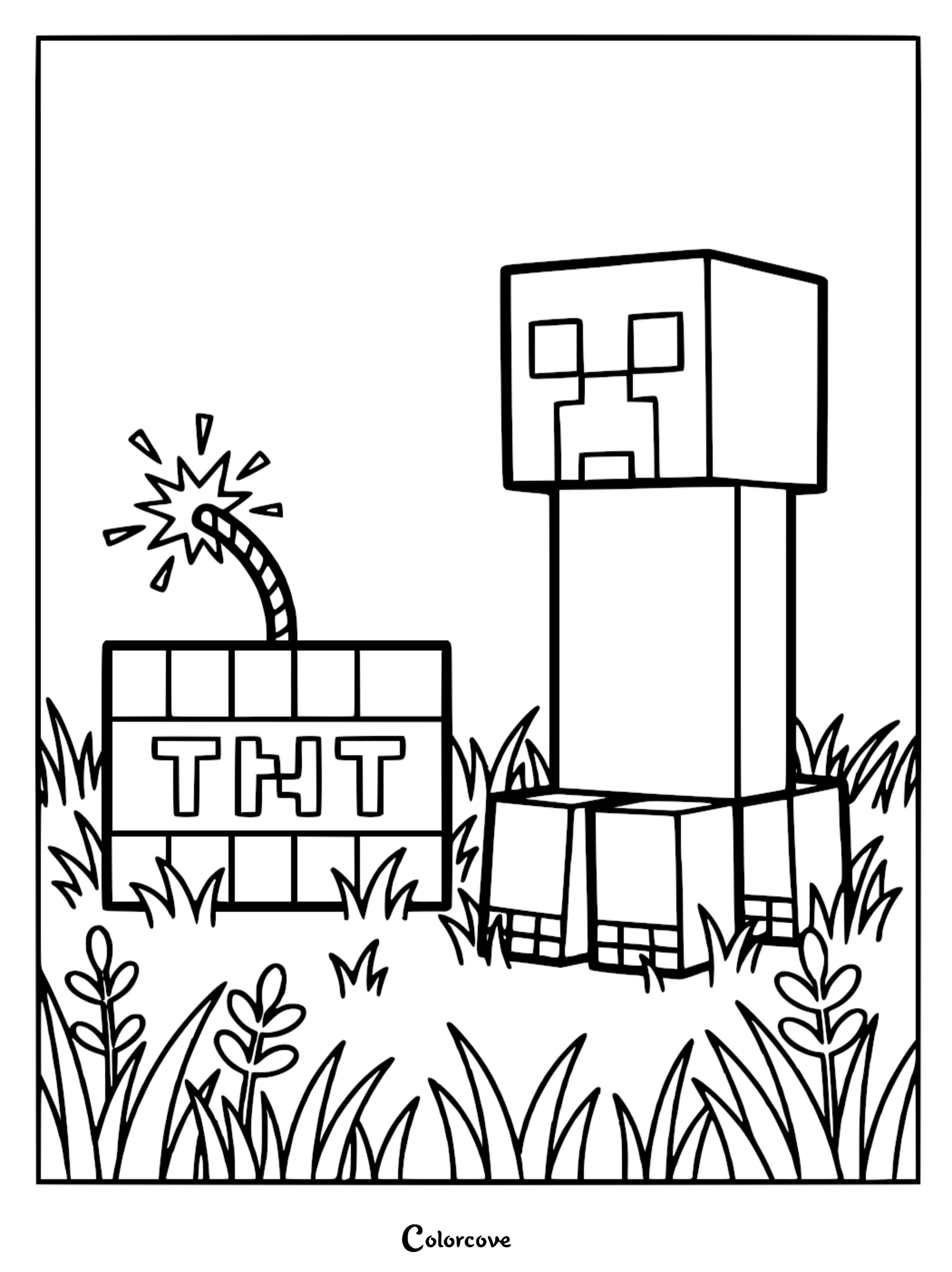
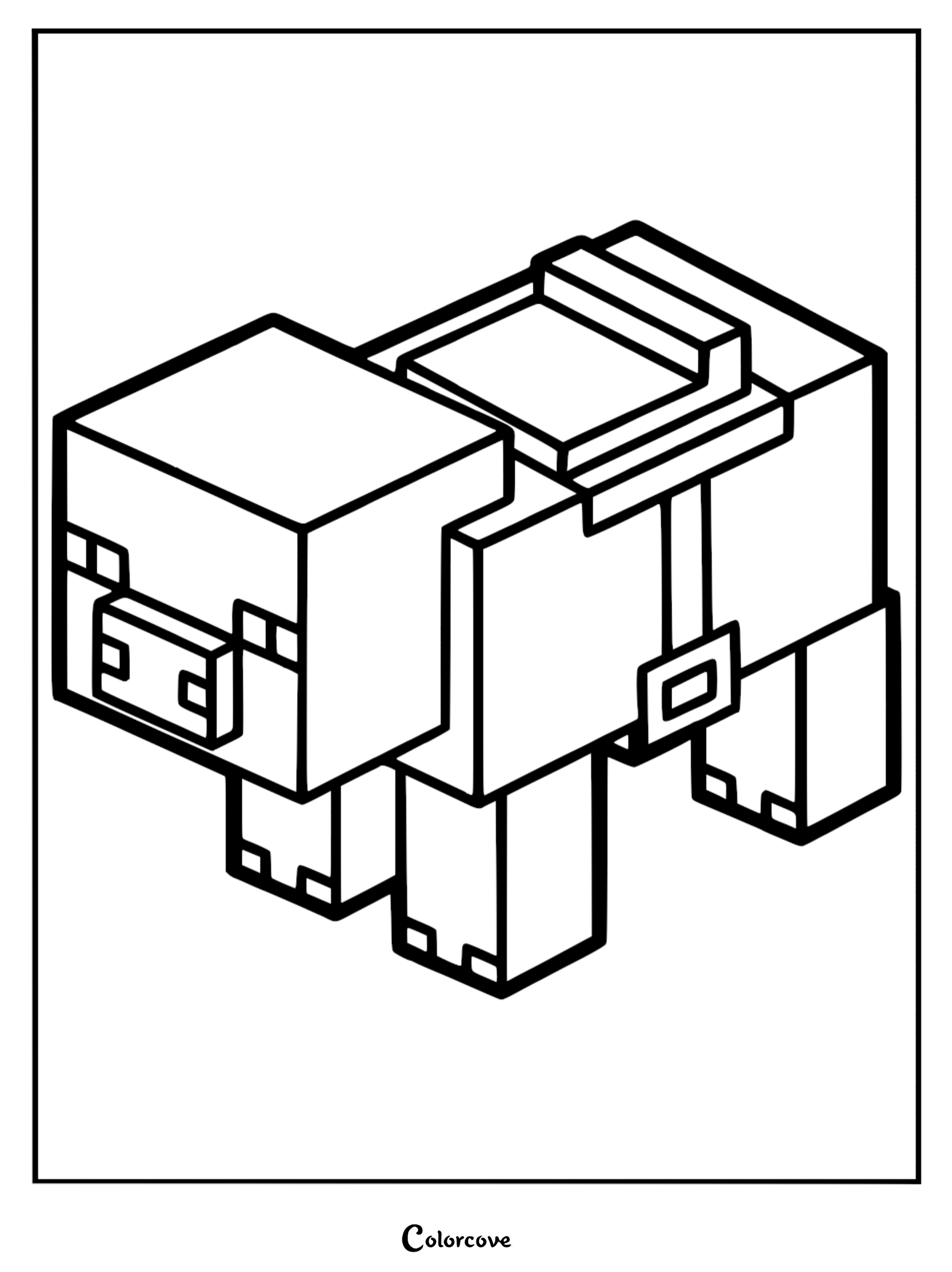
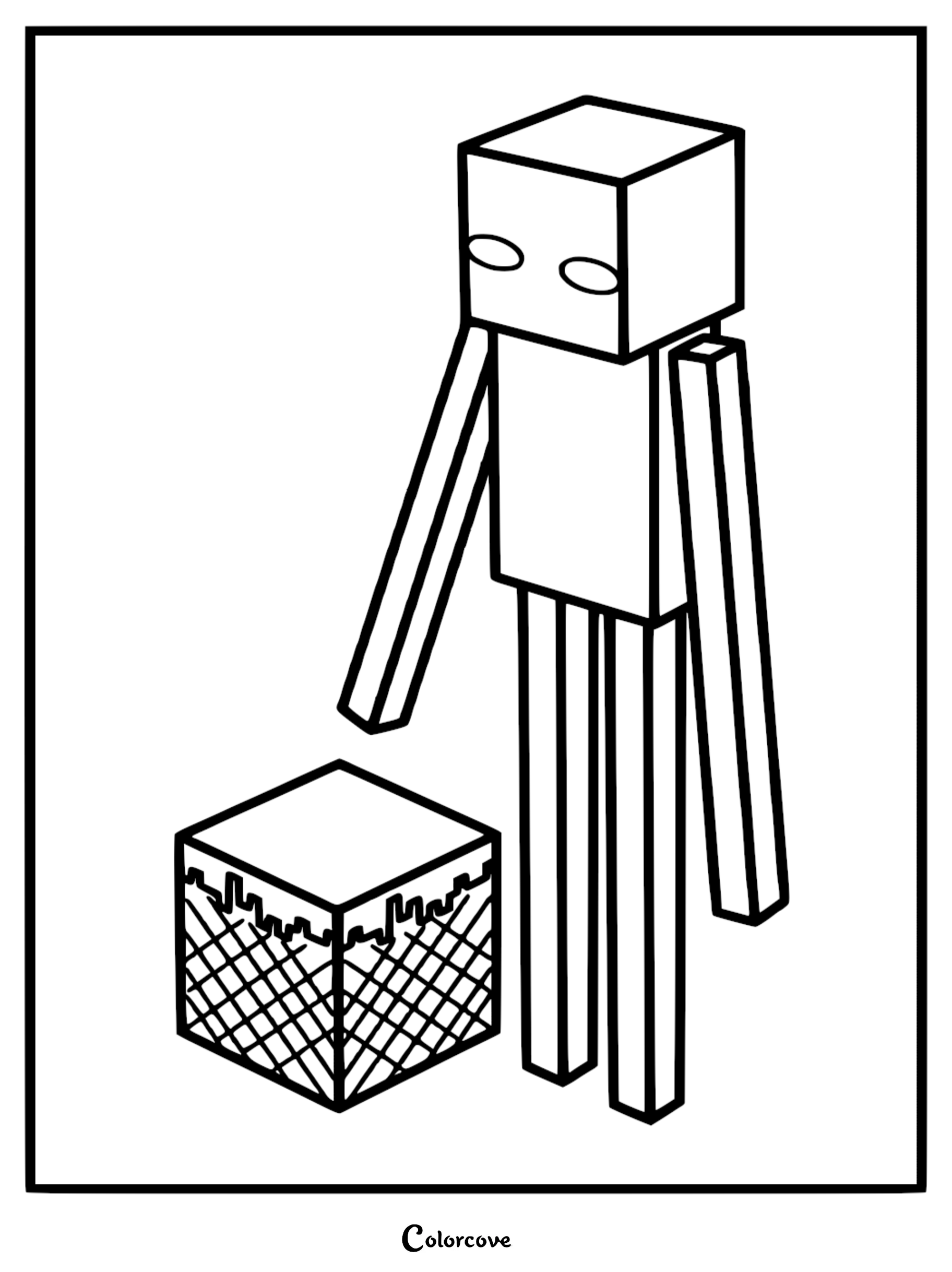
Iconic Mobs and Creatures
Bring the most famous Minecraft creatures to life with these detailed coloring page designs.
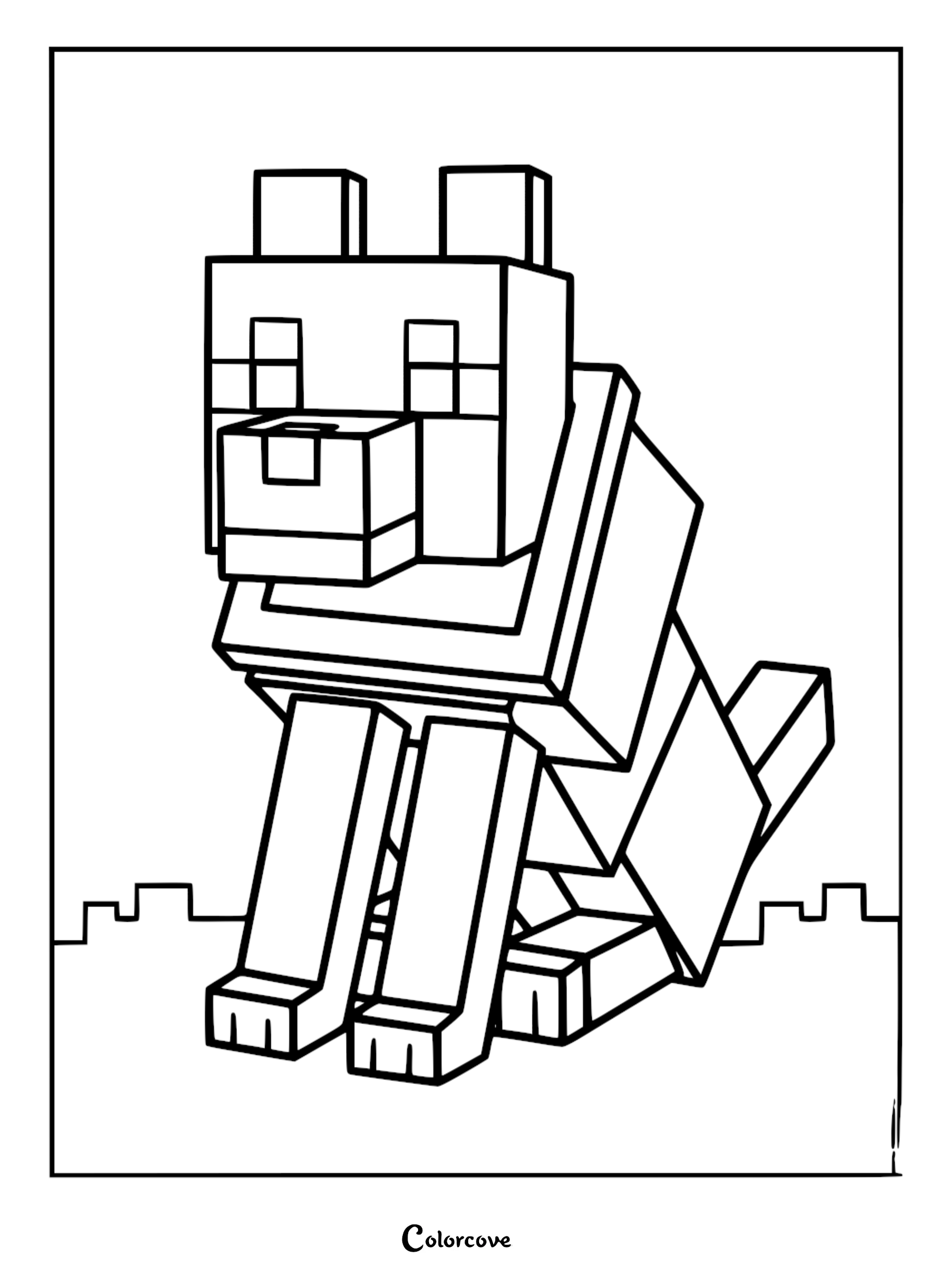
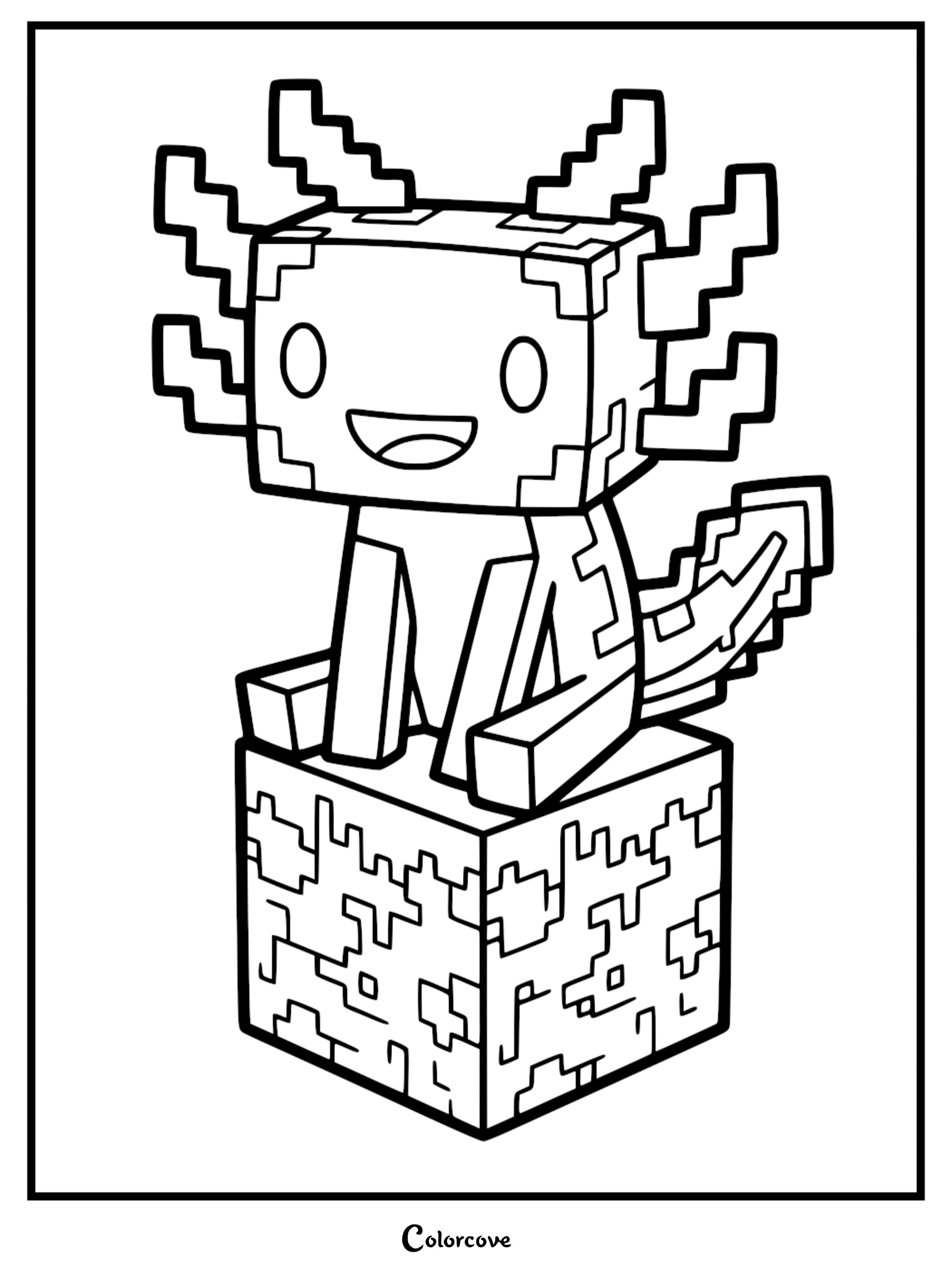
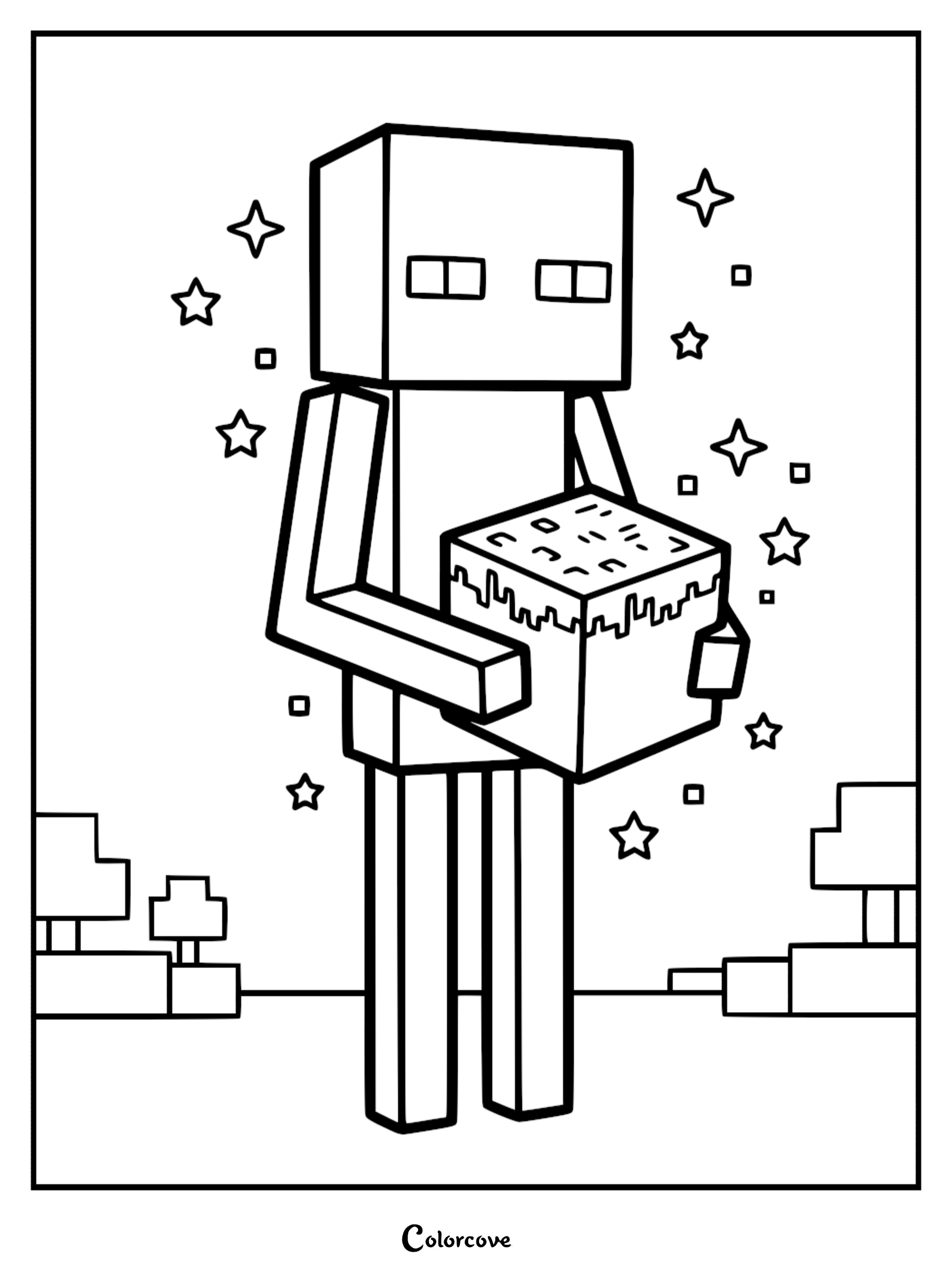
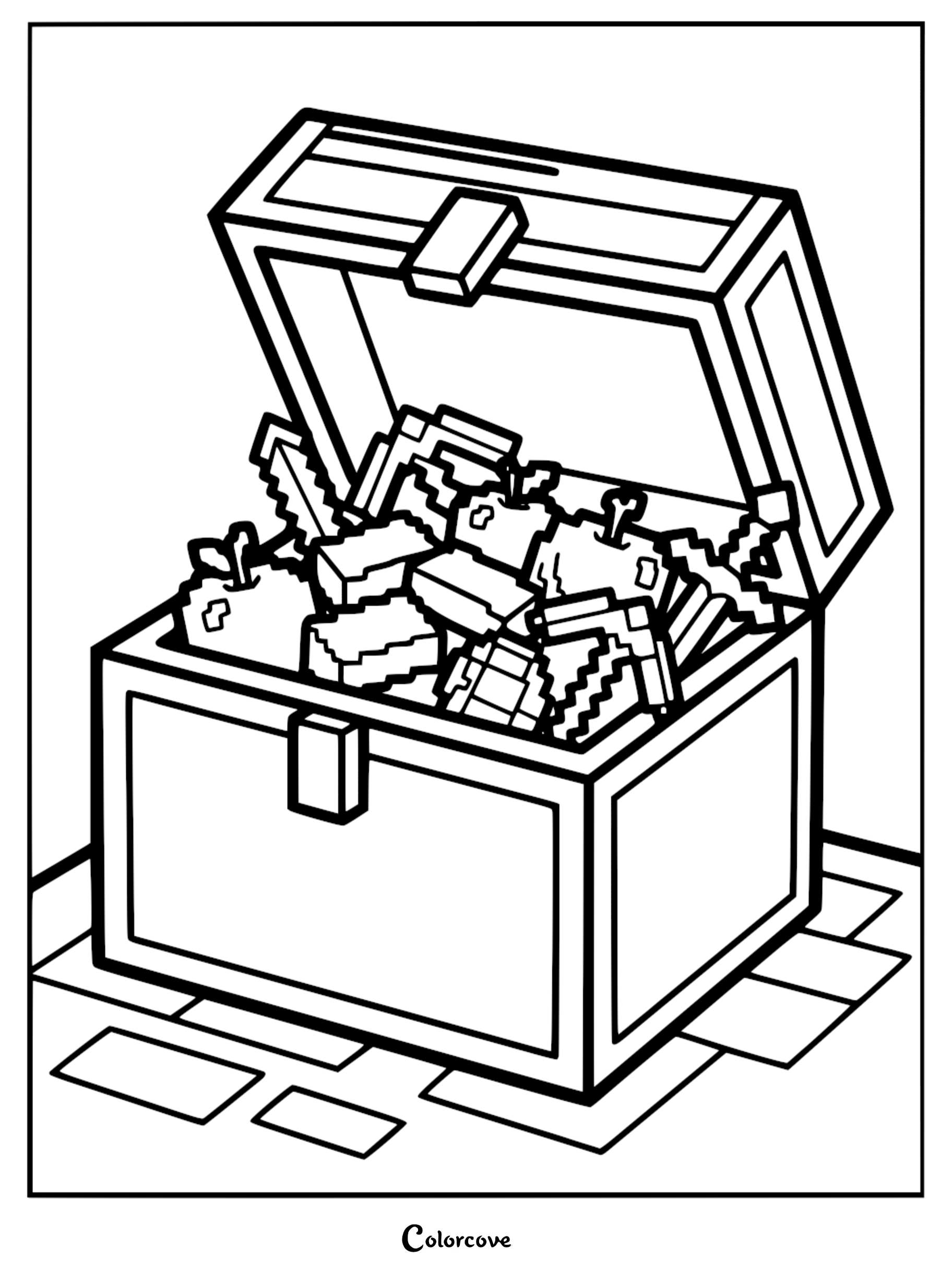
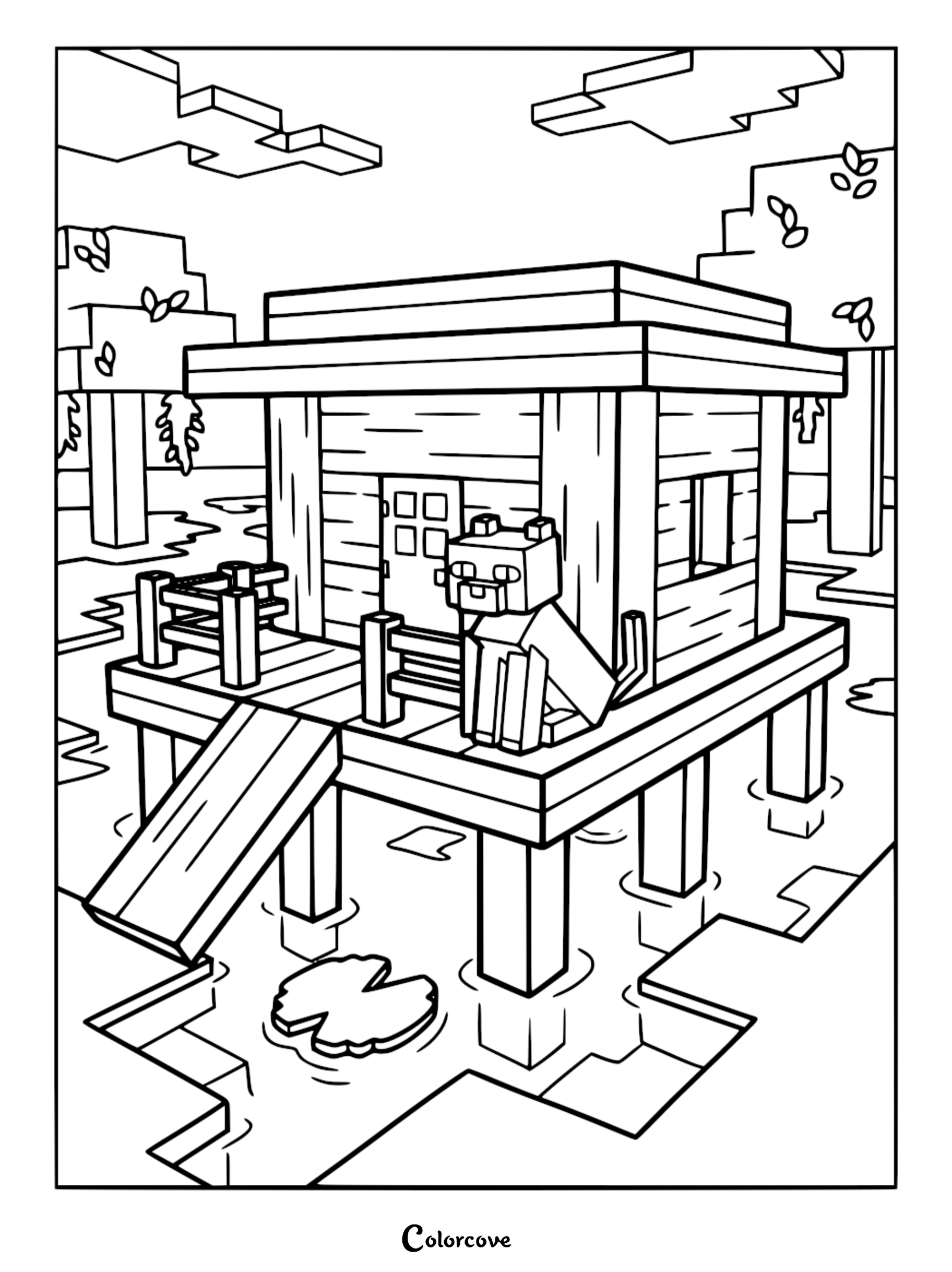
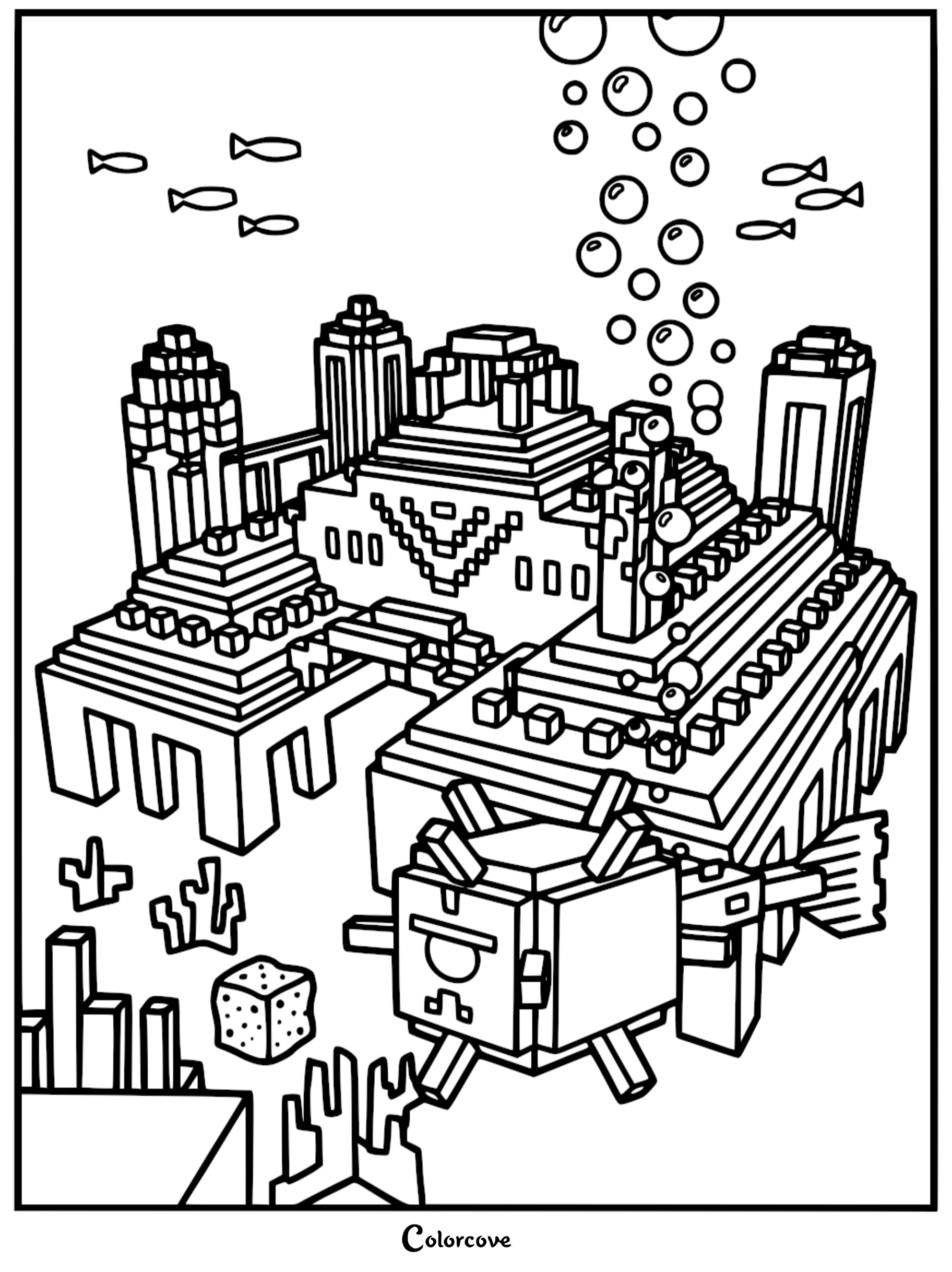
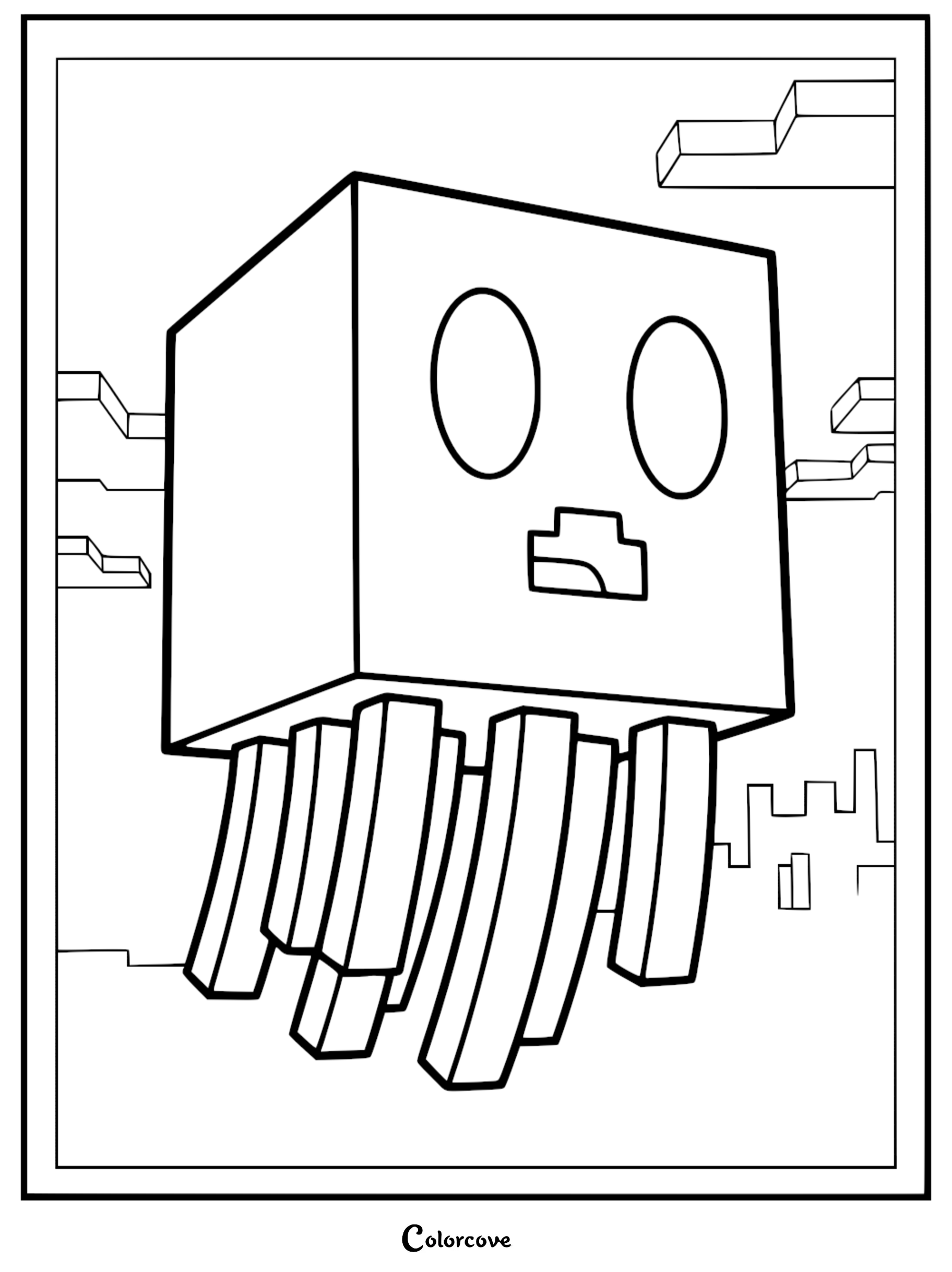
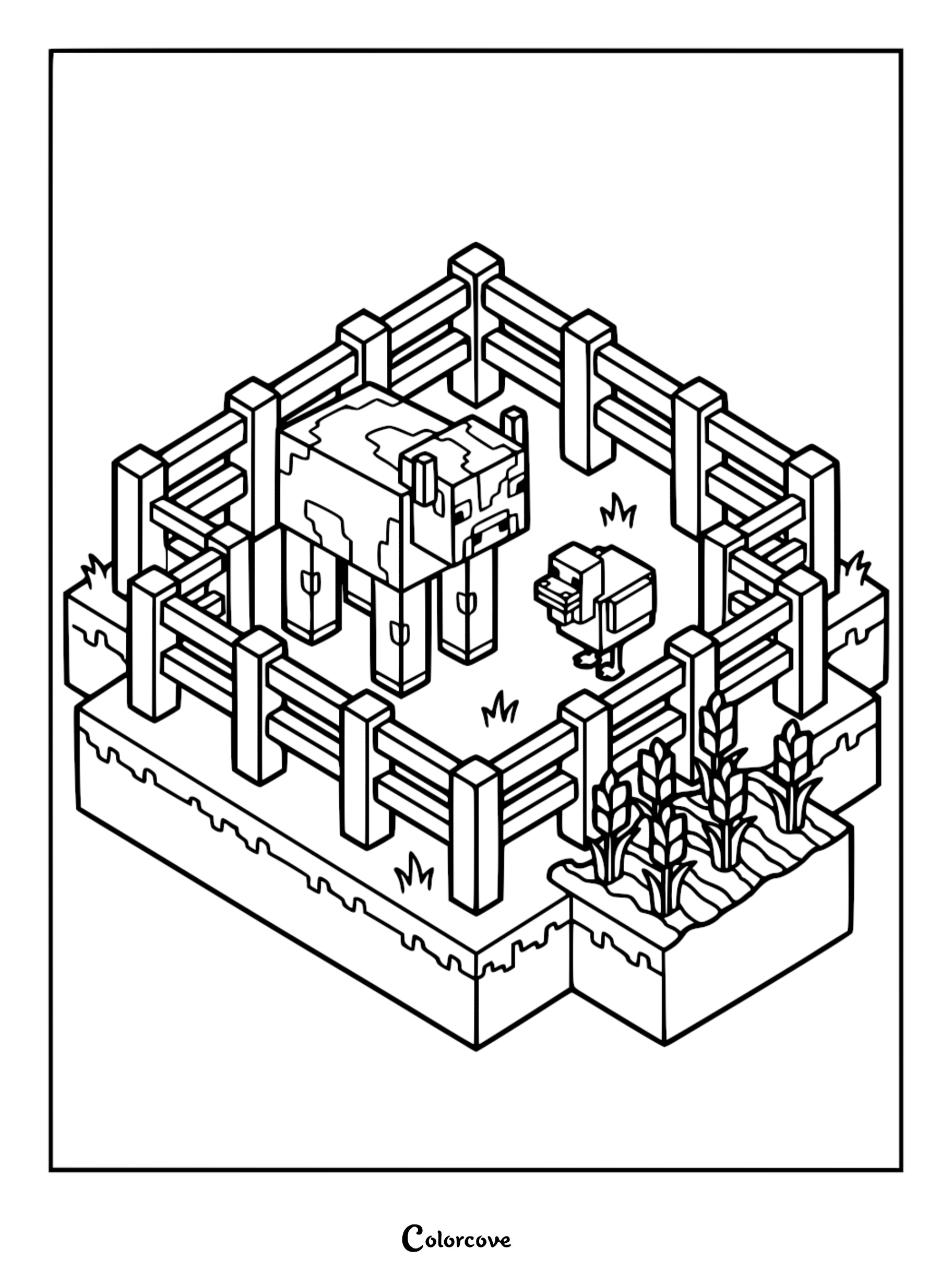
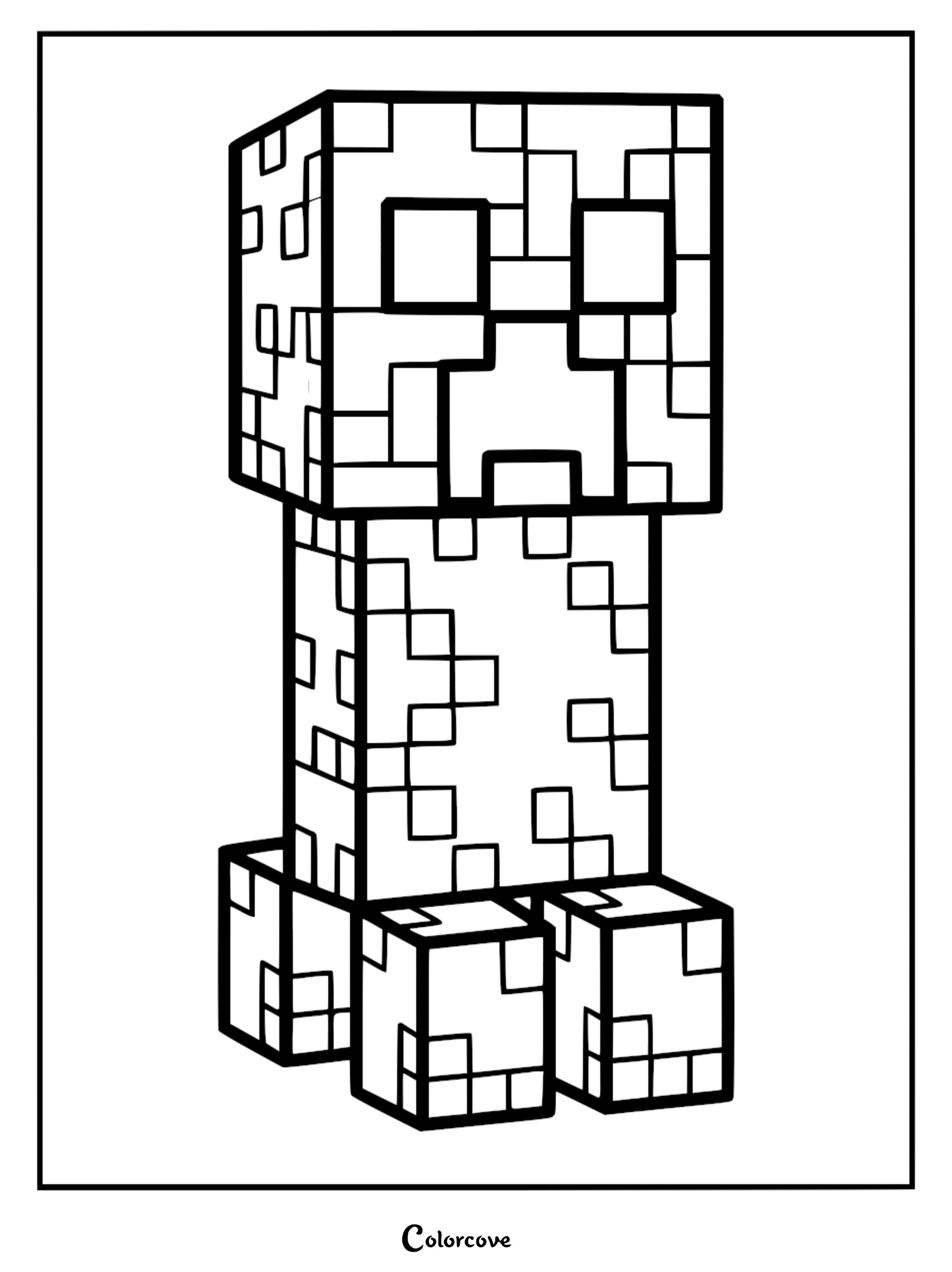
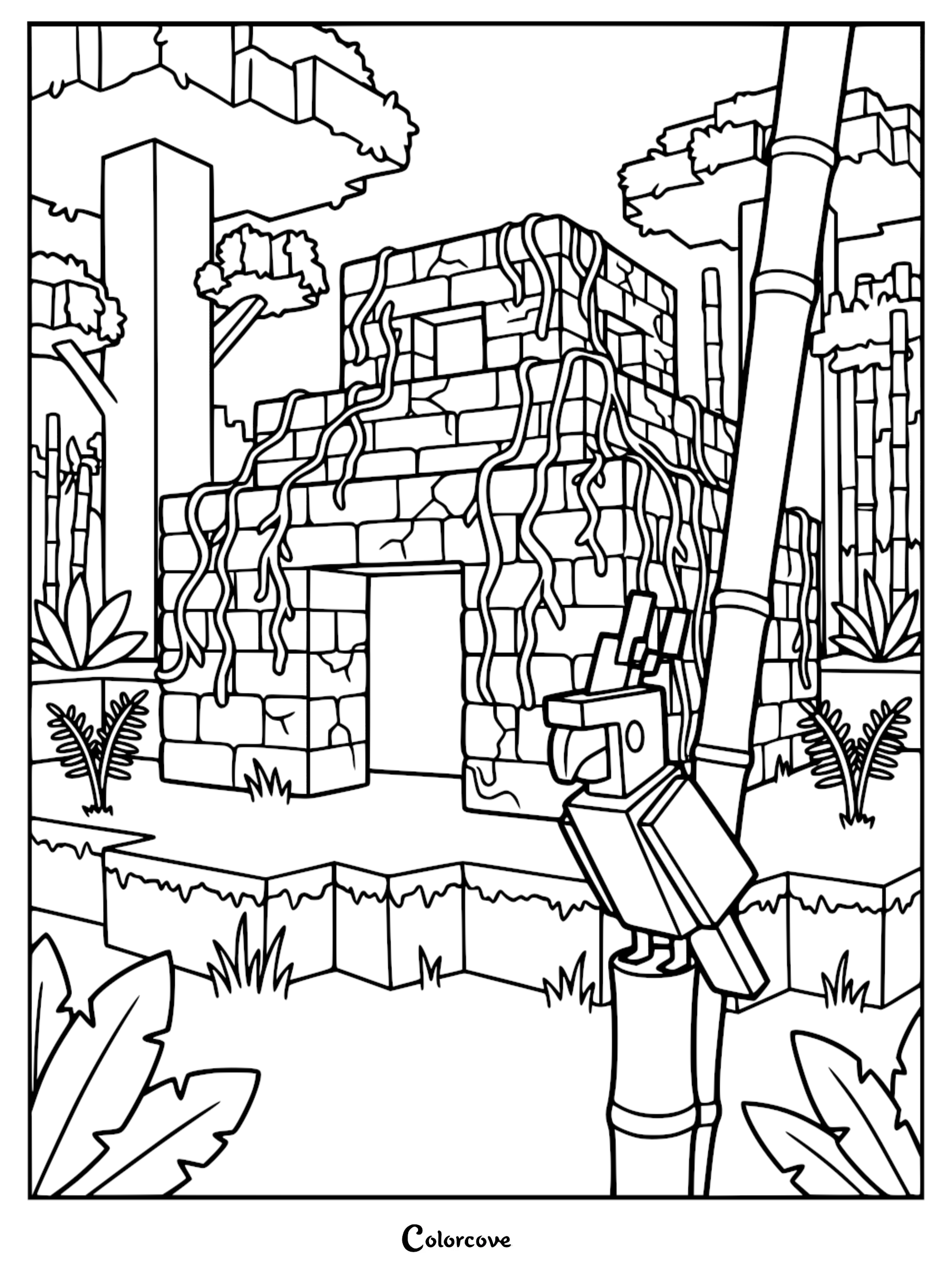
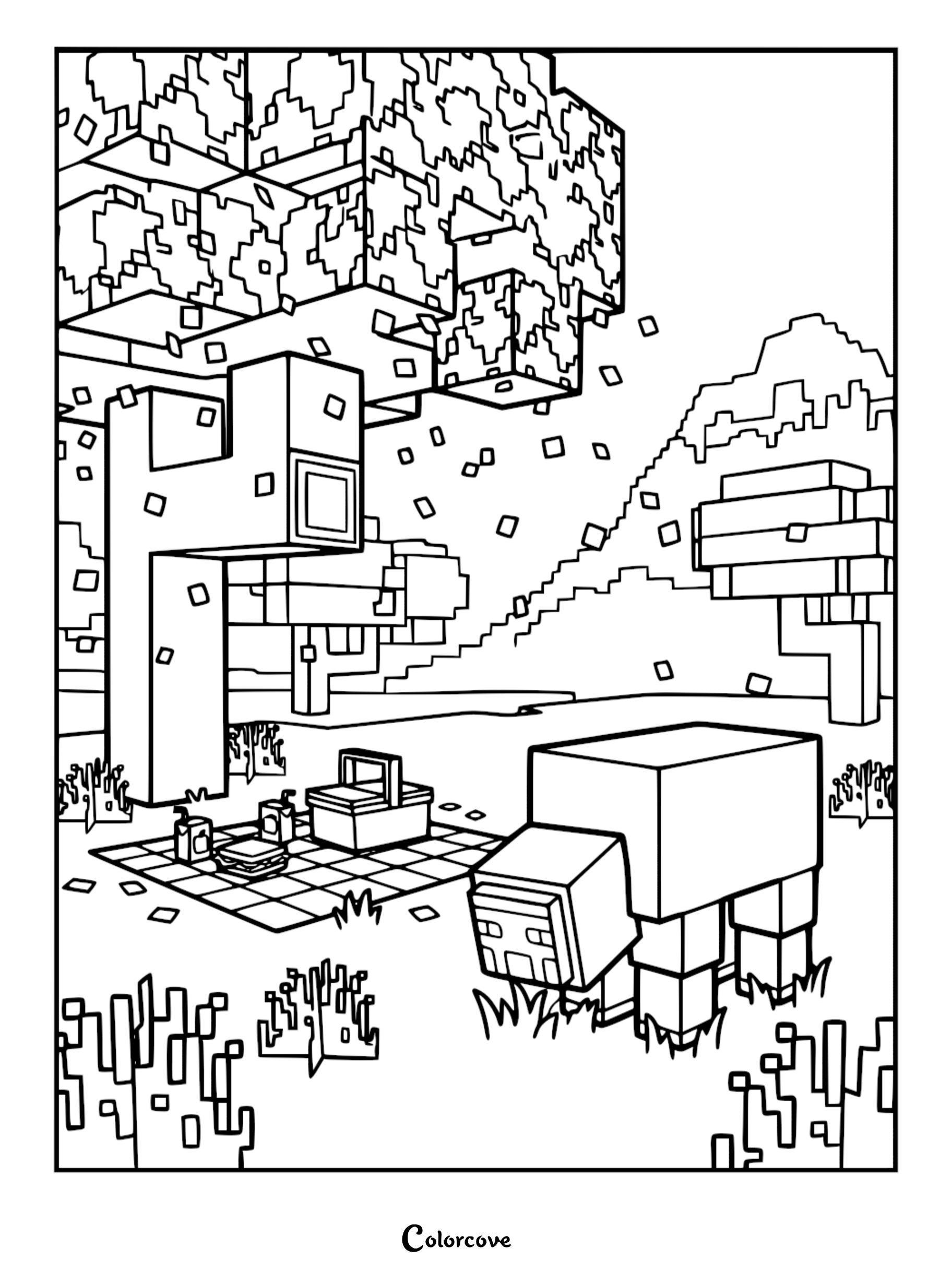
Fun Fact: Minecraft is the best-selling video game of all time, with over 300 million copies sold worldwide according to Wikipedia.
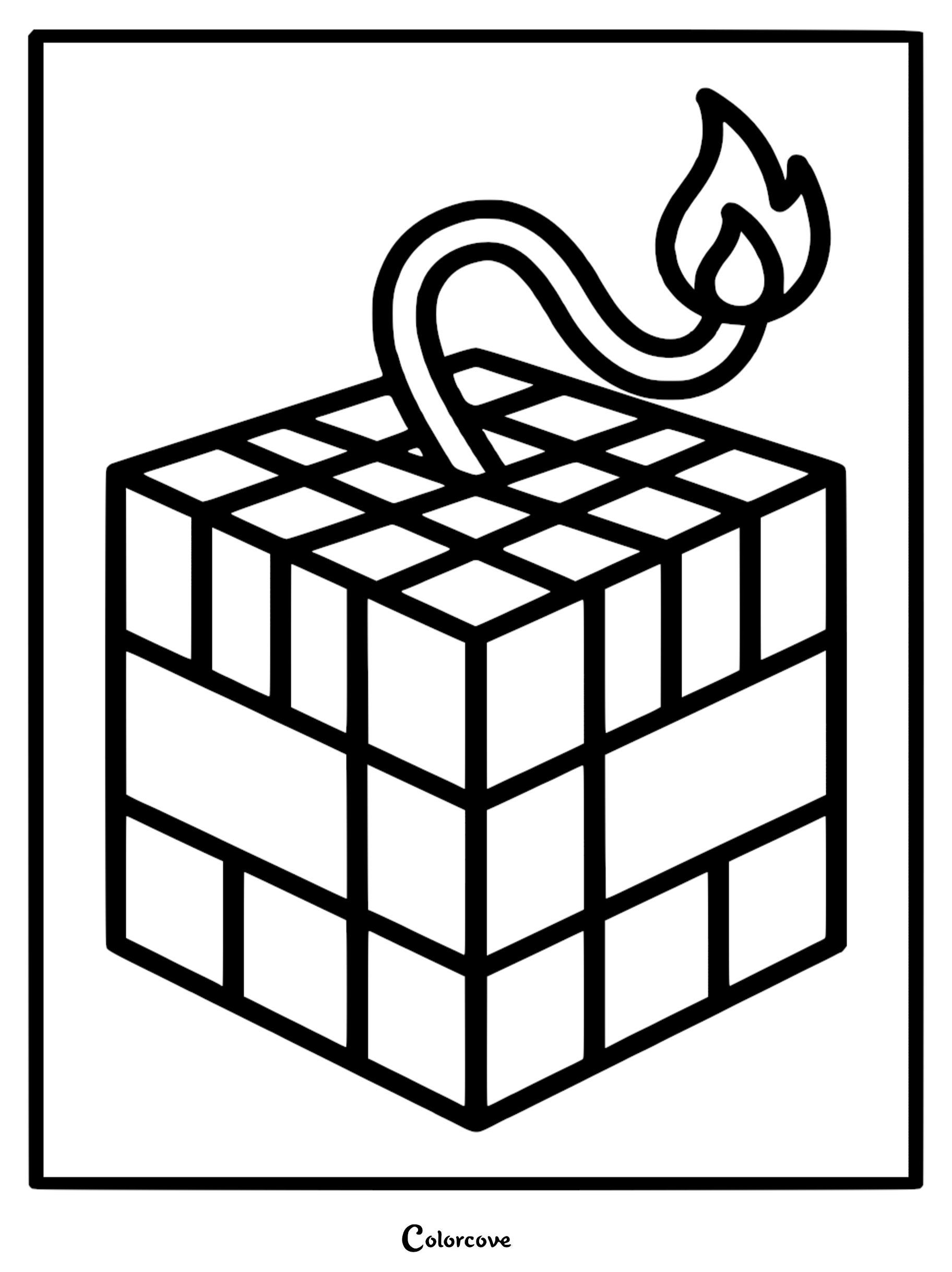
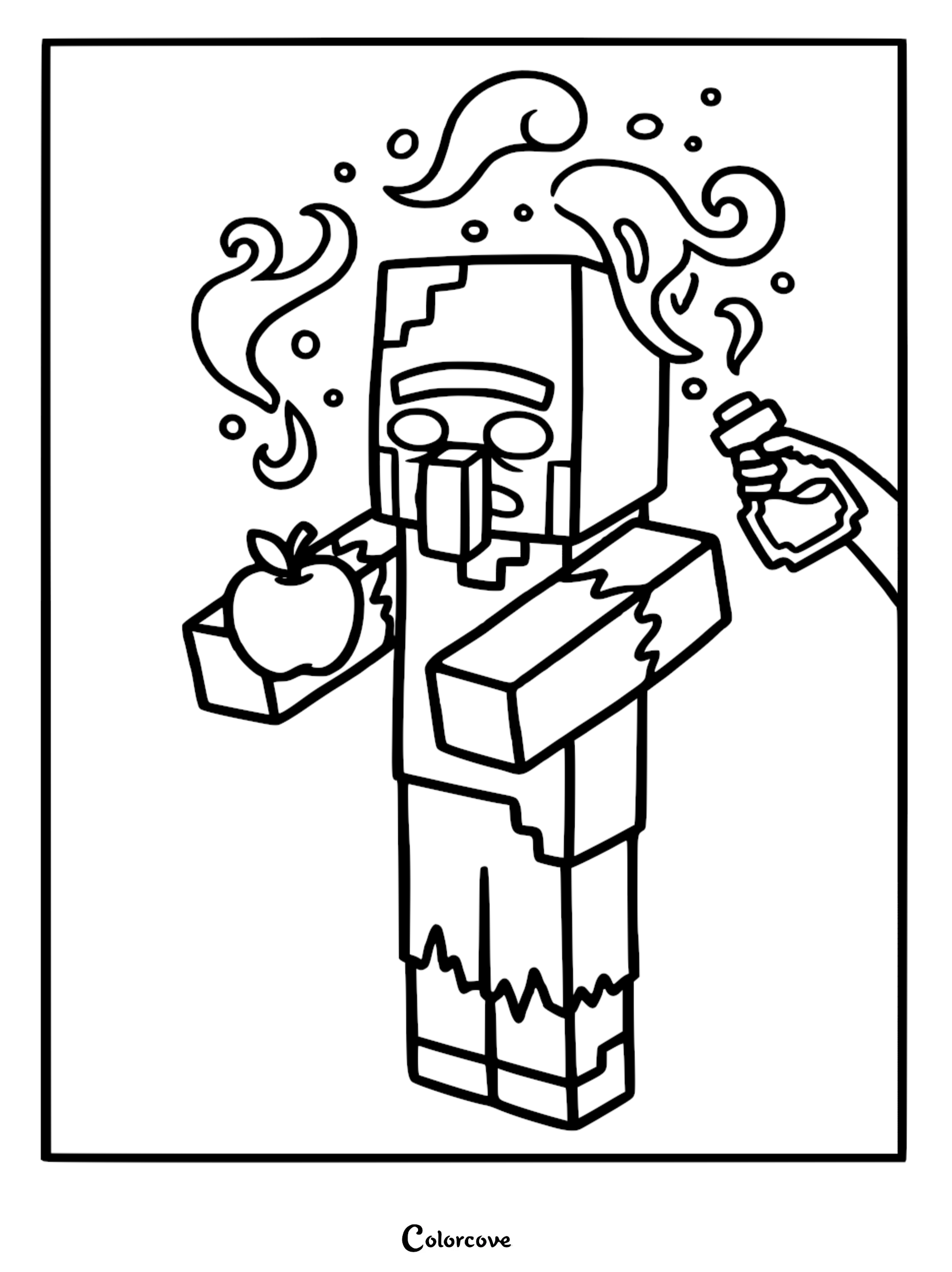
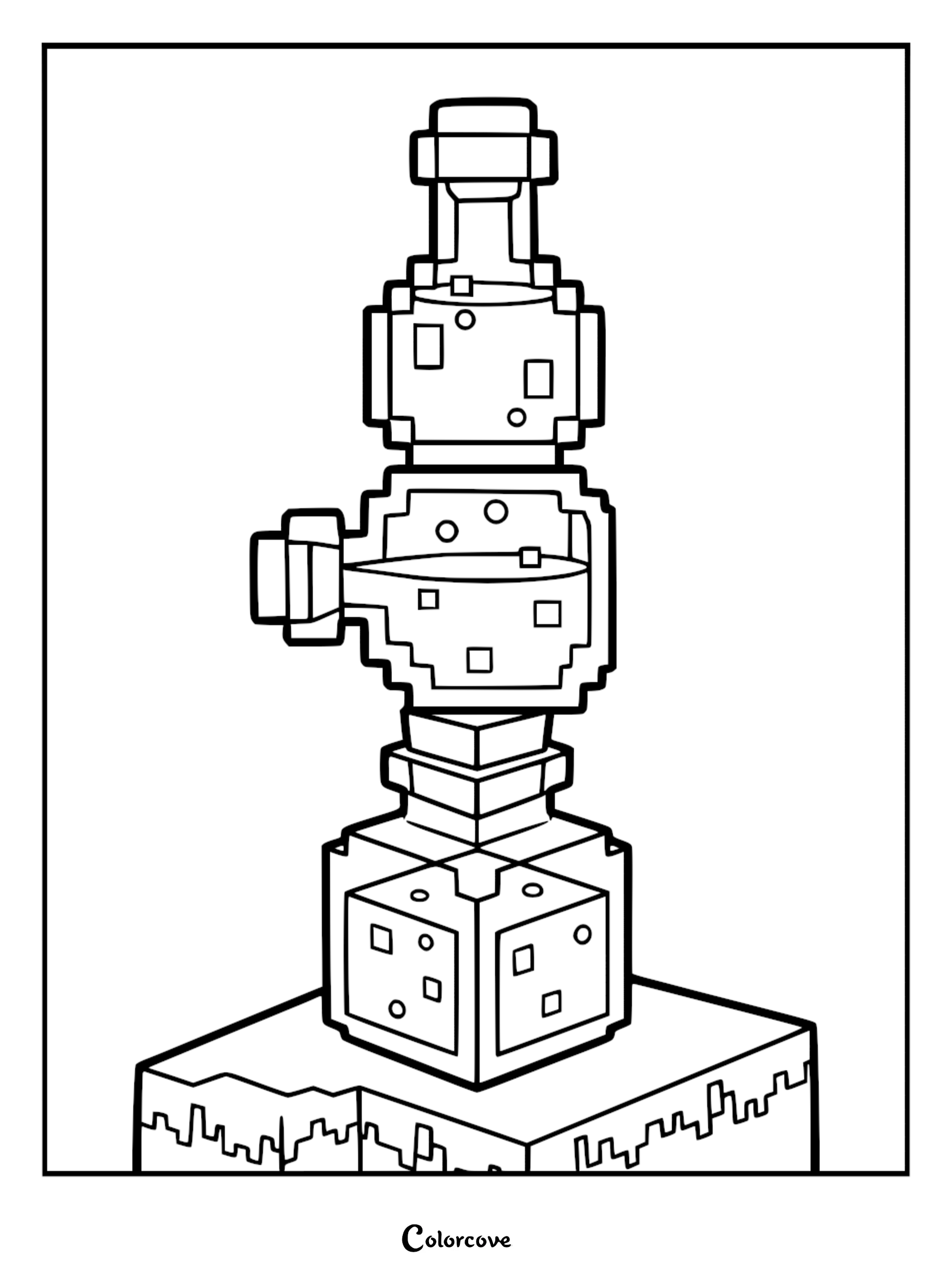
Enemies and Potion Crafting
Face off against the toughest mobs and master your brewing skills with these challenging coloring page designs.


Crayola Minecraft Coloring Book Review Video Guide
The Ultimate Coloring Medium Tier List
Head over to our interactive Coloring Medium Tier List on goaty.gg to rank your favorite art supplies and see how your top picks compare to the rest of the ColorCove community! Cast your votes to help crown the ultimate coloring tools and discover new favorites for your next printable canvas.

Top Minecraft Coloring Tips & Craft Ideas
Coloring Minecraft scenes is a fantastic way to practice patience and precision. Because the game is built on a grid, you can use a ruler to keep your lines sharp or experiment with different shading techniques to give your pixelated characters a 3D look.
- Tip 1: Use a light touch with your pencils to create a soft glow effect on diamond armor or glowing torches.
- Idea 2: Cut out your finished characters and glue them onto a cardboard background to create your own 3D Minecraft diorama.
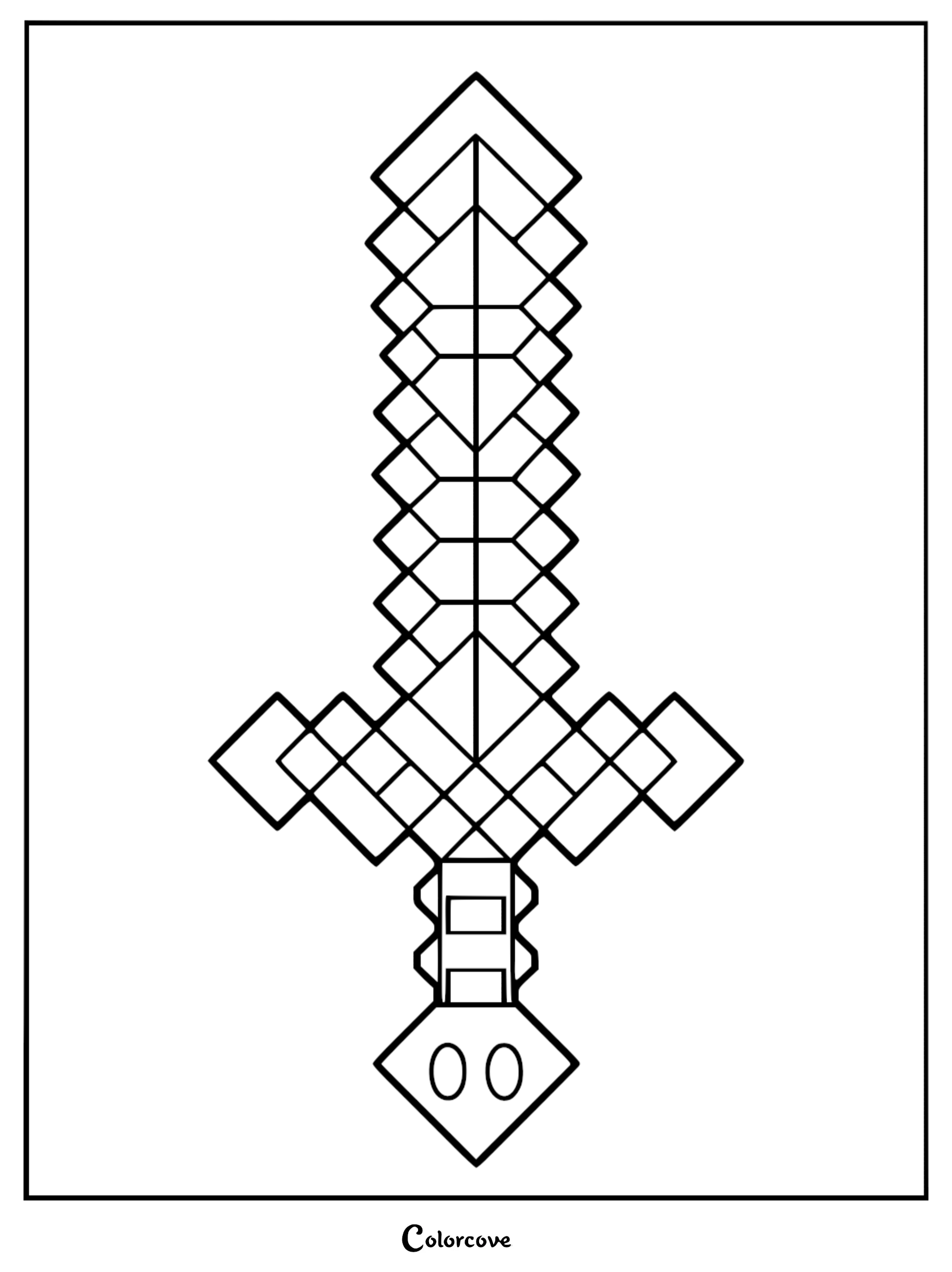
- Tip 3: Try using metallic markers for gold bars and diamond tools to make them pop off the page.
Once you have finished your masterpiece, consider framing it or using it as a custom bookmark for your favorite gaming guide. The possibilities are as endless as the game itself, so do not be afraid to experiment with vibrant colors that you would not normally see in the game!
Bonus Minecraft Images
Here are a few more awesome designs we couldn’t leave out!

Explore More Coloring Pages
 53 Roblox Avatar Coloring Pages: Aesthetic & Trendy Styles
 52 Among Us Coloring Pages: Ultimate Sus Art Collection
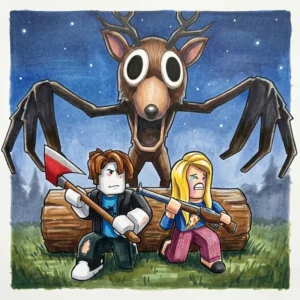 42 99 Nights In The Forest Coloring Pages: Voxel Horror Art
 All Sinnoh (Gen 4) Pokémon Coloring Pages
 All Hoenn (Gen 3) Pokémon Coloring Pages
 79 Paw Patrol Coloring Pages: Free Printable Rescue Fun
 45 Dragon Coloring Pages: Epic Mythical Creatures to Color
 32 Brookhaven Rp Coloring Pages: Creative Roblox Roleplay Fun
 56 Zenless Zone Zero Coloring Pages: Master New Eridu Style
 24 Garten Of Banban Coloring Pages: Printable Horror Fun
 38 Back To School Coloring Pages: Fun Classroom Activities
 38 Cult Of The Lamb Coloring Pages: Free Printable Art


