
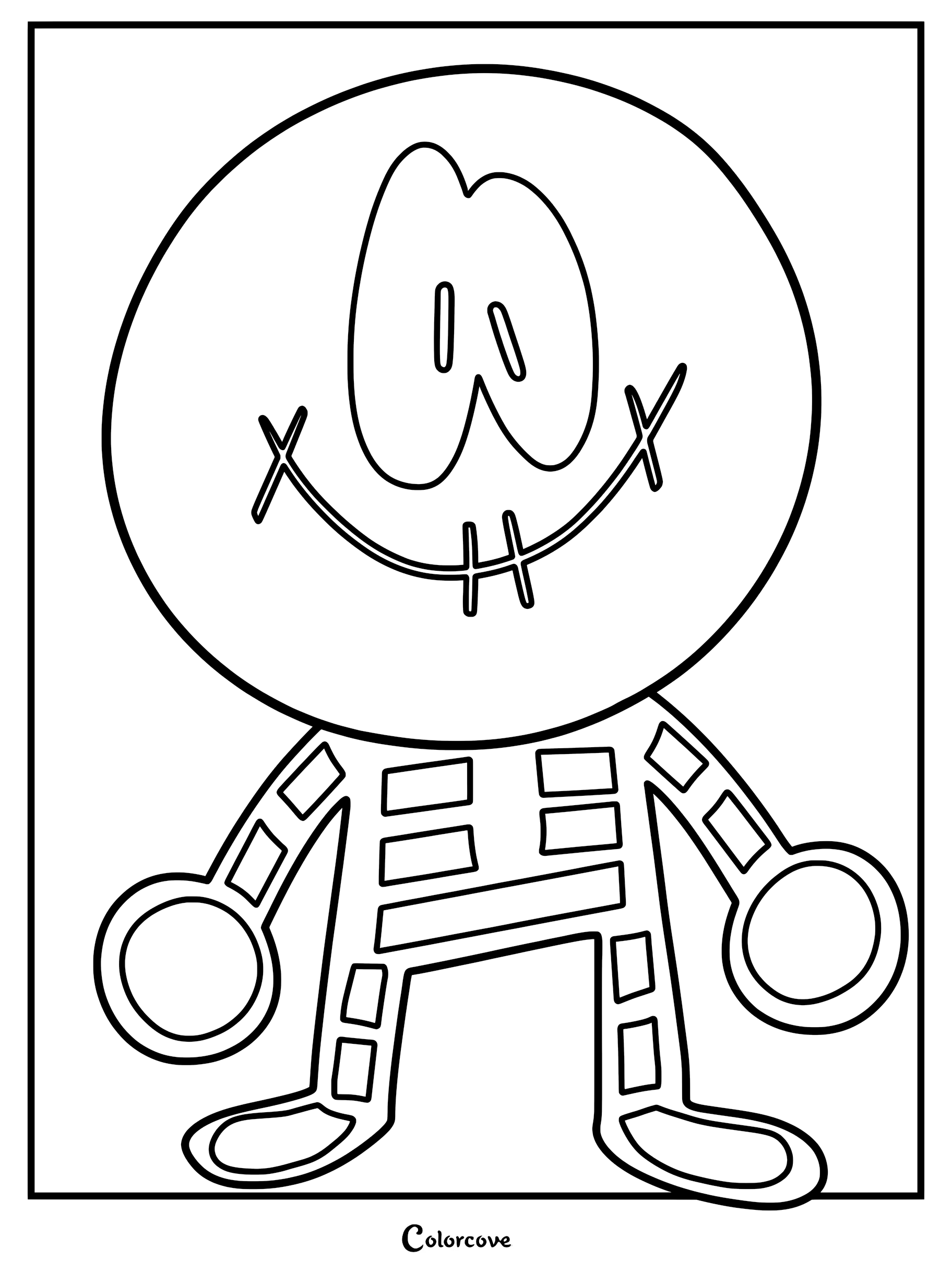
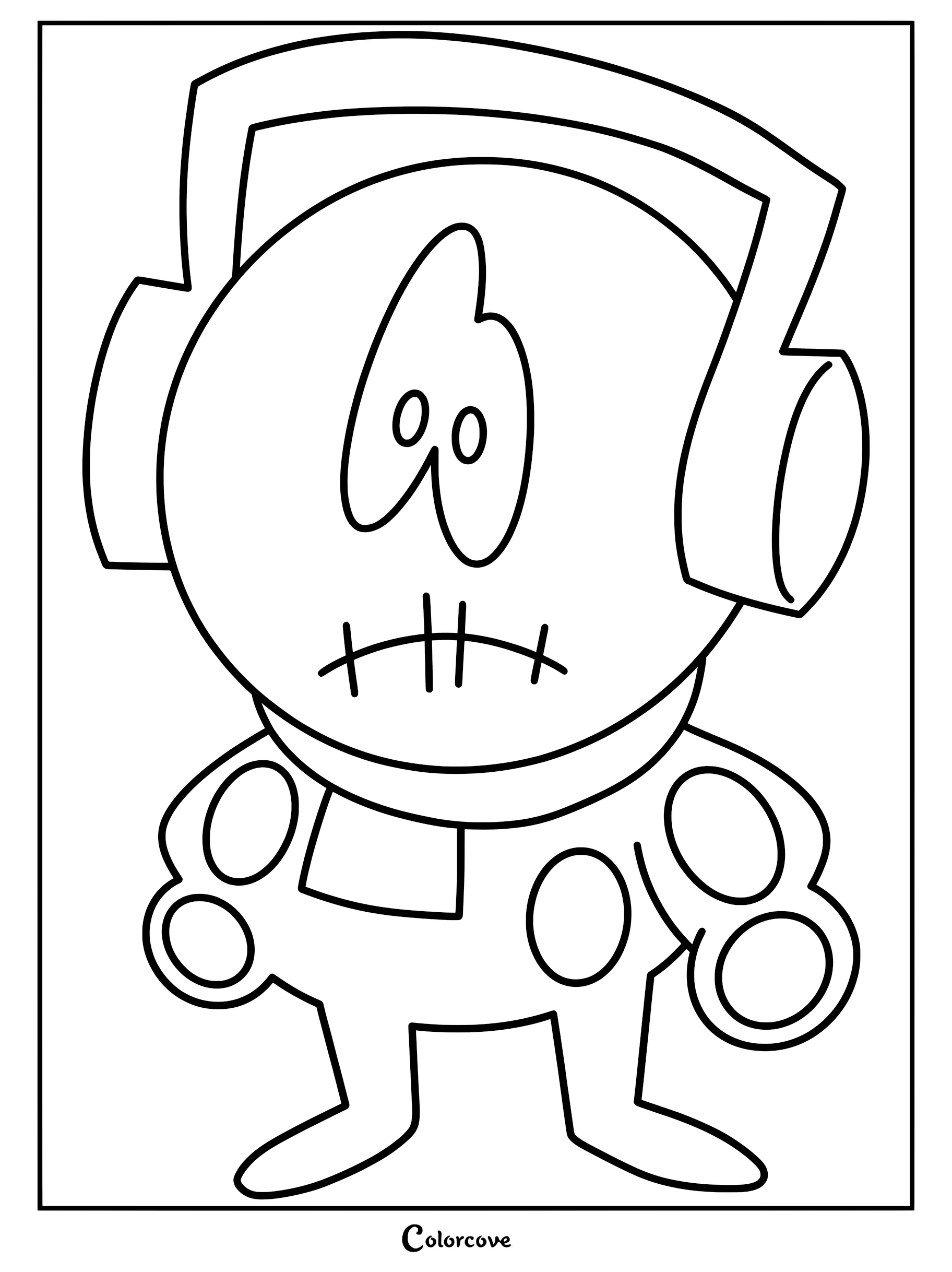
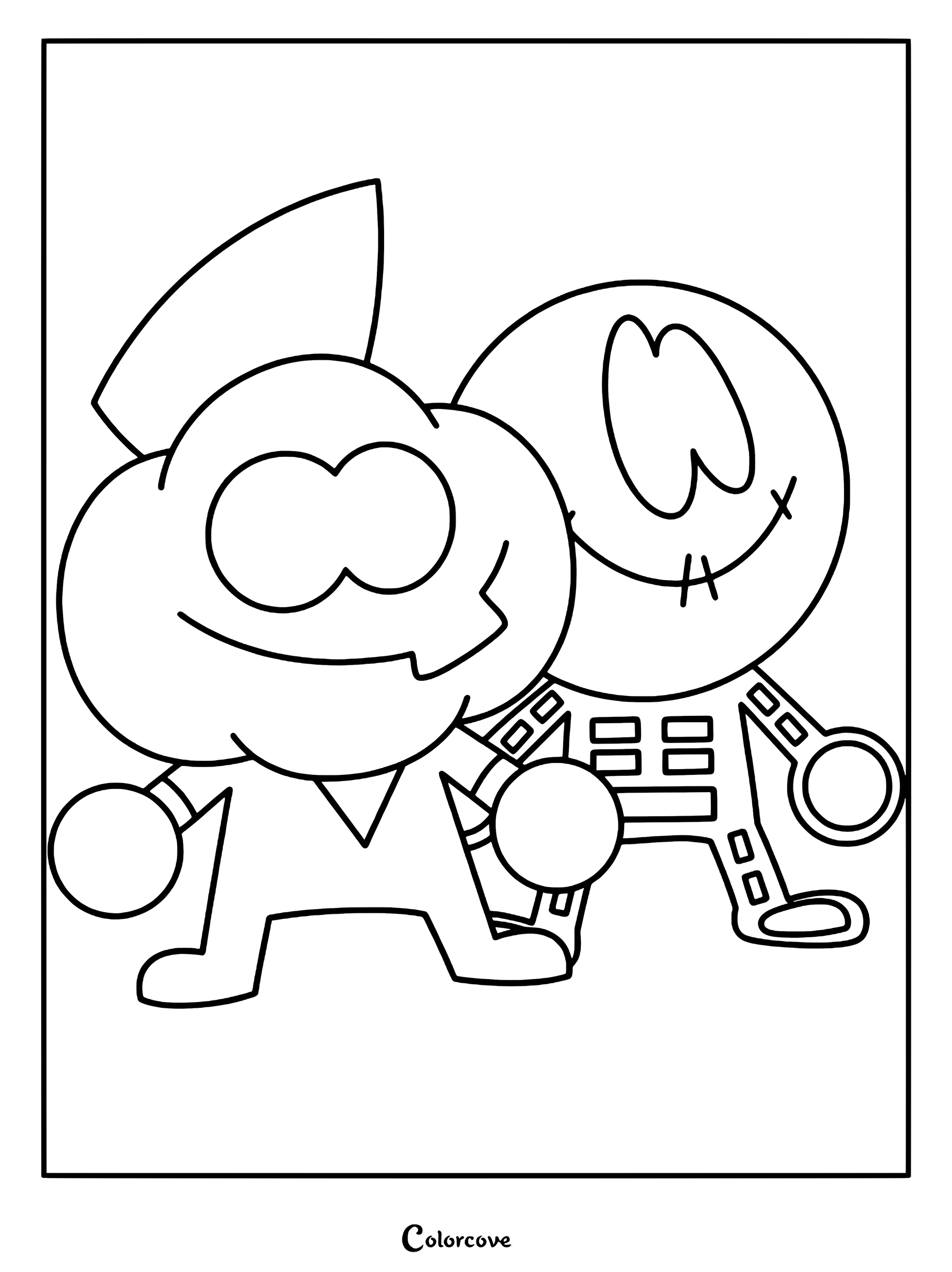
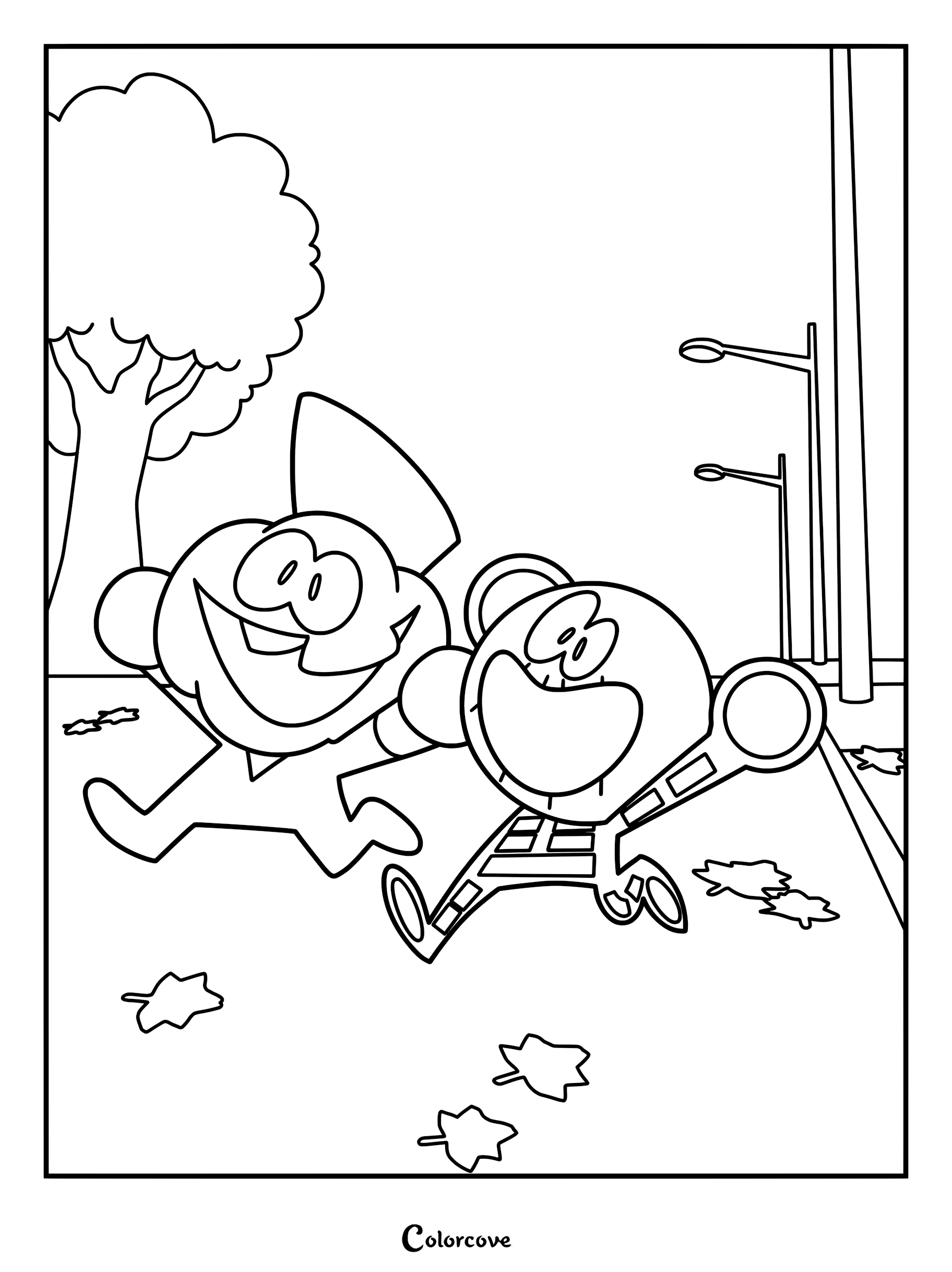
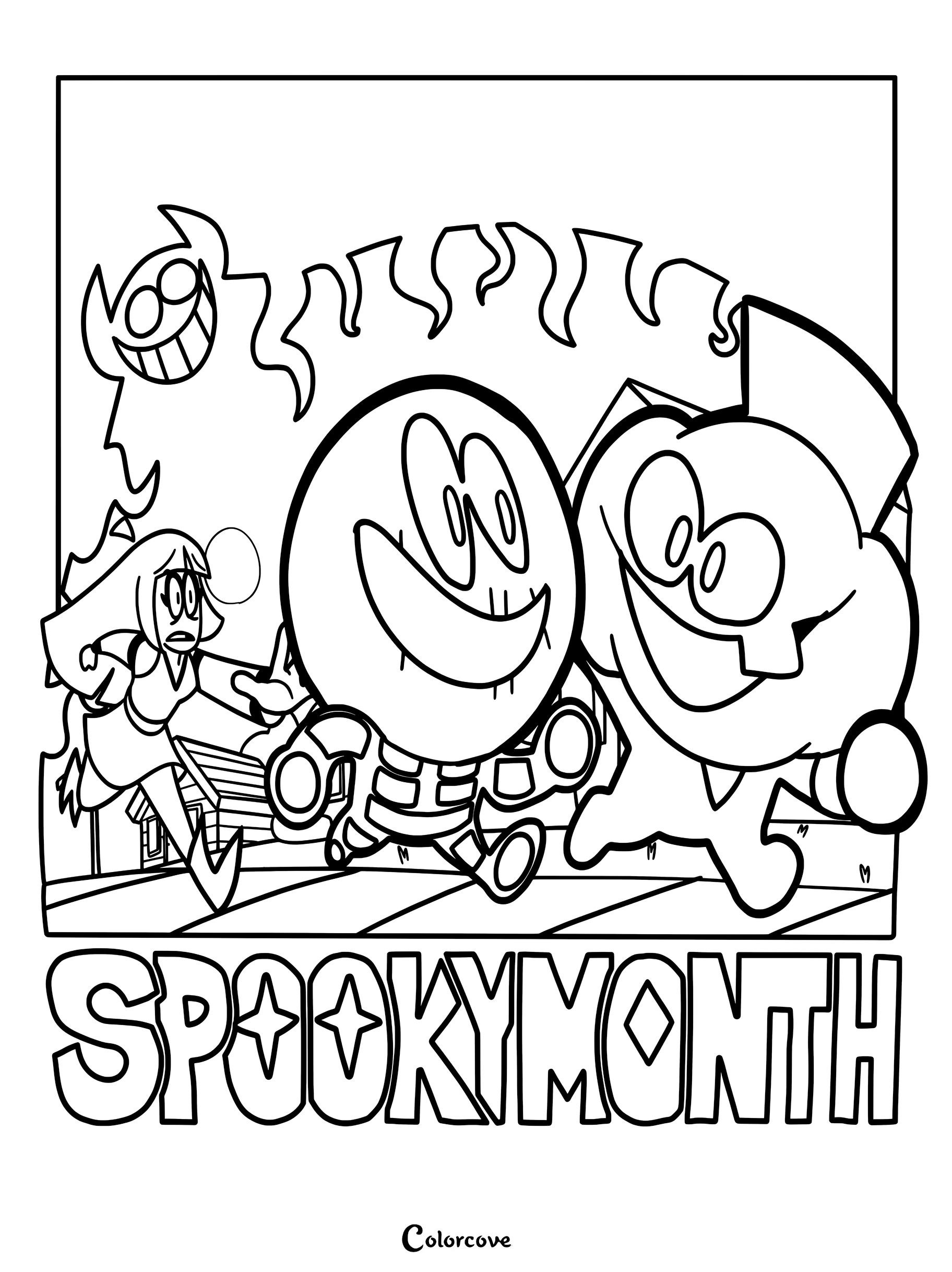
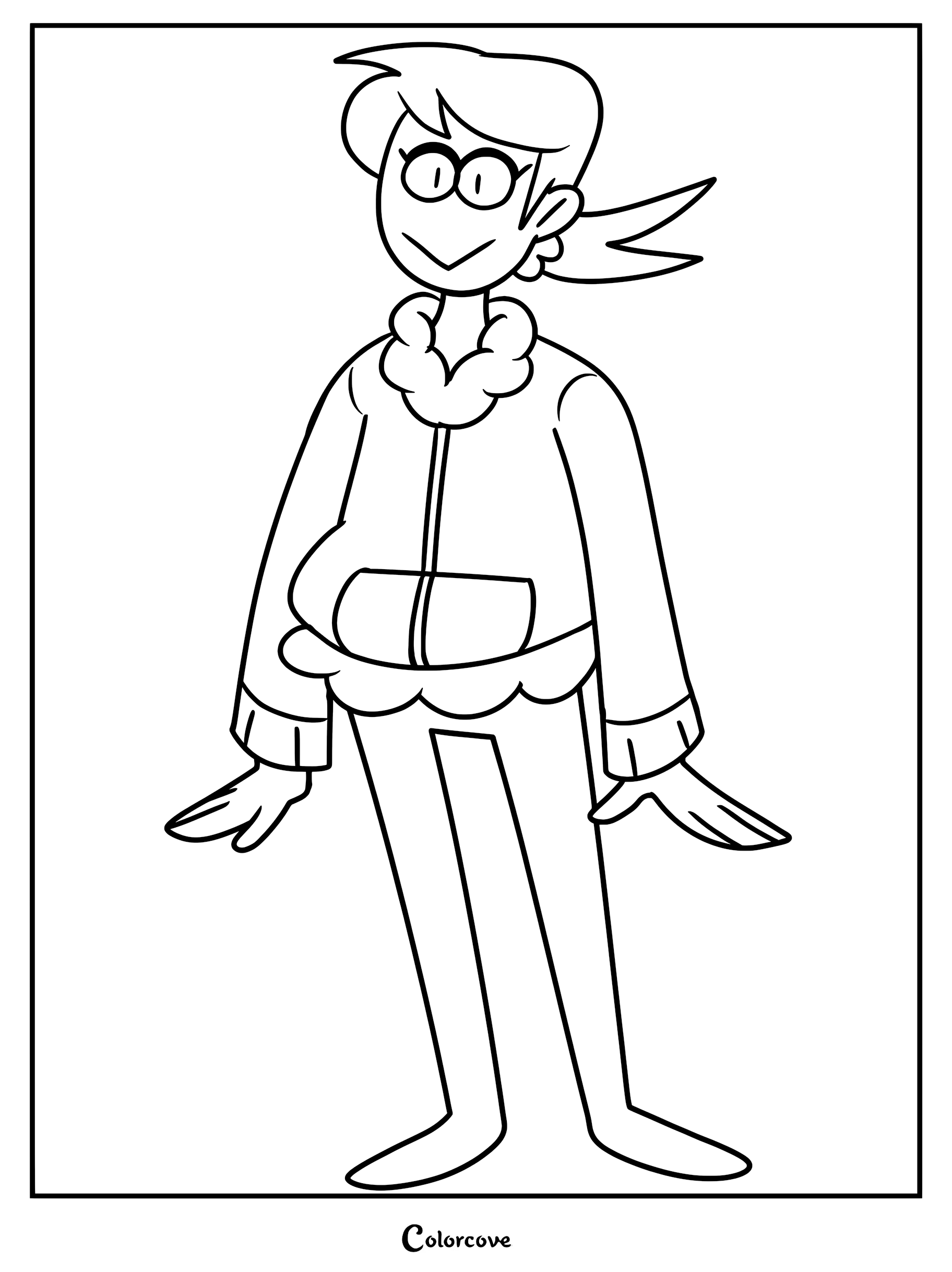
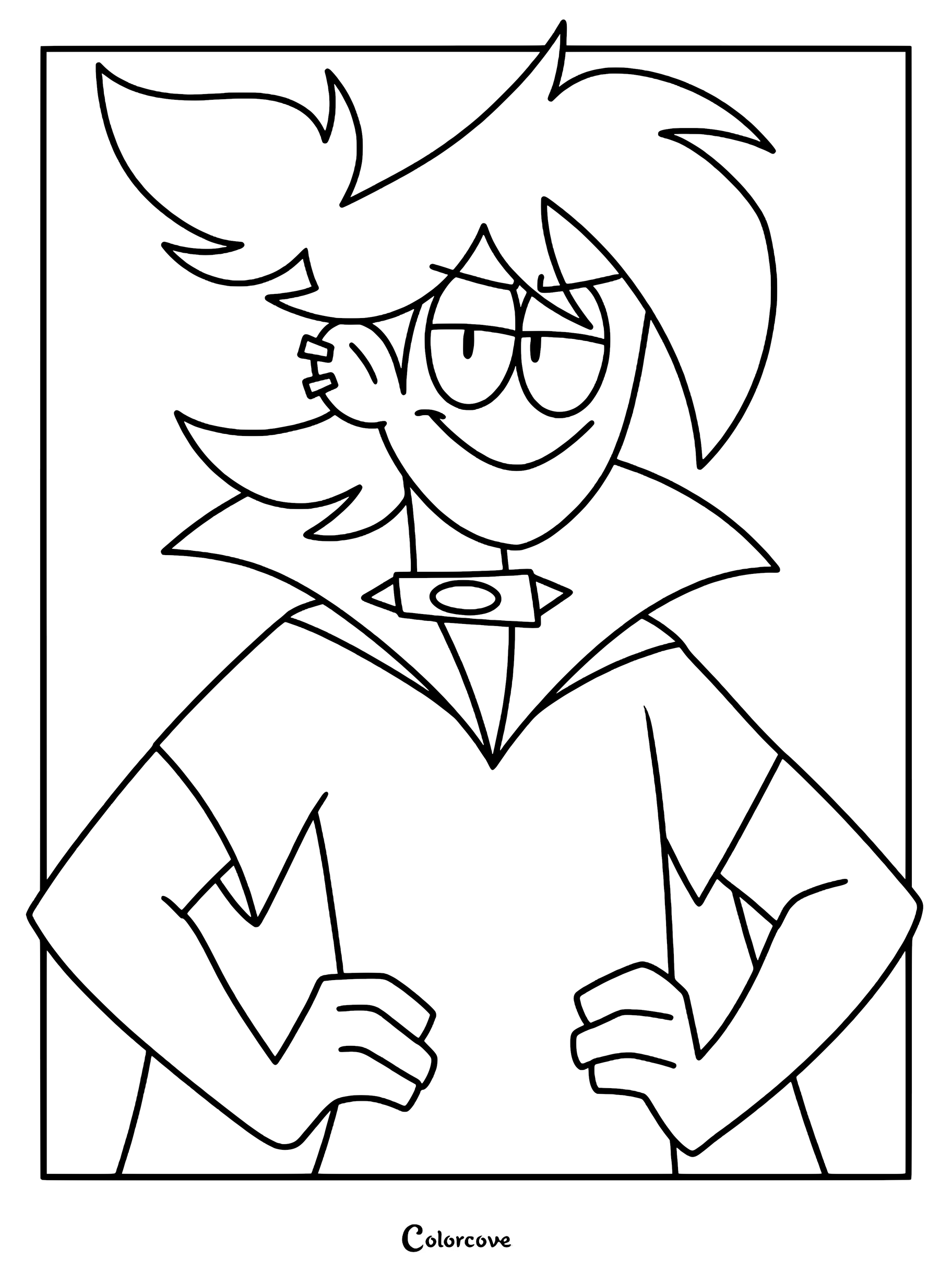
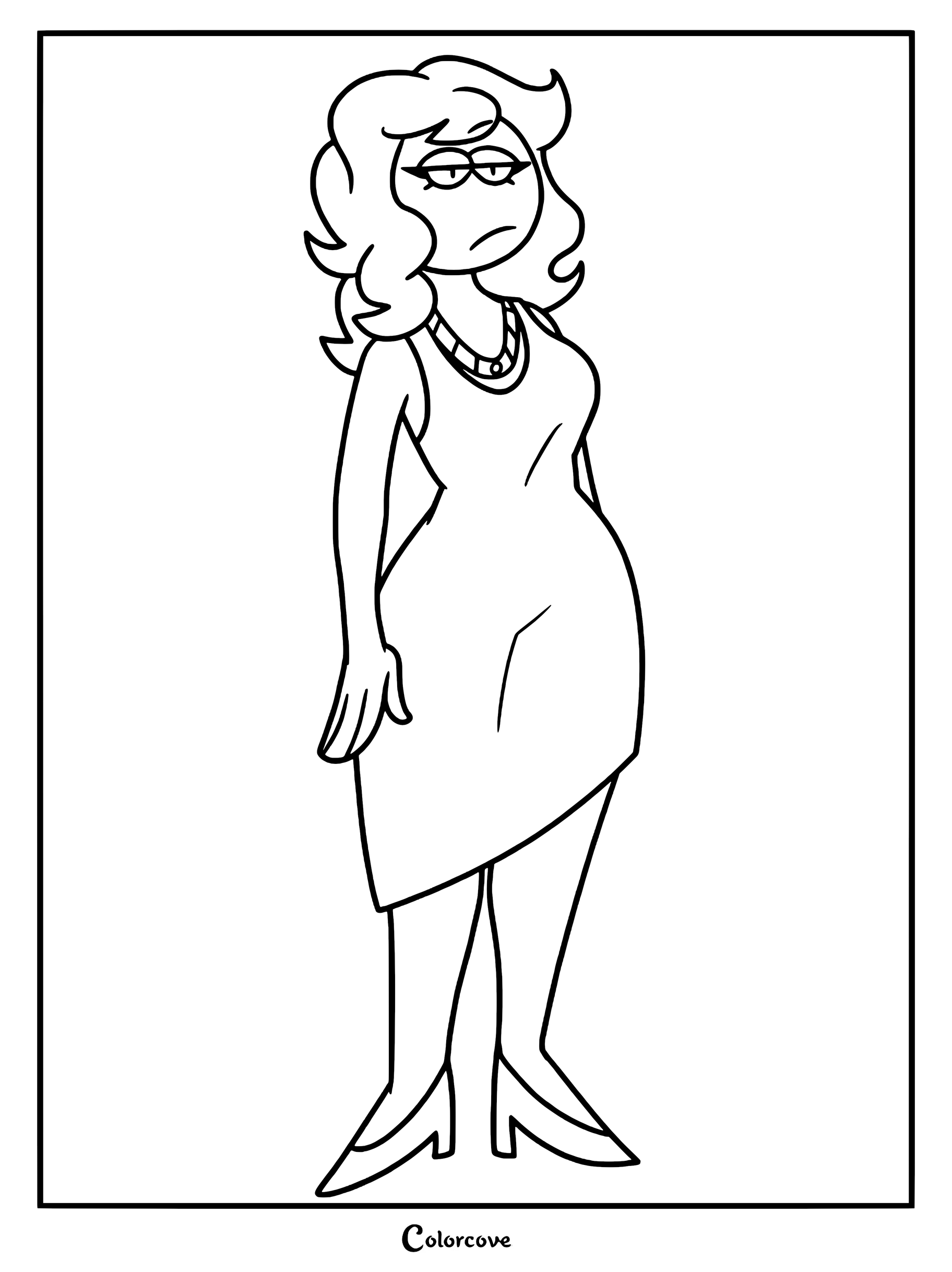
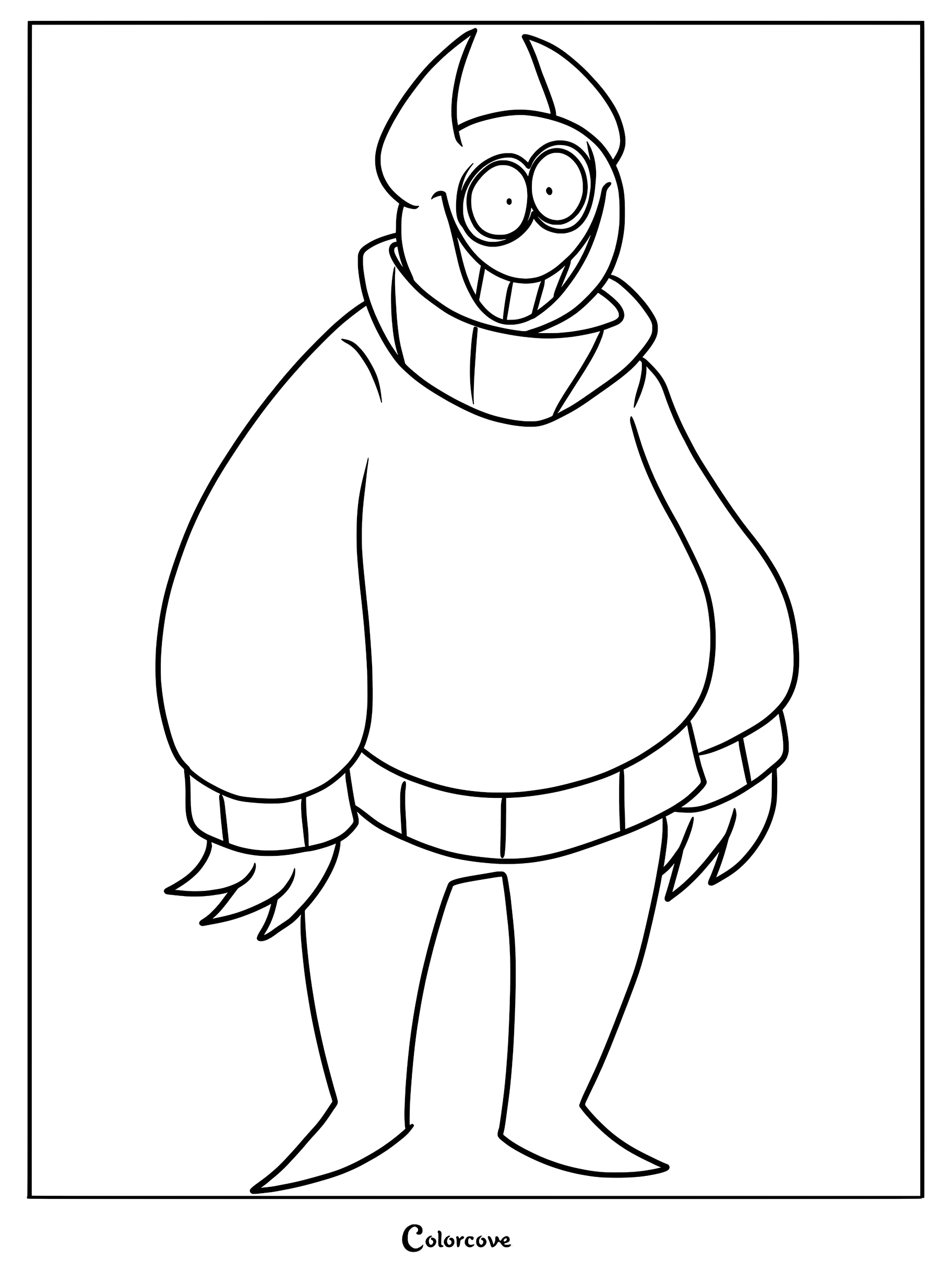
Keep the costume fun going with 30 free Spooky Month coloring pages to download, print at home, or enjoy online whenever the Halloween mood strikes. Skid, Pump, Lila, Roy, Ross, Robert, and Kevin feature in friendships, family scenes, familiar costumes, and character portraits around town.
💡 Tip: Click any image to print, save, download, or color online for free!
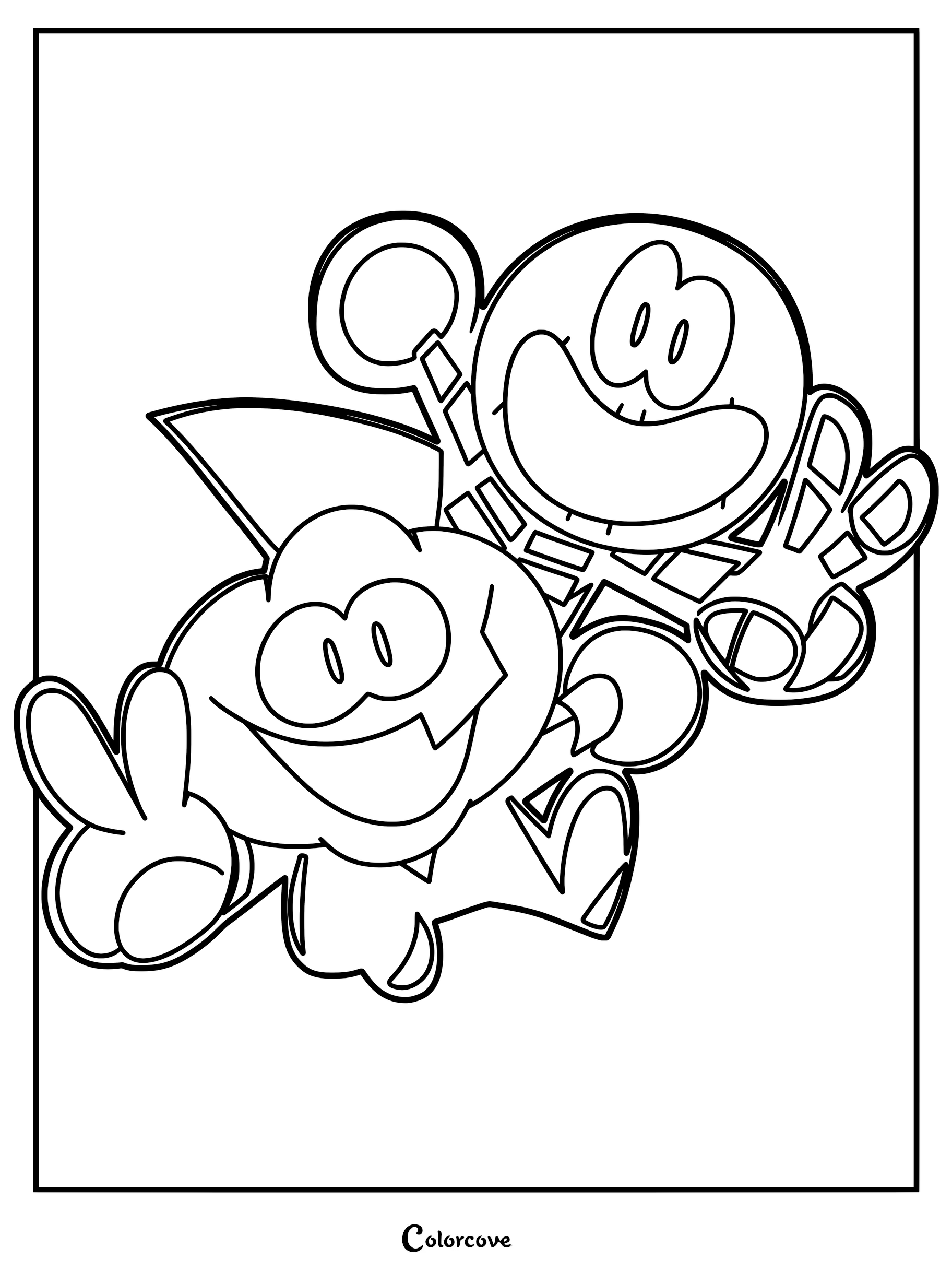
Skid, Pump & The Spooky Dance
Skid and Pump appear together and individually in these coloring pages, wearing their familiar costumes and winter clothes. Our Halloween collection has more seasonal designs to explore.
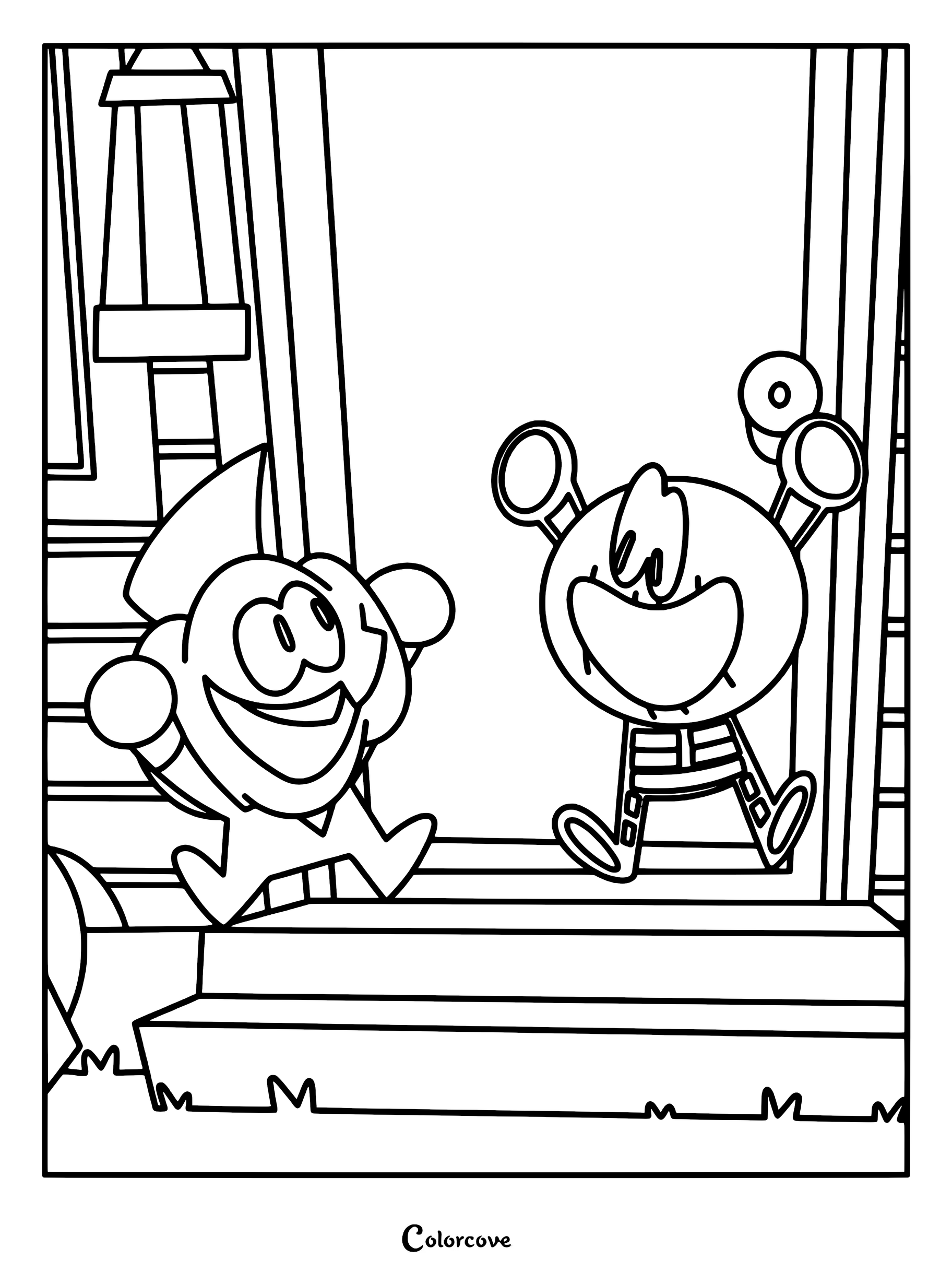
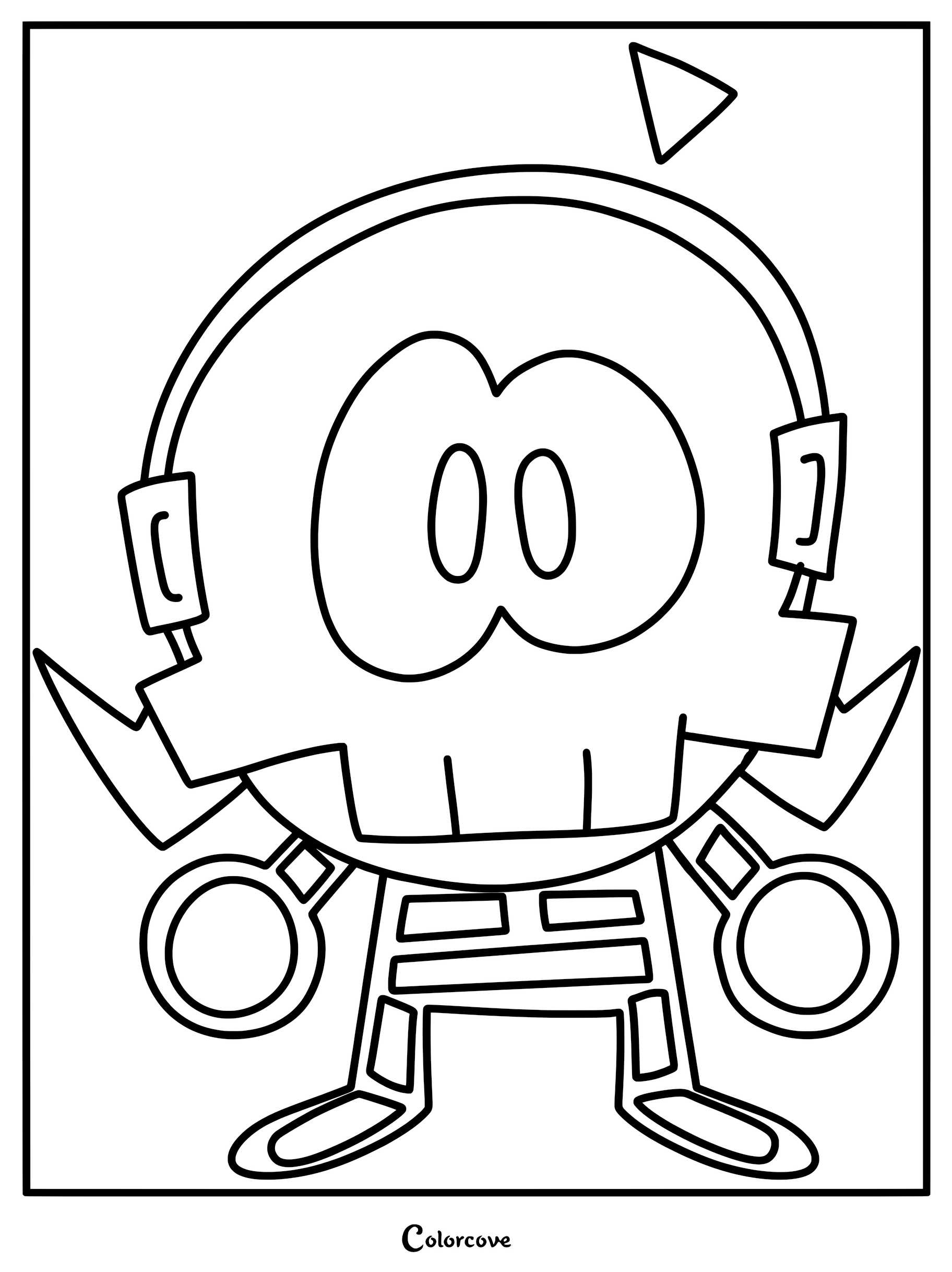
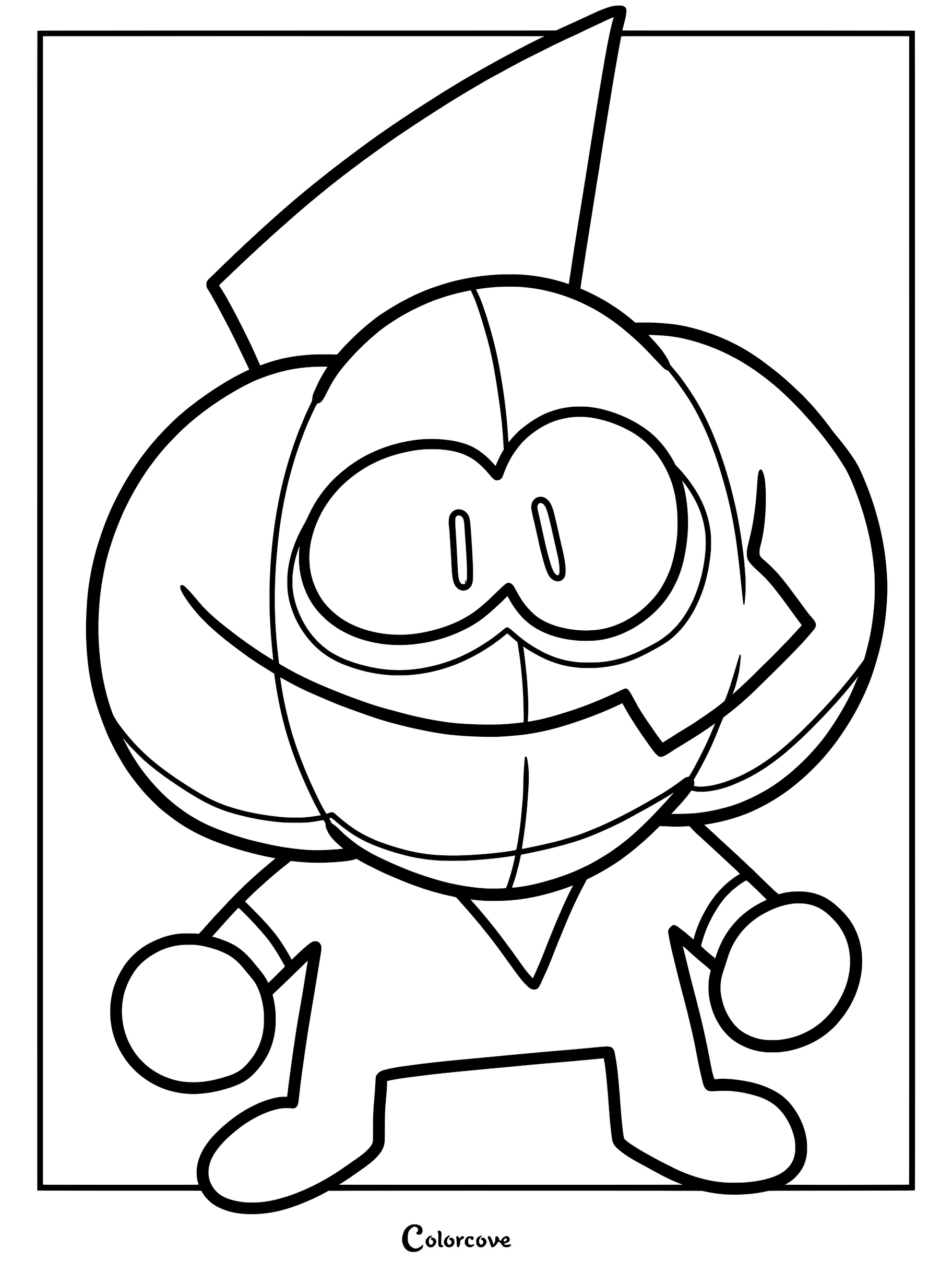
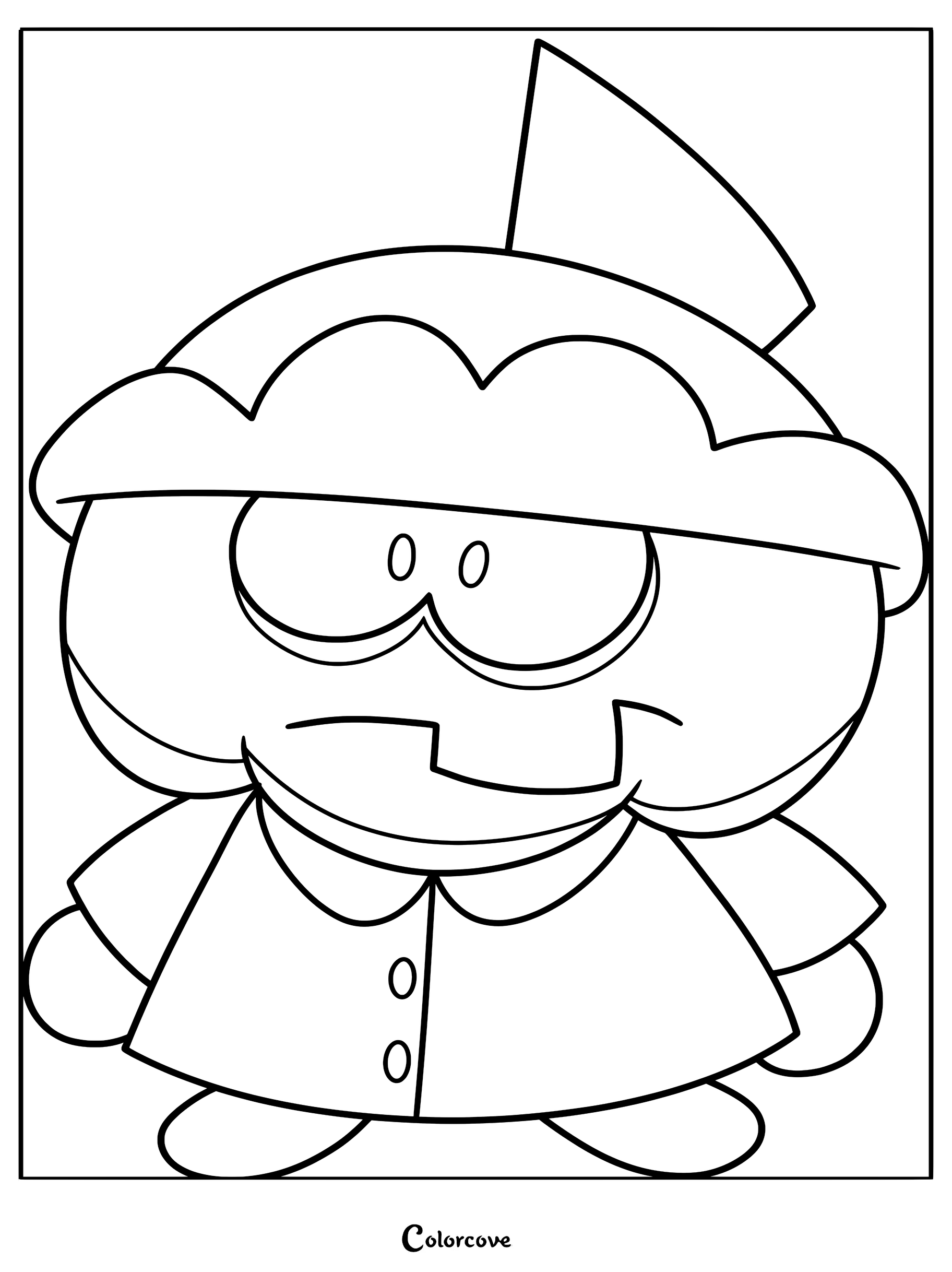
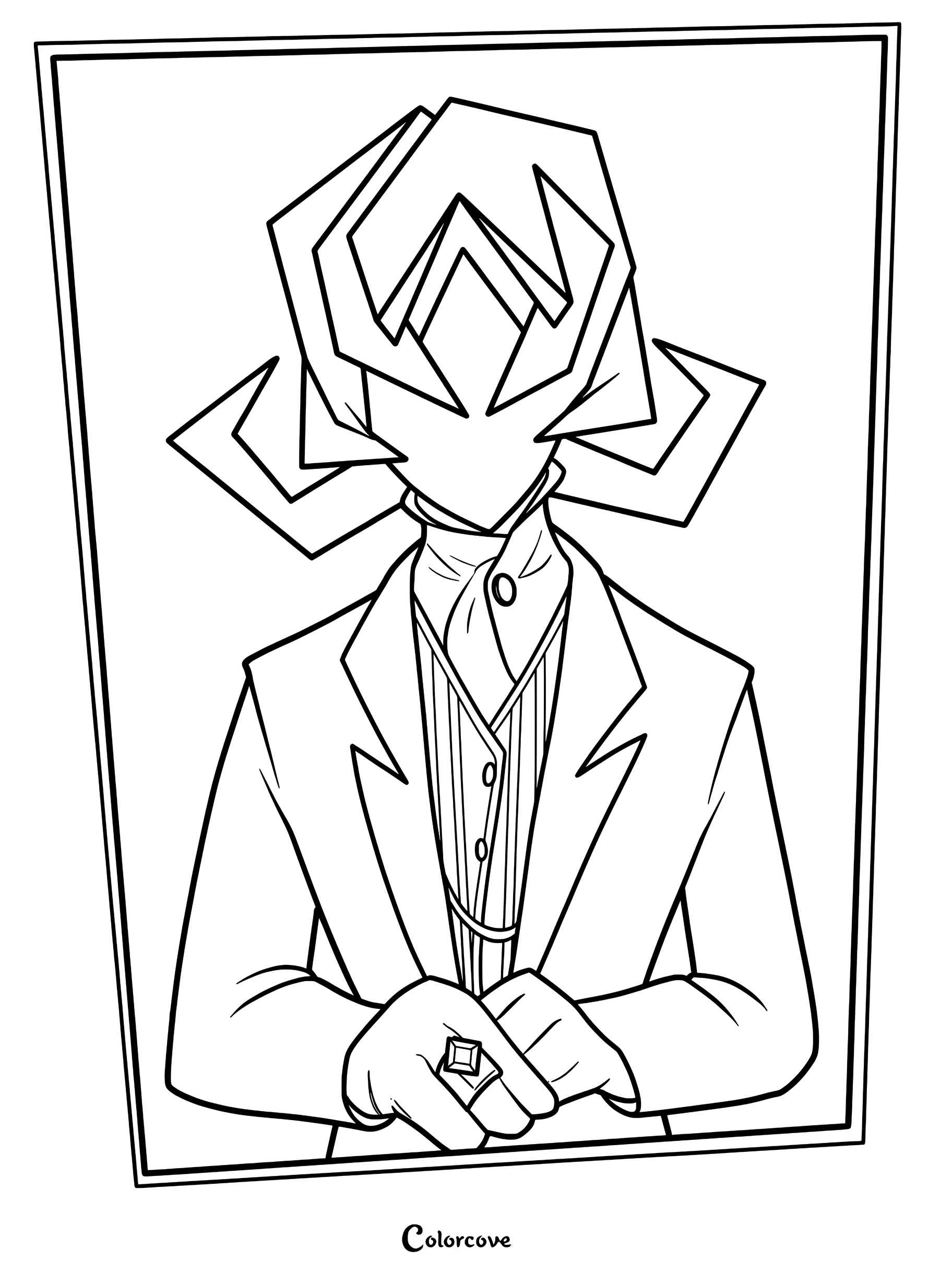
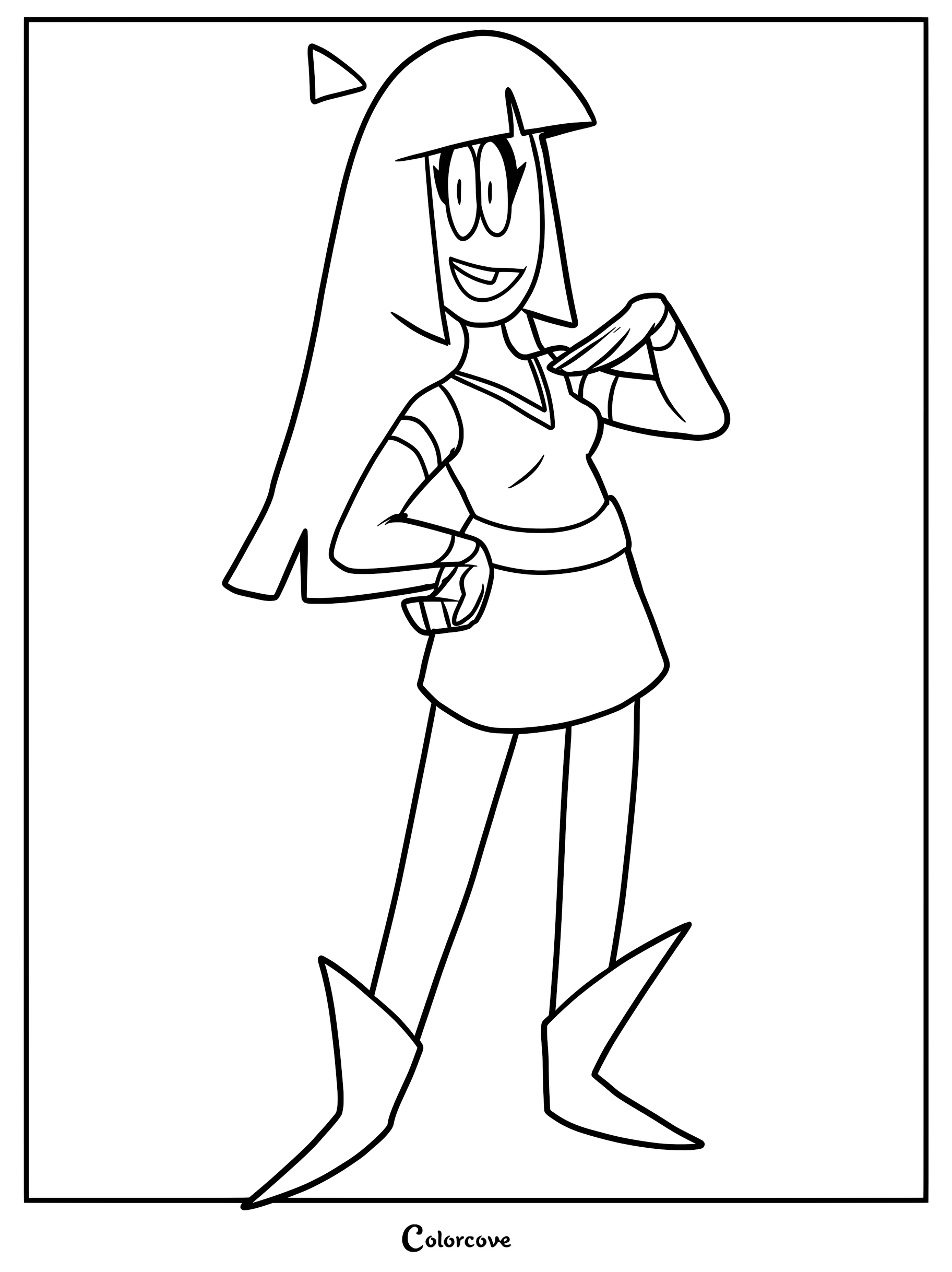
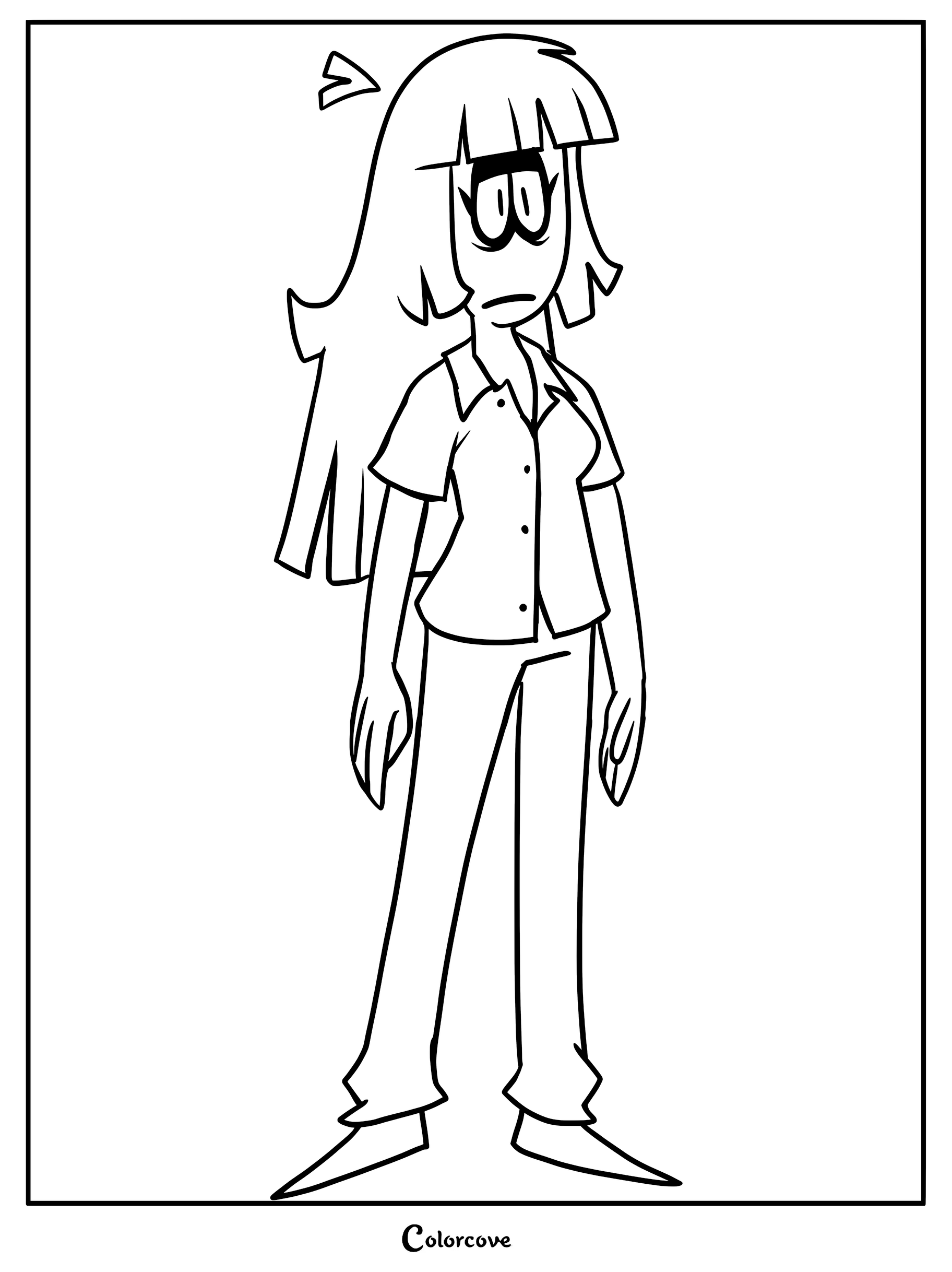
Lila & The Family
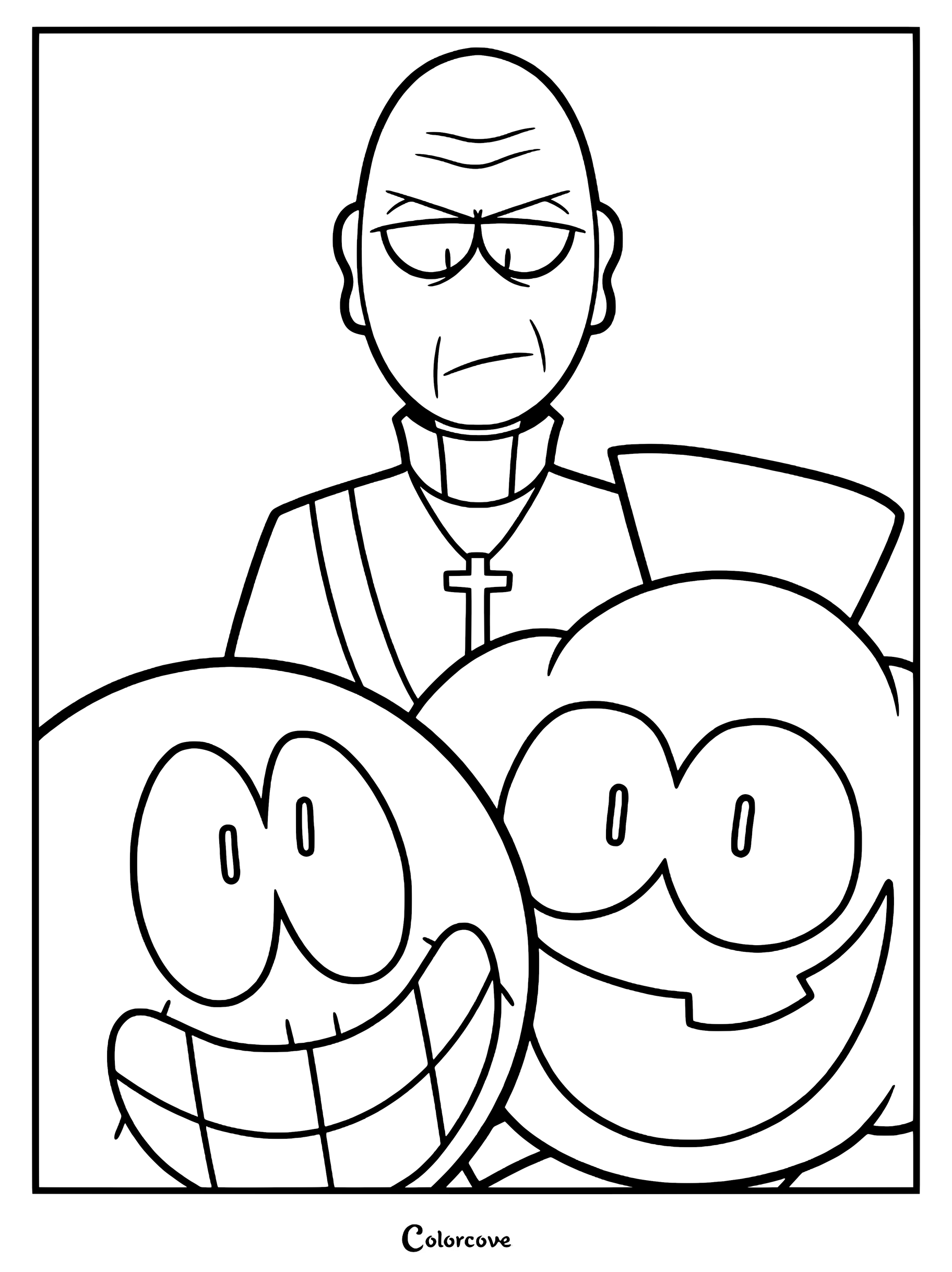
Lila leads these family coloring pages, with a formal portrait of Skid’s father included too.
Explore More Coloring Pages
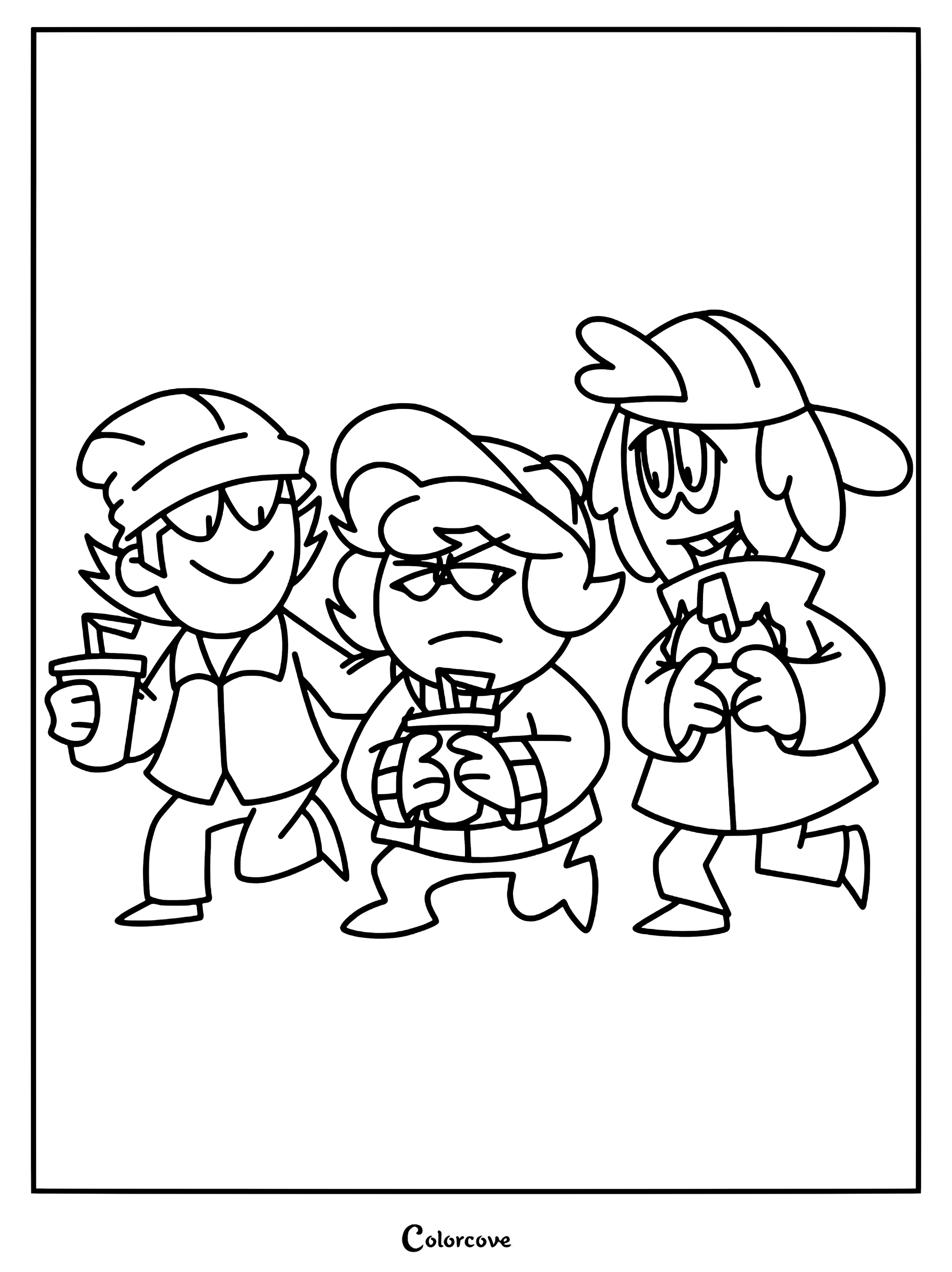
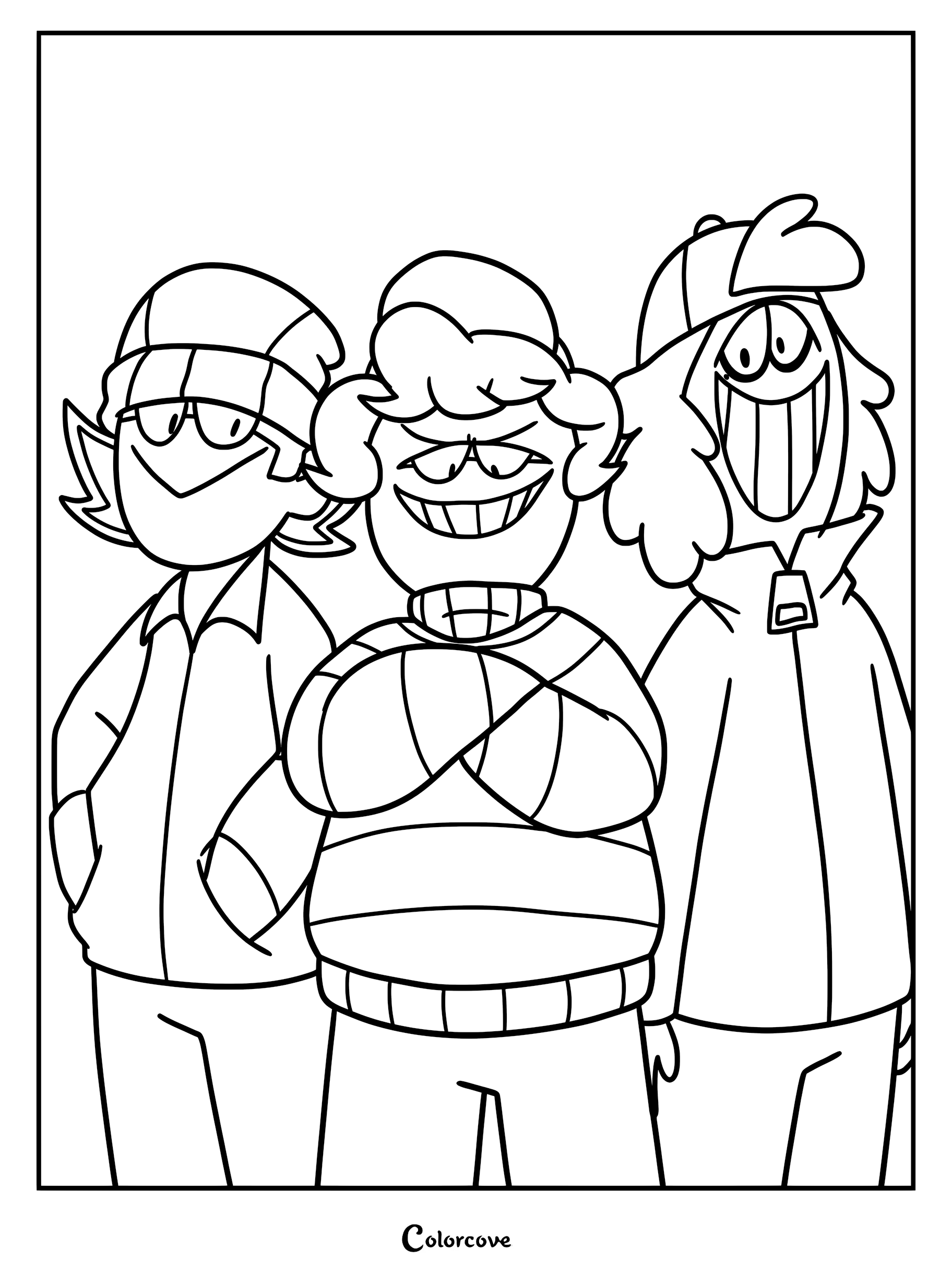
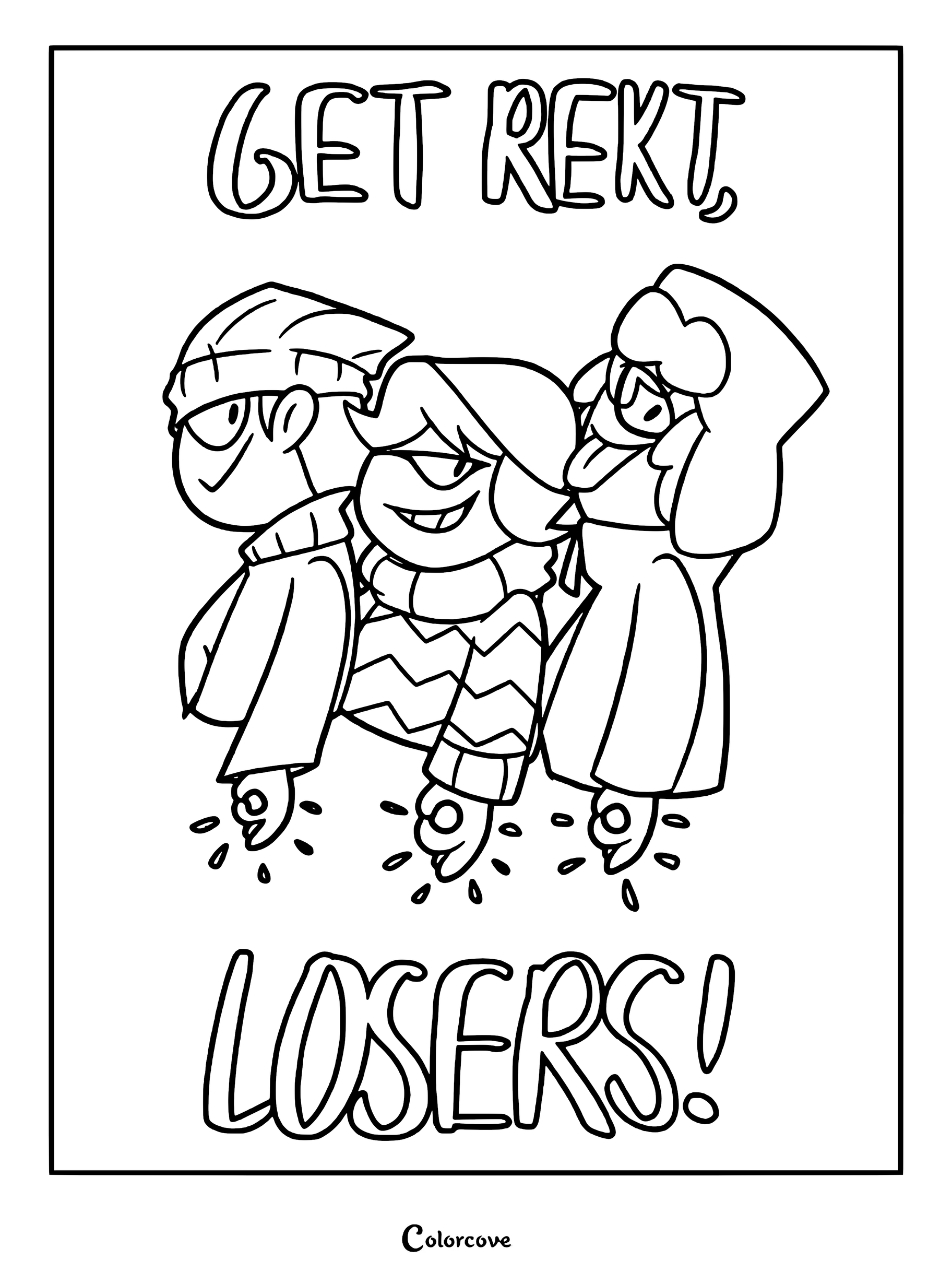
The Hatzgang
Roy, Ross, and Robert appear together on all three Hatzgang coloring pages, with familiar outfits and shared gestures.
Townspeople & Villains
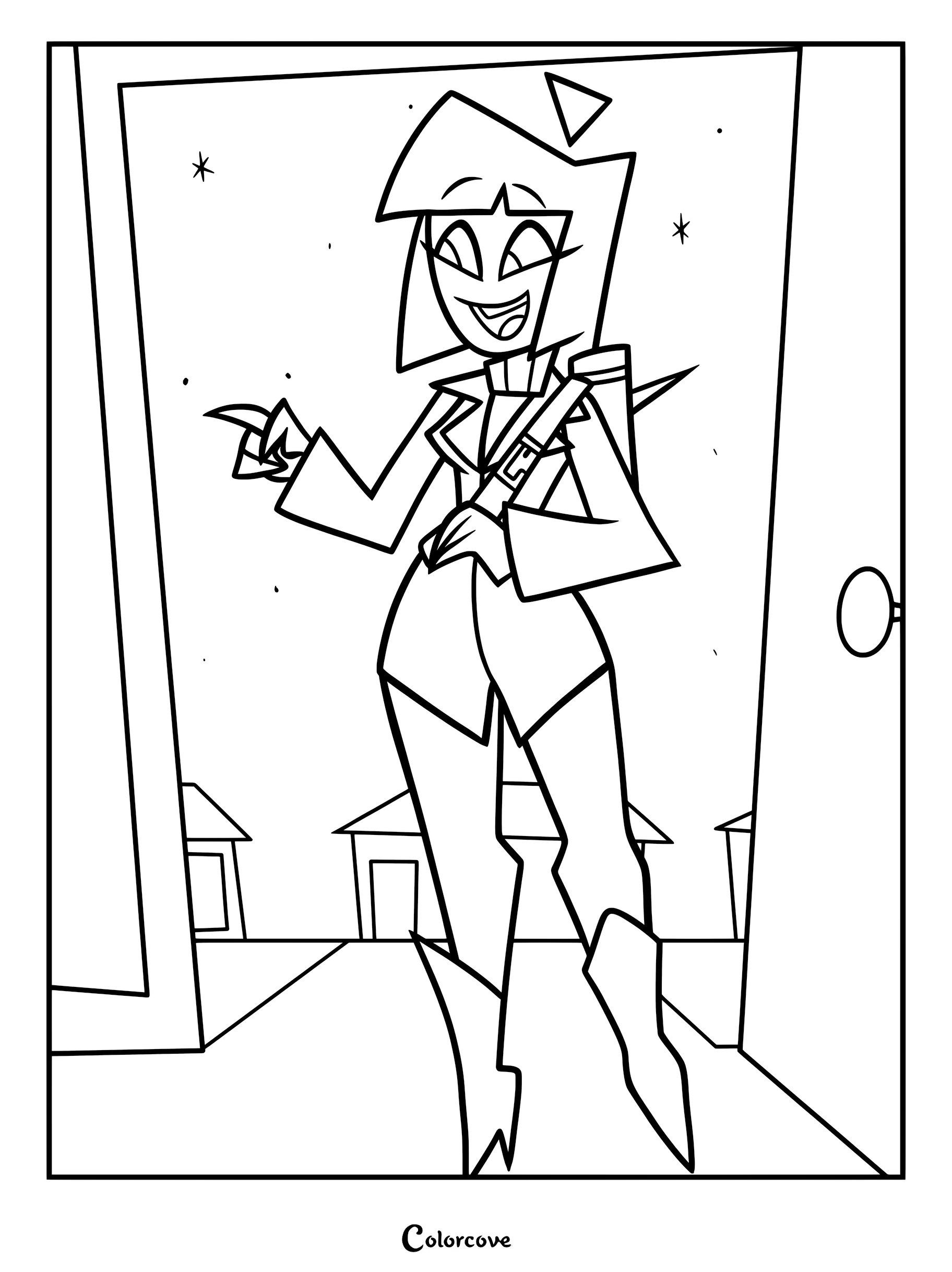
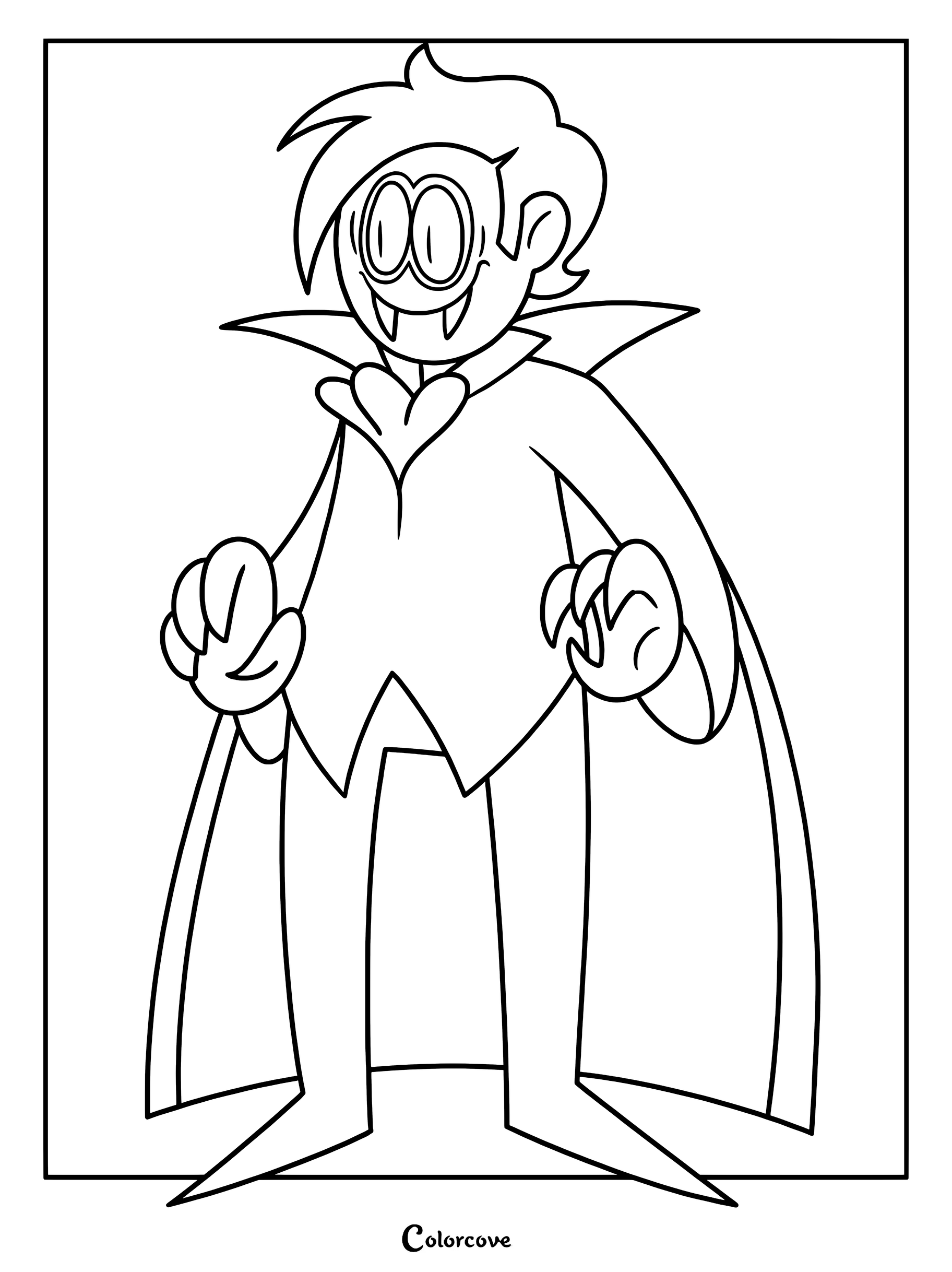
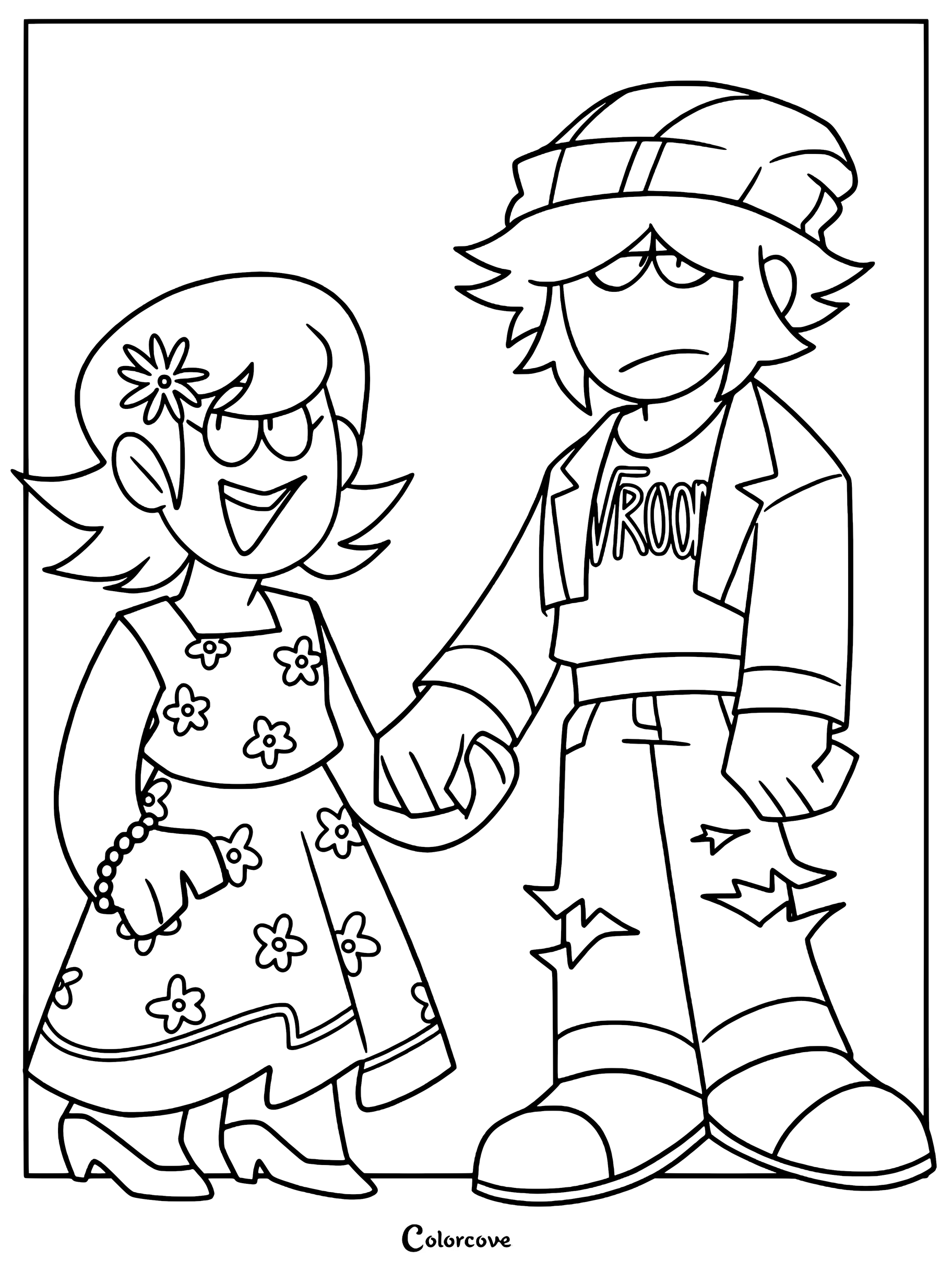
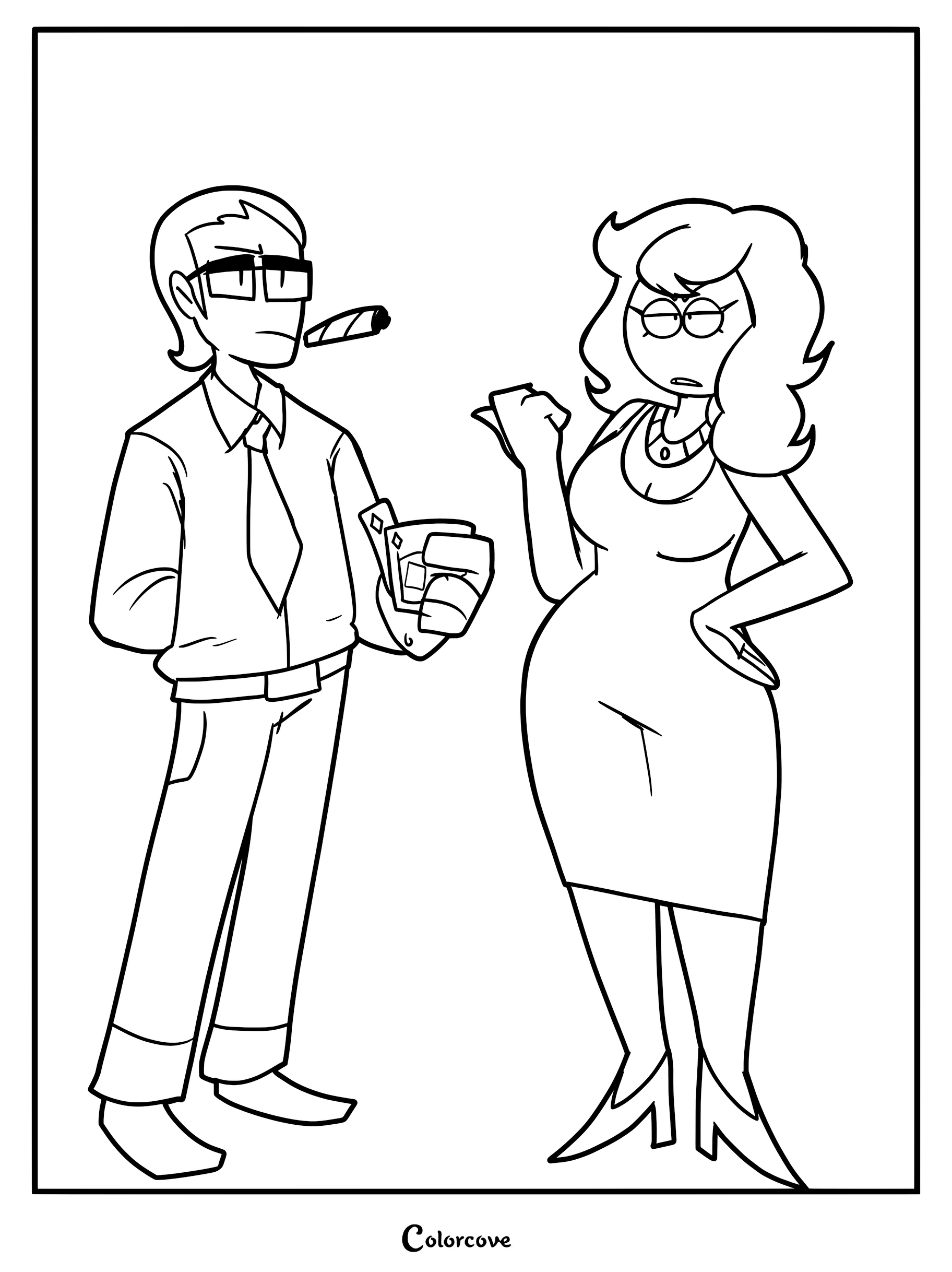
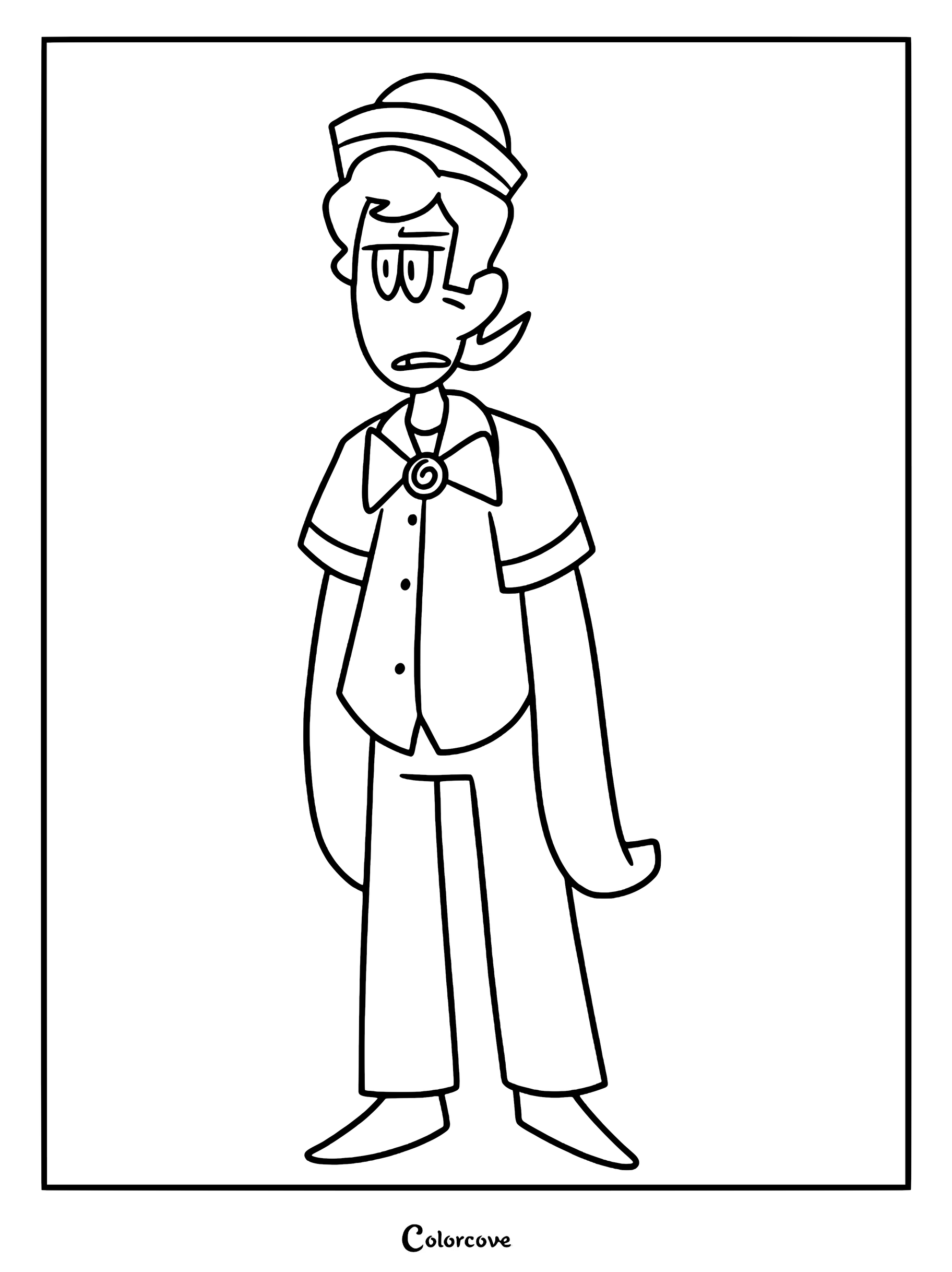
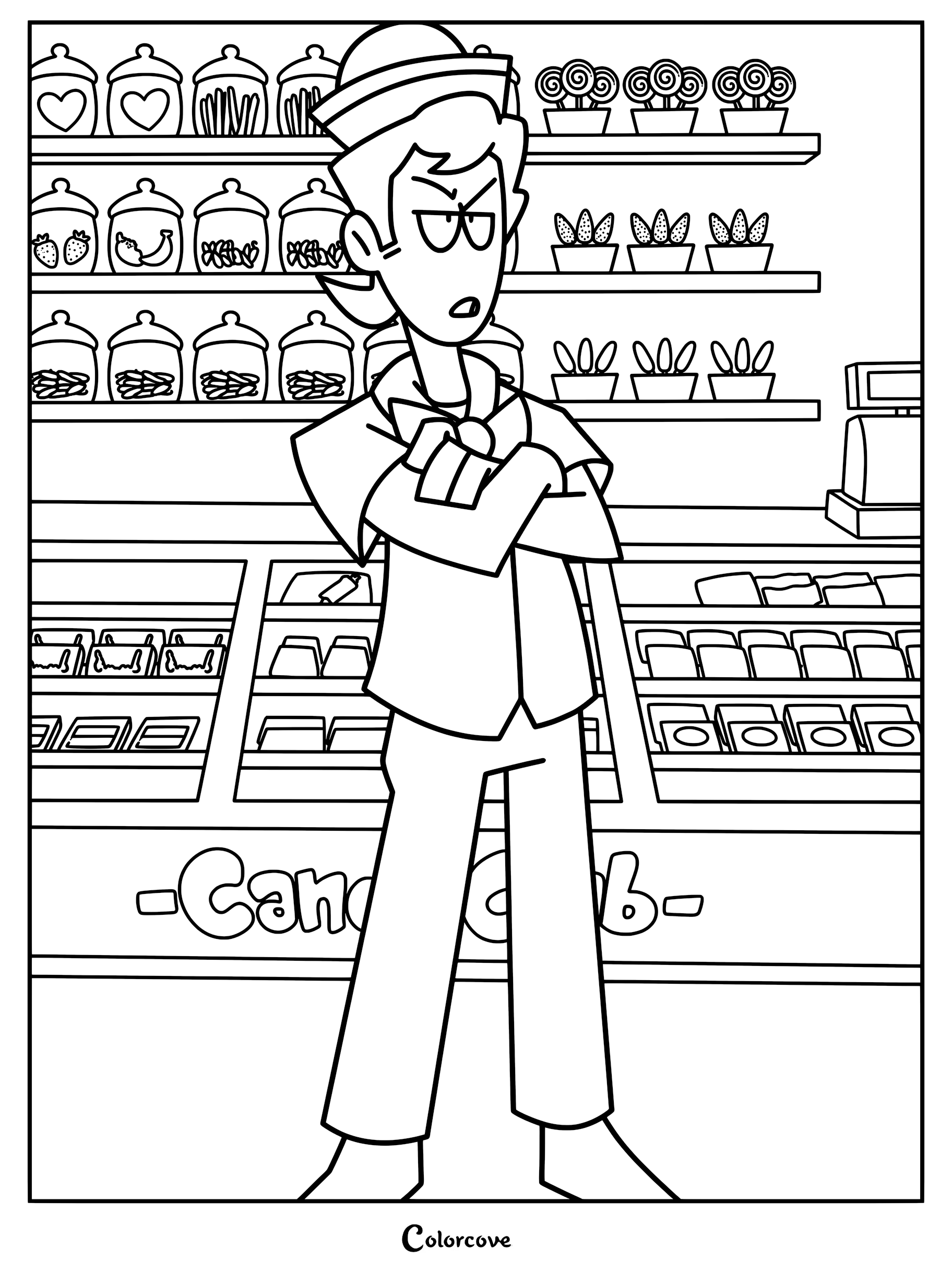
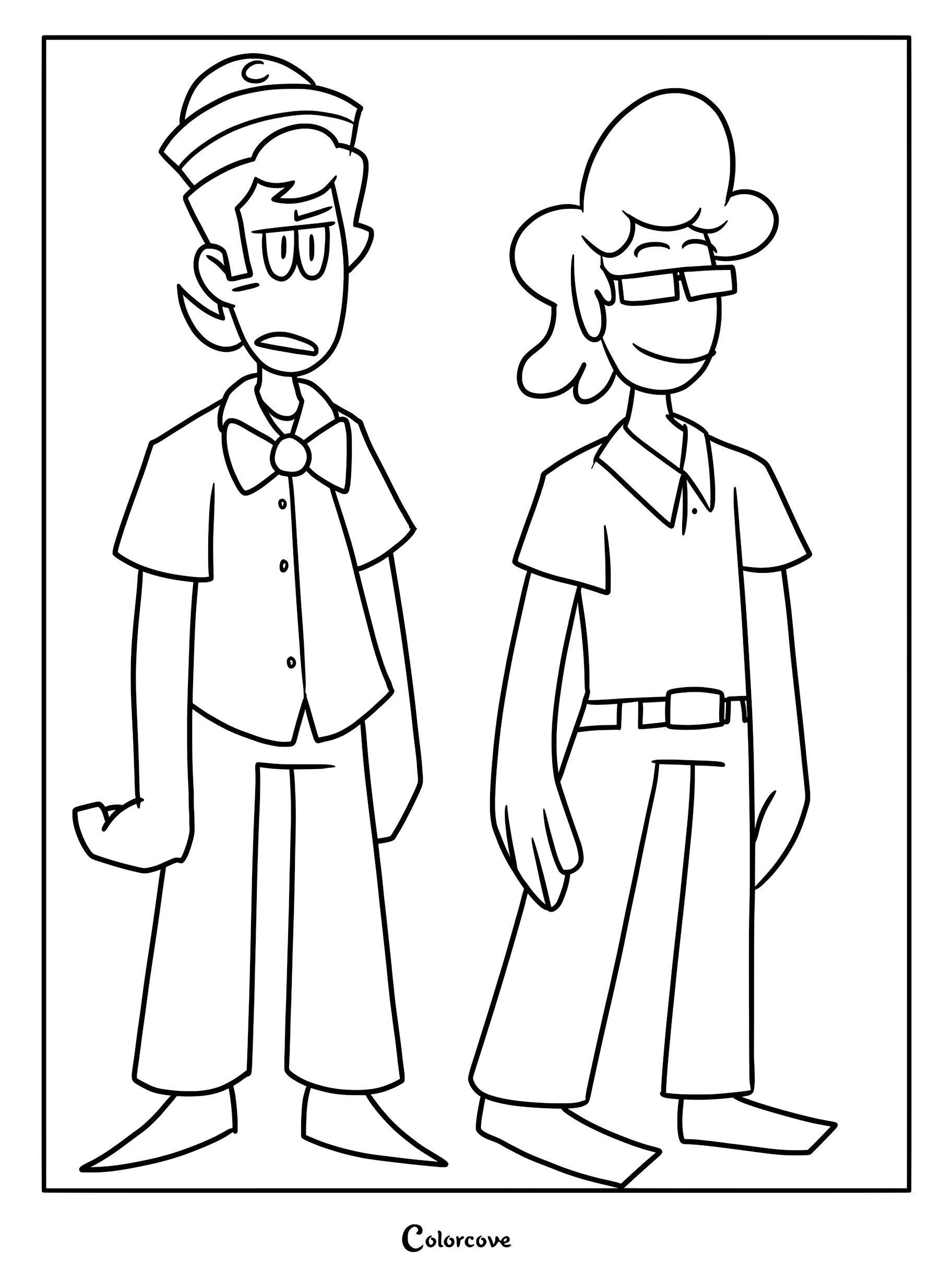
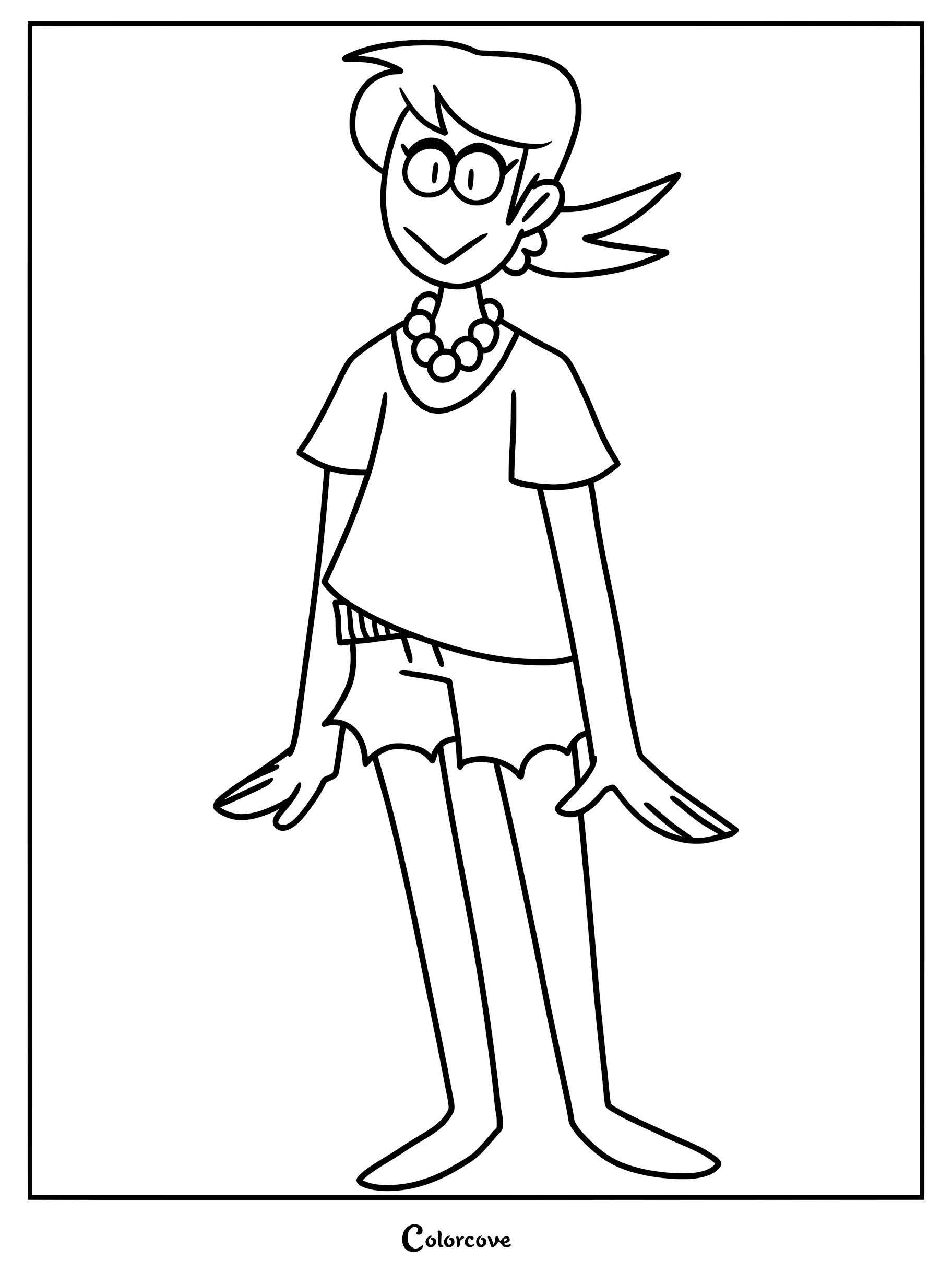
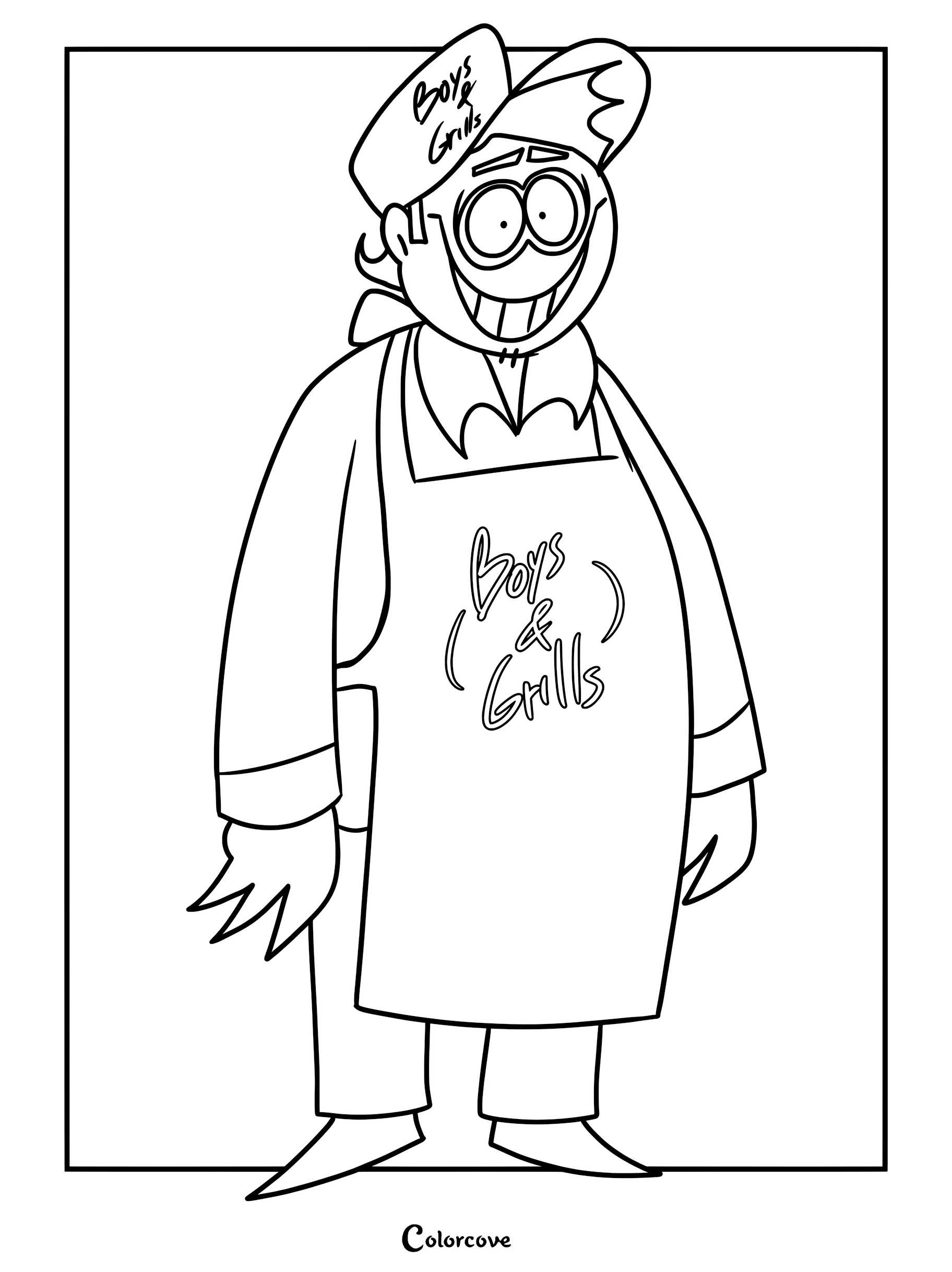
Kevin, Jaune, Carmen, Bob, and more townspeople have coloring pages in this section. Individual portraits share the gallery with family pairs and other small groups.
Explore More Coloring Pages
Watch the Spooky Coloring Marathon
Grab those vibrant markers and join this thrilling coloring journey as a talented artist brings the fourth page of this Halloween series to life!
Craft Ideas & Creative Activities
It is spooky month! Celebrate the hilarious and creepy world of Skid and Pump with these awesome creative tips. Coloring Spooky Month characters requires a great balance of dark, eerie shadows and bright, fun cartoon colors. Here are some advanced techniques and craft ideas to make your artwork perfectly spooky!
Advanced Coloring Techniques
- 🌑 Eerie Halloween Shading: Spooky Month relies heavily on dark, atmospheric lighting. To capture this vibe, avoid using flat black for shadows. Instead, use deep purples or dark navy blues to shade the characters. This gives the shadows a much richer, creepier Halloween feel while keeping the colors vibrant and fun.
- 🎃 Glowing Pumpkin Effects: Pump’s pumpkin head is one of the most recognizable parts of the show. To make the eyes and mouth look like they are glowing with fire, color the inside pure yellow. Then, outline the edges of the carved holes with a bright, neon orange. You can even lightly shade the area immediately around his face with yellow to make it look like the pumpkin is casting a glowing light in the dark!
- 🦴 Bone Textures for Skid: Skid’s skeleton costume shouldn’t just be plain white paper. Use a very light grey or pale blue colored pencil to add subtle shading along the edges of the bones to give them a rounded, 3D texture.
- 🦇 Comic Book Inking: Spooky Month has a very distinct, thick cartoon art style. Once you have finished coloring the page, take a thick black permanent marker (like a Sharpie) and trace over the outer outlines of the characters. This bold inking technique will make the characters pop off the page and look exactly like the original YouTube animation!
Fun Craft Ideas & Activities
- 🎭 Spooky Dance Puppets: The Spooky Dance is iconic! Color both Skid and Pump, and cut them out. Instead of making them static, cut their arms and legs off at the joints and re-attach them using small metal brads (paper fasteners). Now you have fully articulated, posable puppets that can actually perform the Spooky Dance in real life!
- 🏠 Haunted House Diorama: Grab a cardboard shoebox and paint the inside black or dark purple to represent the night sky. Draw and color a creepy haunted house in the background. Then, use your cut-out characters from the Hatzgang or Lila’s family to set up a hilarious, spooky scene inside the shoebox diorama!
- 👻 Window Silhouettes: Color the characters using dark, solid colors (or just black marker), cut them out, and tape them to your bedroom window facing outwards. When the lights are on inside your room at night, people outside will see the creepy and funny silhouettes of Skid and Pump looking out at them!
More Coloring Pages to Explore
 22 Scream Ghostface Coloring Pages
 35 Gengar Coloring Pages
 40 The Owl House Coloring Pages
 52 Among Us Coloring Pages
 20 Art The Clown Coloring Pages
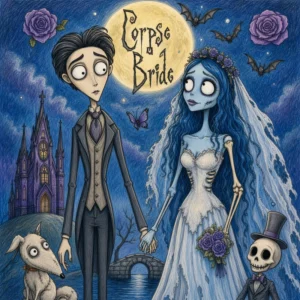 24 Corpse Bride Coloring Pages
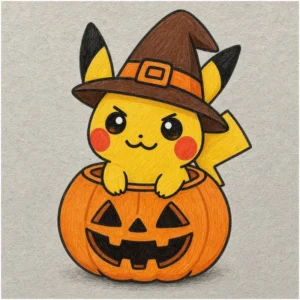 40 Halloween Pokemon Coloring Pages
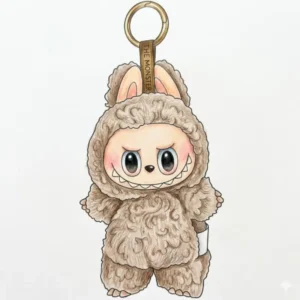 43 Labubu Coloring Pages
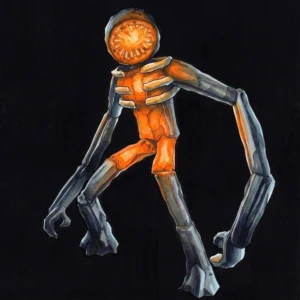 27 Roblox Doors Coloring Pages
 41 Scooby Doo Coloring Pages
 50 Murder Drones Coloring Pages
 29 Bendy And The Ink Machine Coloring Pages
 26 Amanda The Adventurer Coloring Pages
 30 Monsters Inc Coloring Pages
 73 Squishmallow Coloring Pages