
Explore our massive collection of 33 free Animator vs. Animation coloring pages featuring The Second Coming, The Dark Lord, and the entire Stick Gang!
Dive into the legendary web series created by Alan Becker by coloring epic stick figure battles and incredible spin-off universes. We recommend using a vibrant, high-contrast color palette with bold markers to make the colorful stick figures pop against the digital backgrounds.
💡 Tip: Click any image to print, save, download, or color online for free!
The Second Coming & The Stick Gang
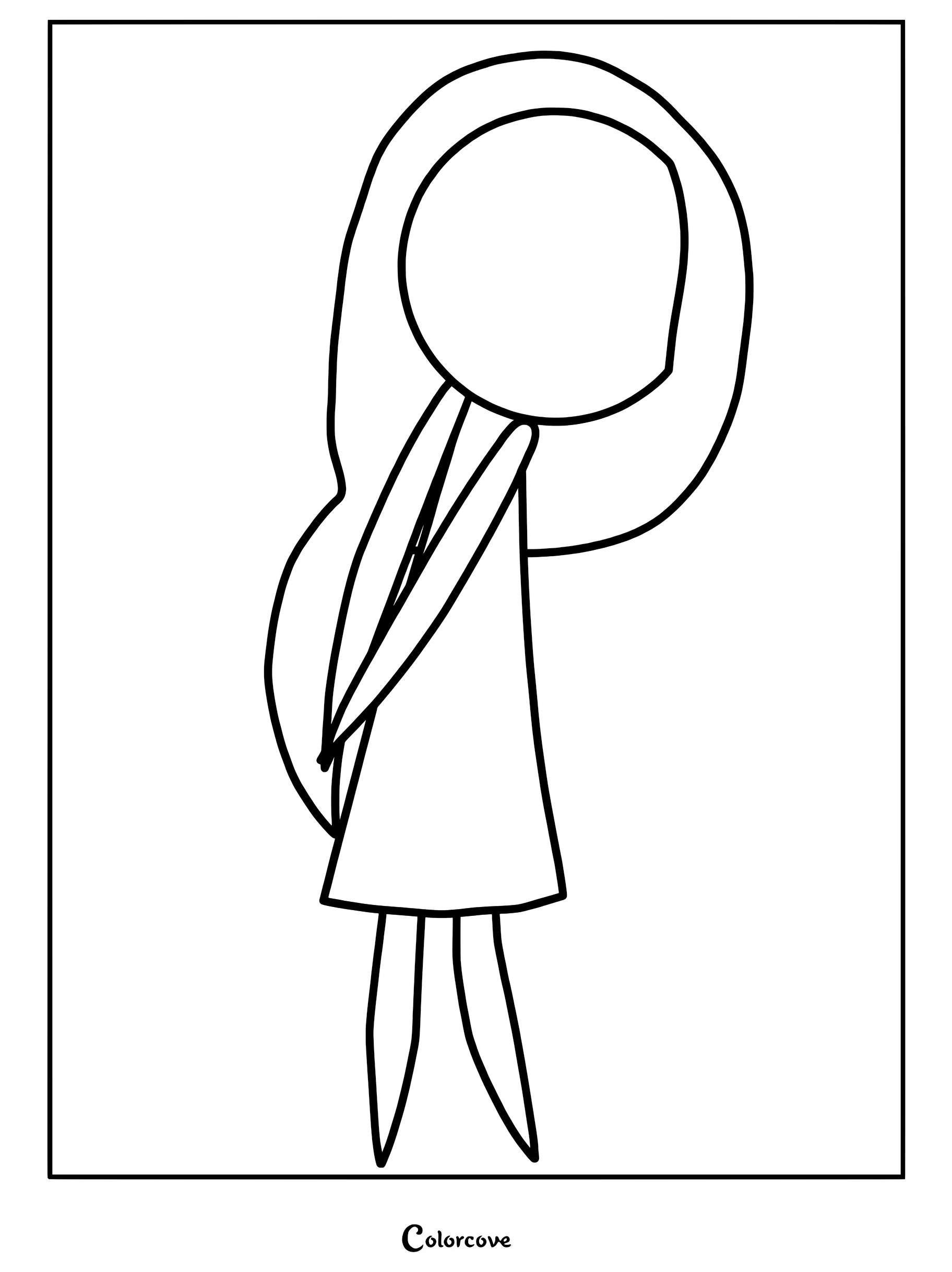
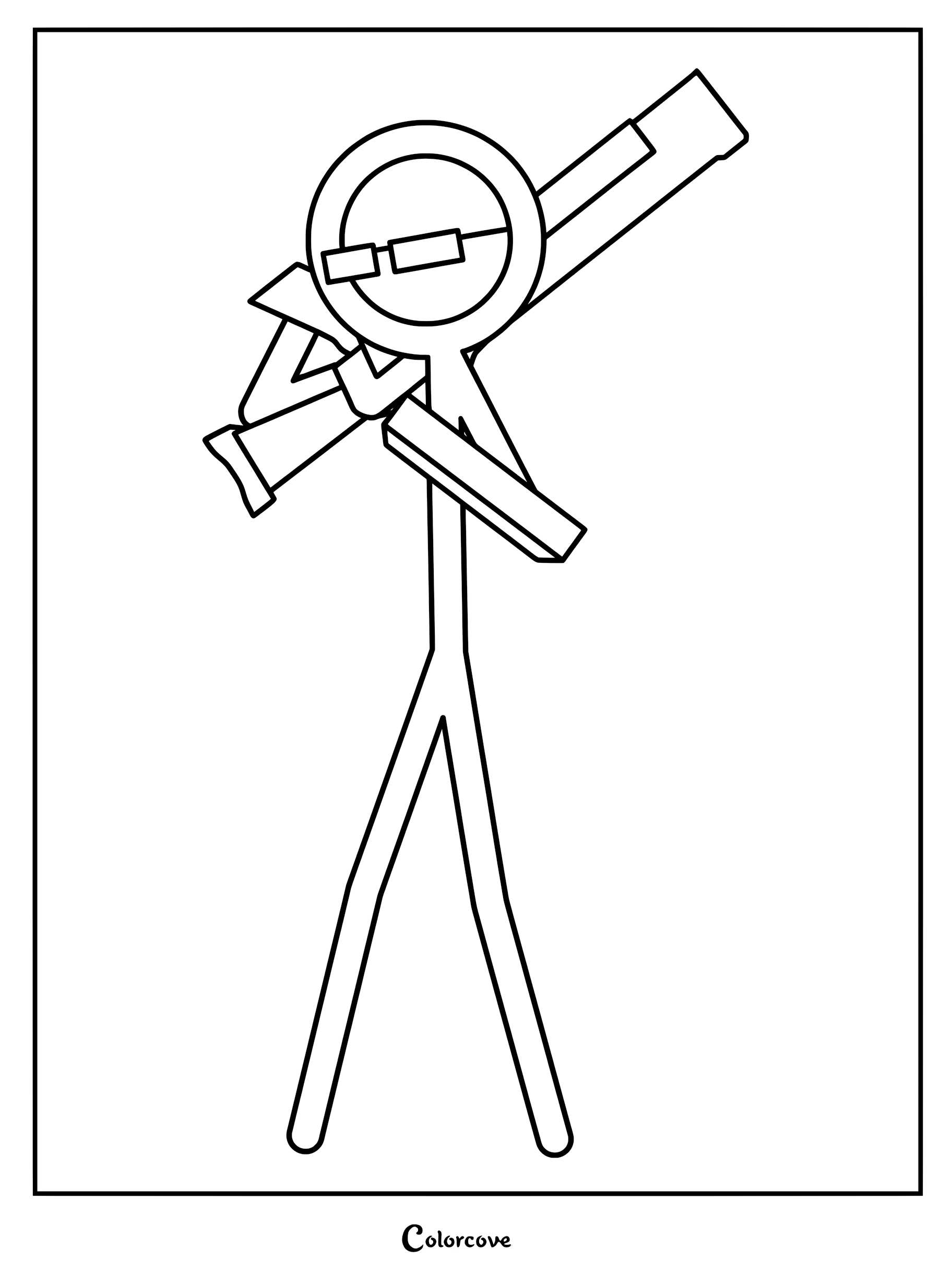
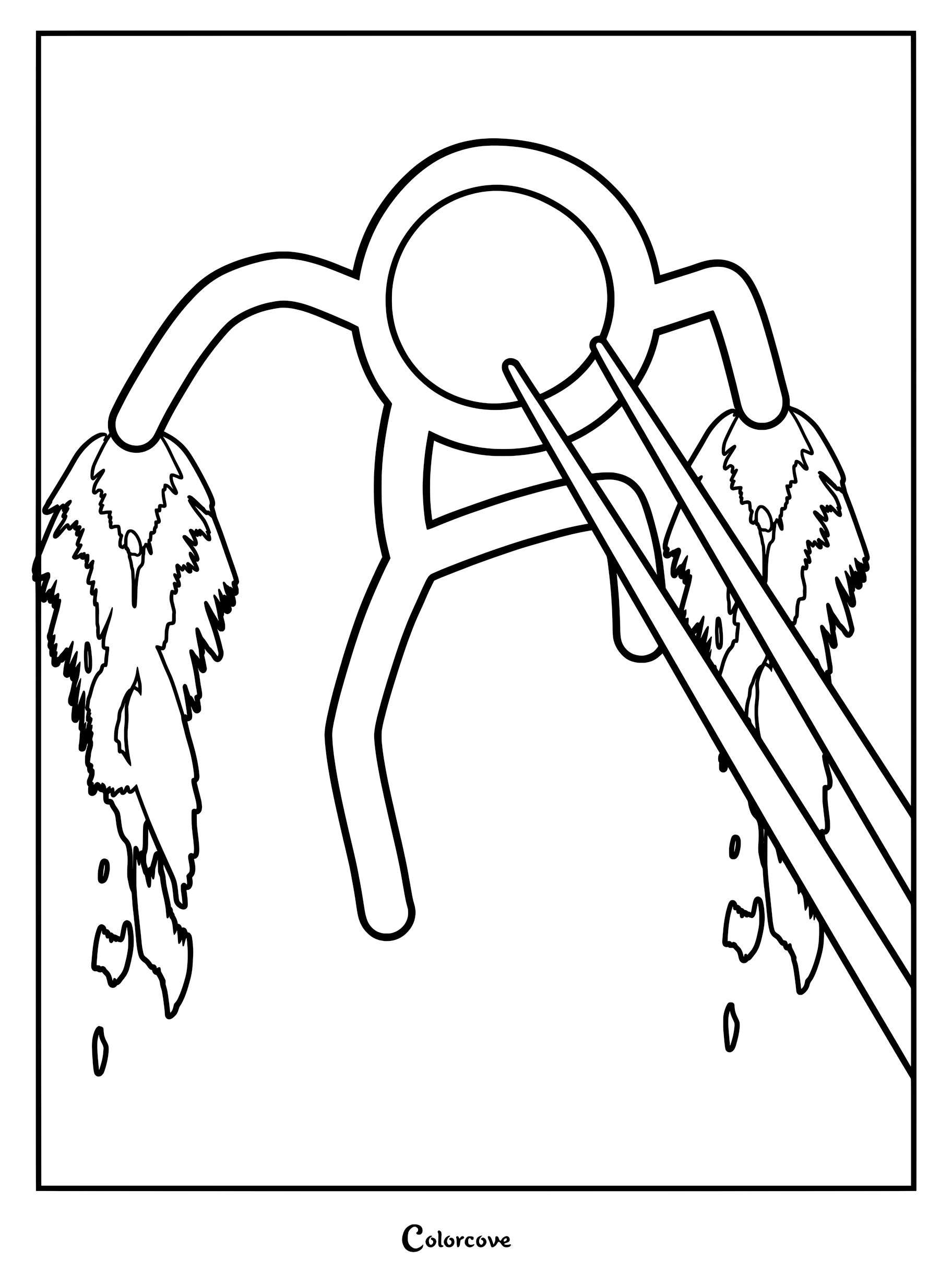
Join the chaotic adventures of The Second Coming and his colorful stick figure friends. Bring the iconic Stick Gang to life by using bright, distinct primary colors for each character to match their vibrant personalities.
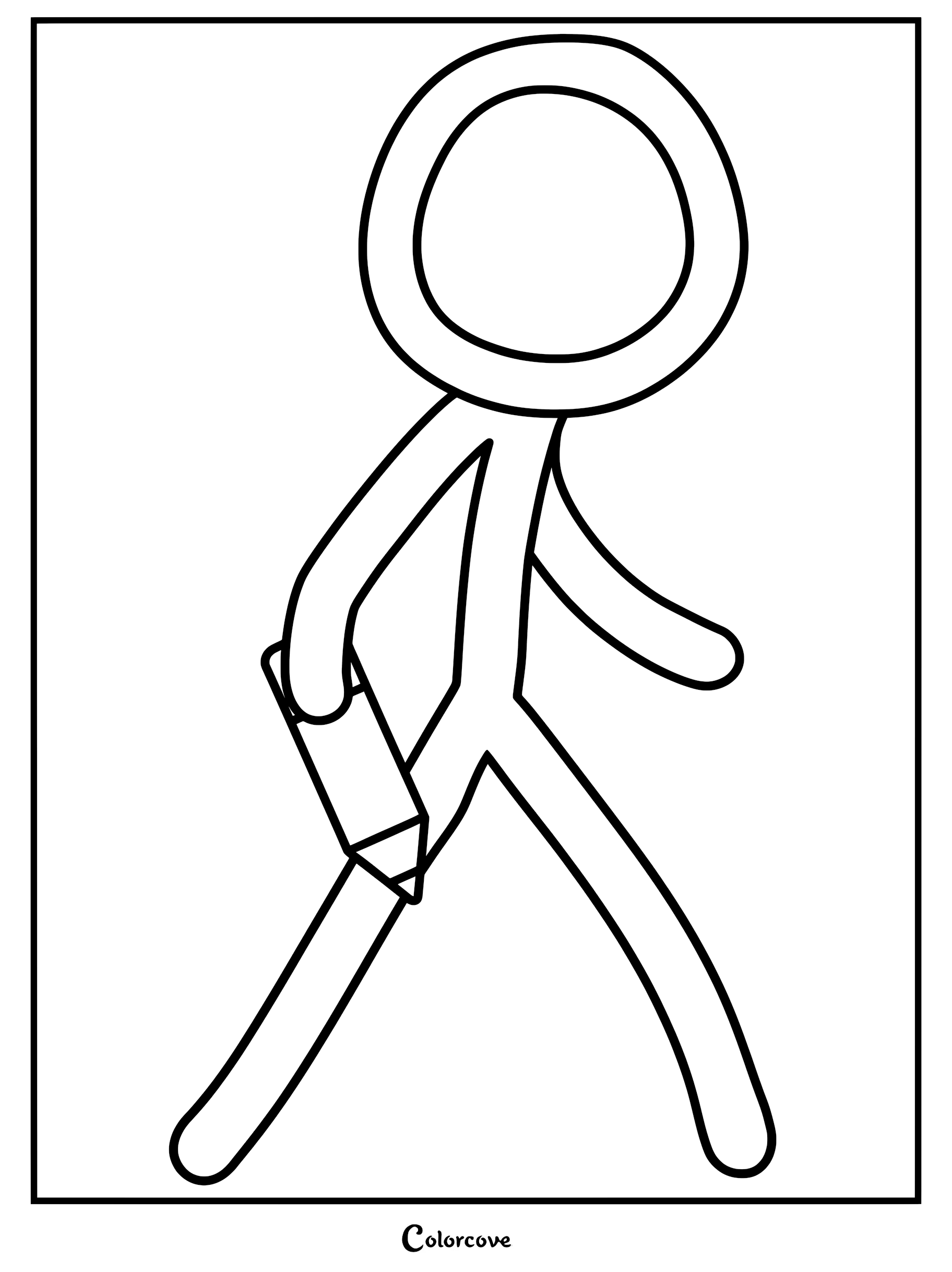
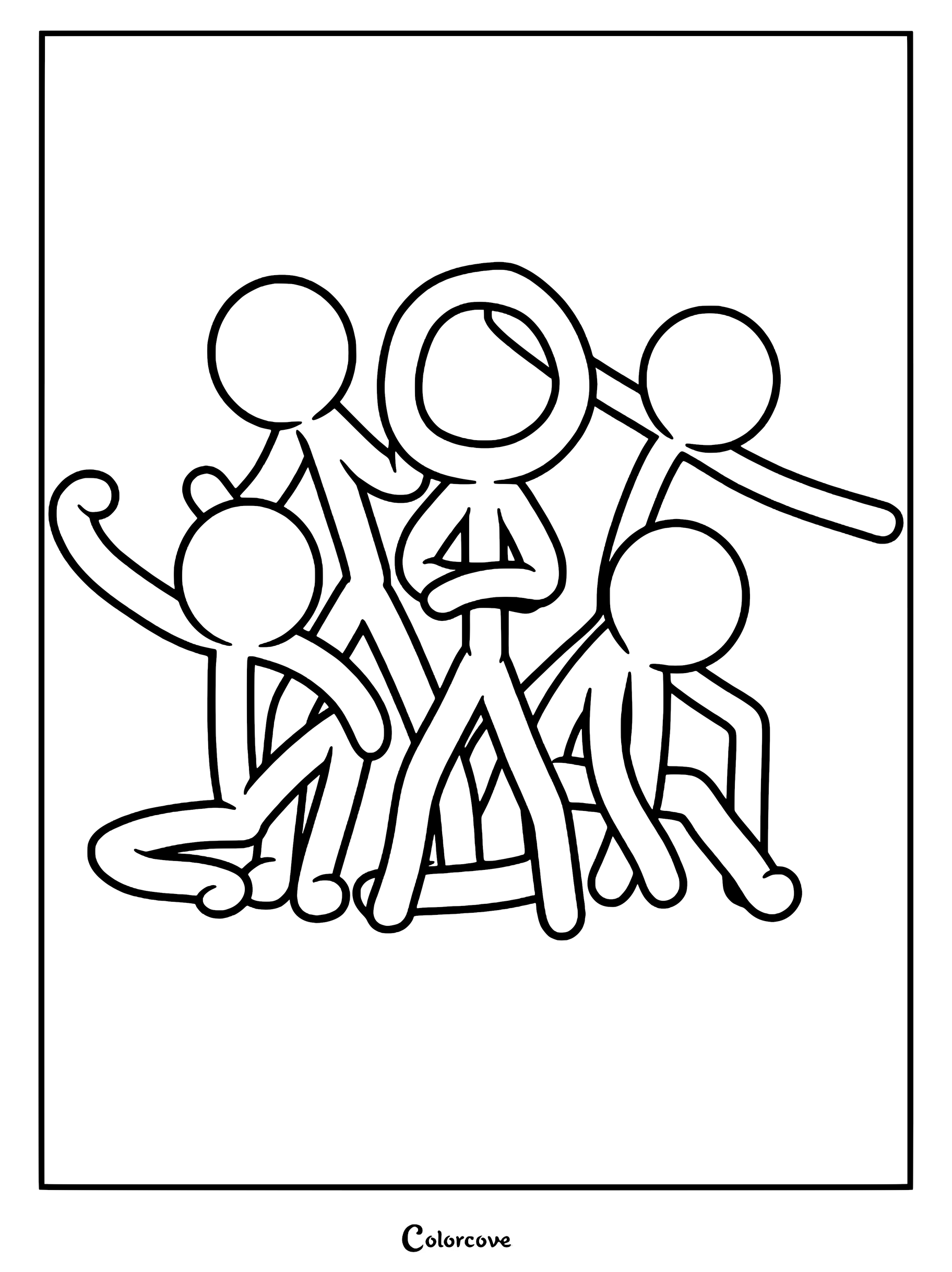
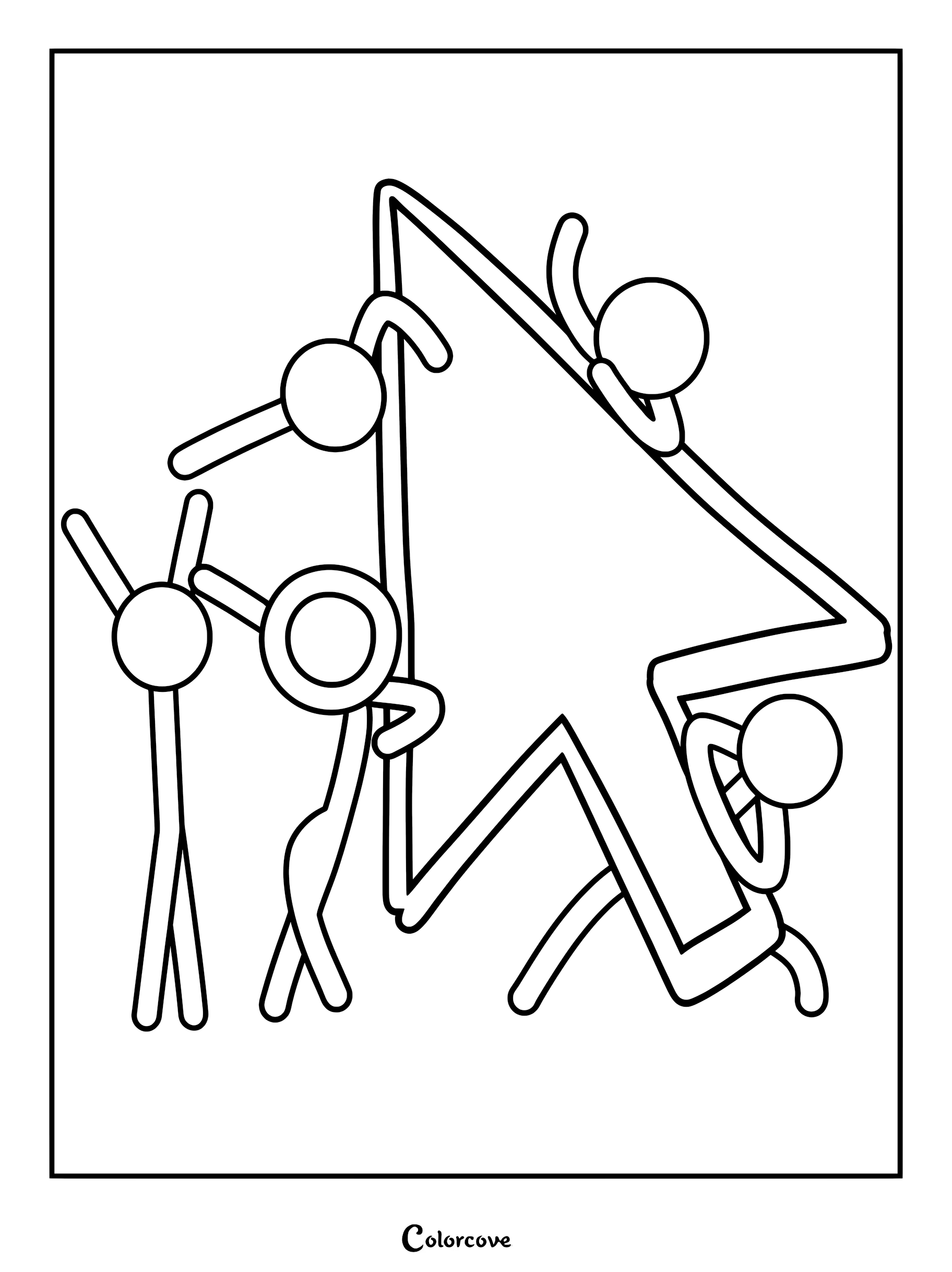
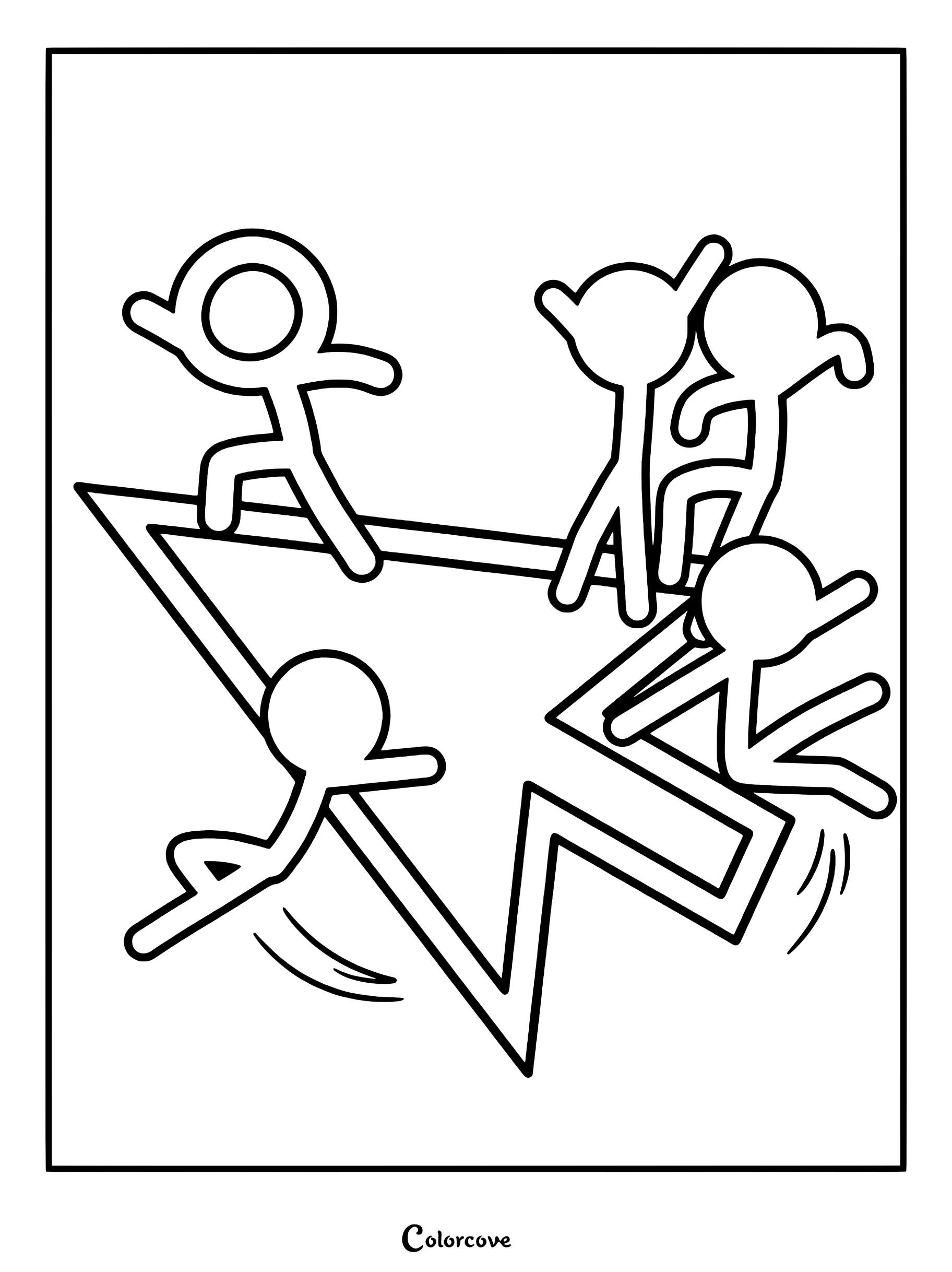
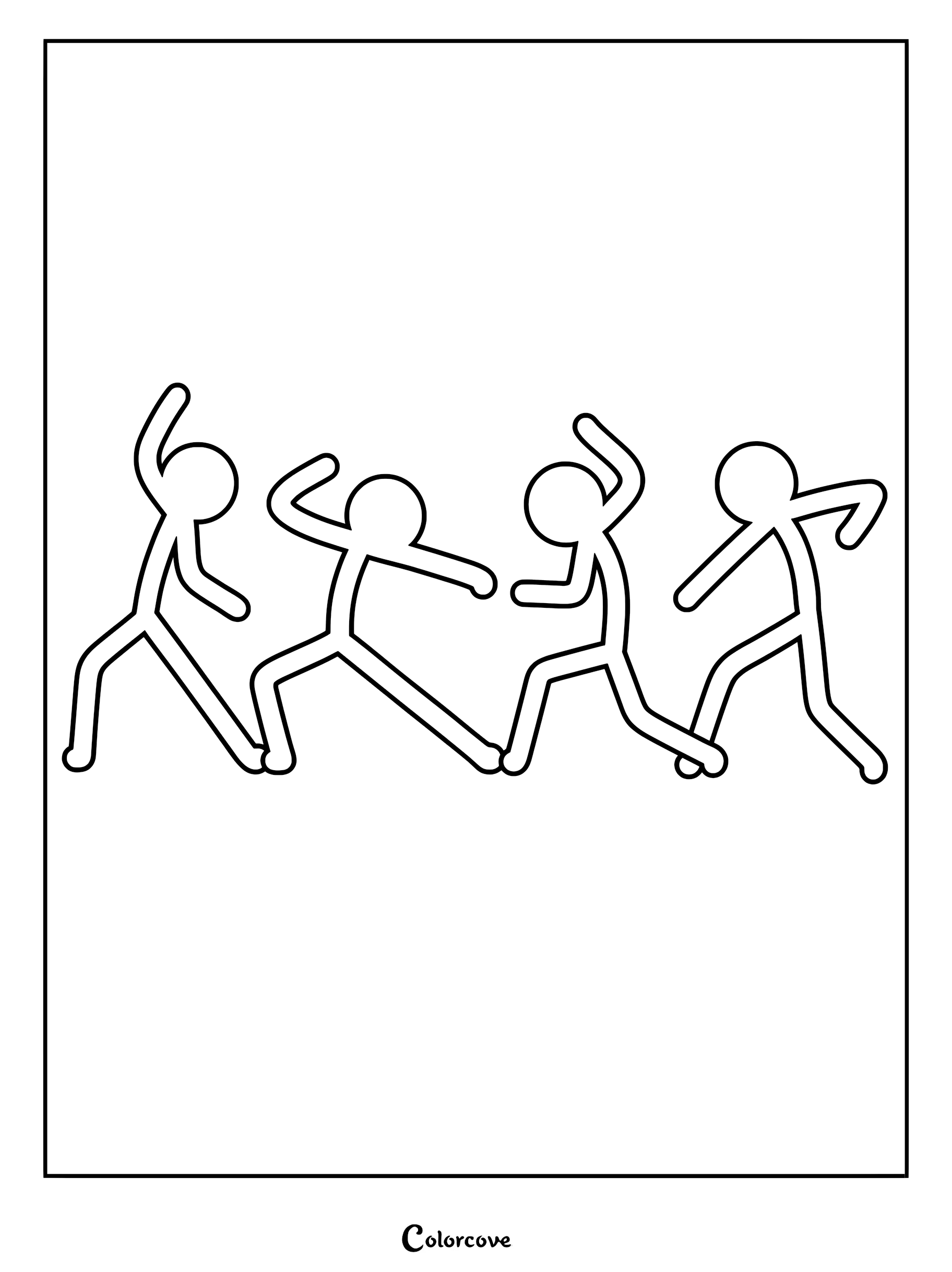
Fun Fact: Animator vs. Animation originally debuted in 2006 on Newgrounds and went massively viral, launching Alan Becker’s career and eventually growing into a massive YouTube franchise with spin-offs like Animation vs. Minecraft and Animation vs. Physics.
The Chosen One, Dark Lord & Victim
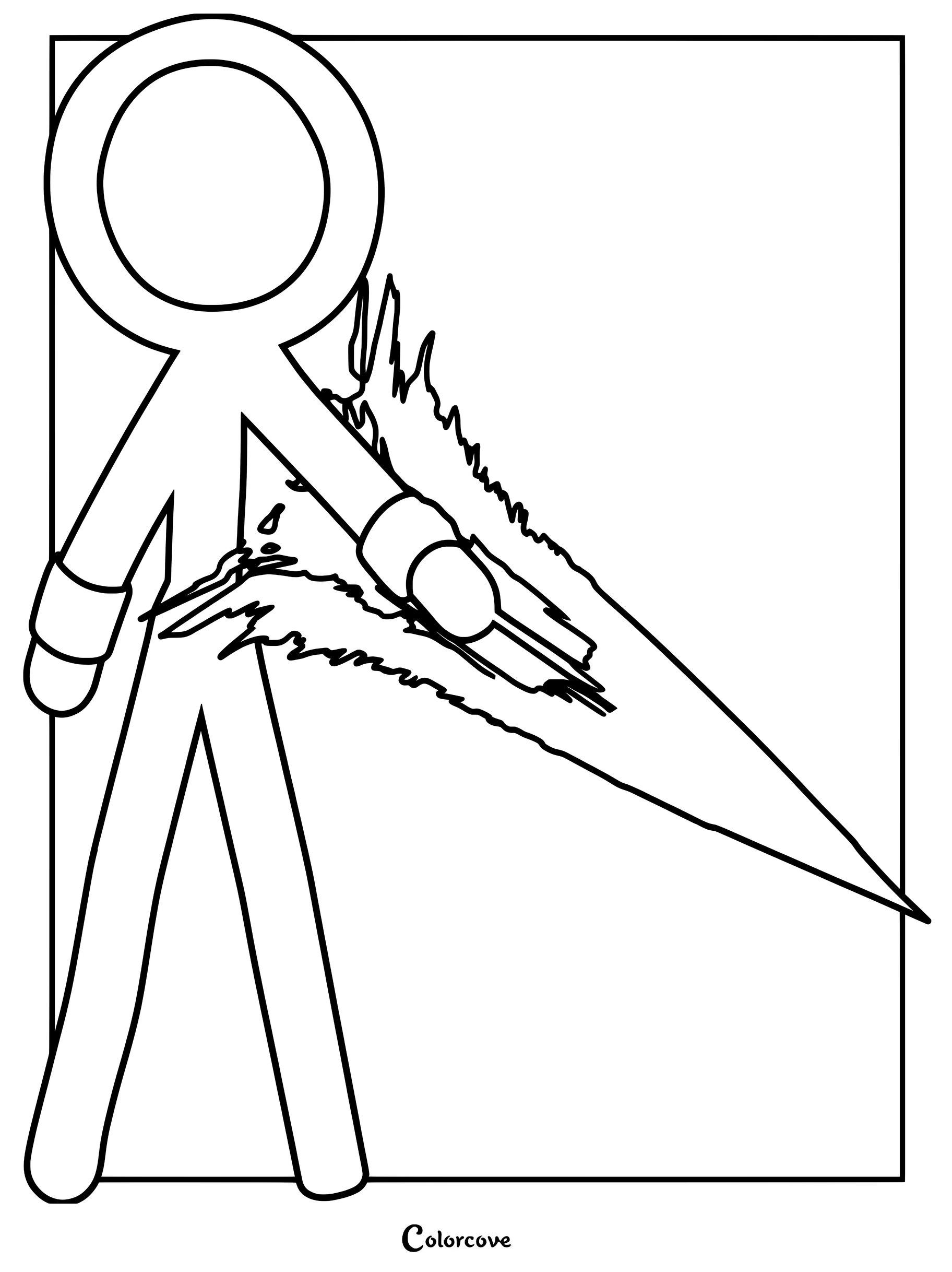
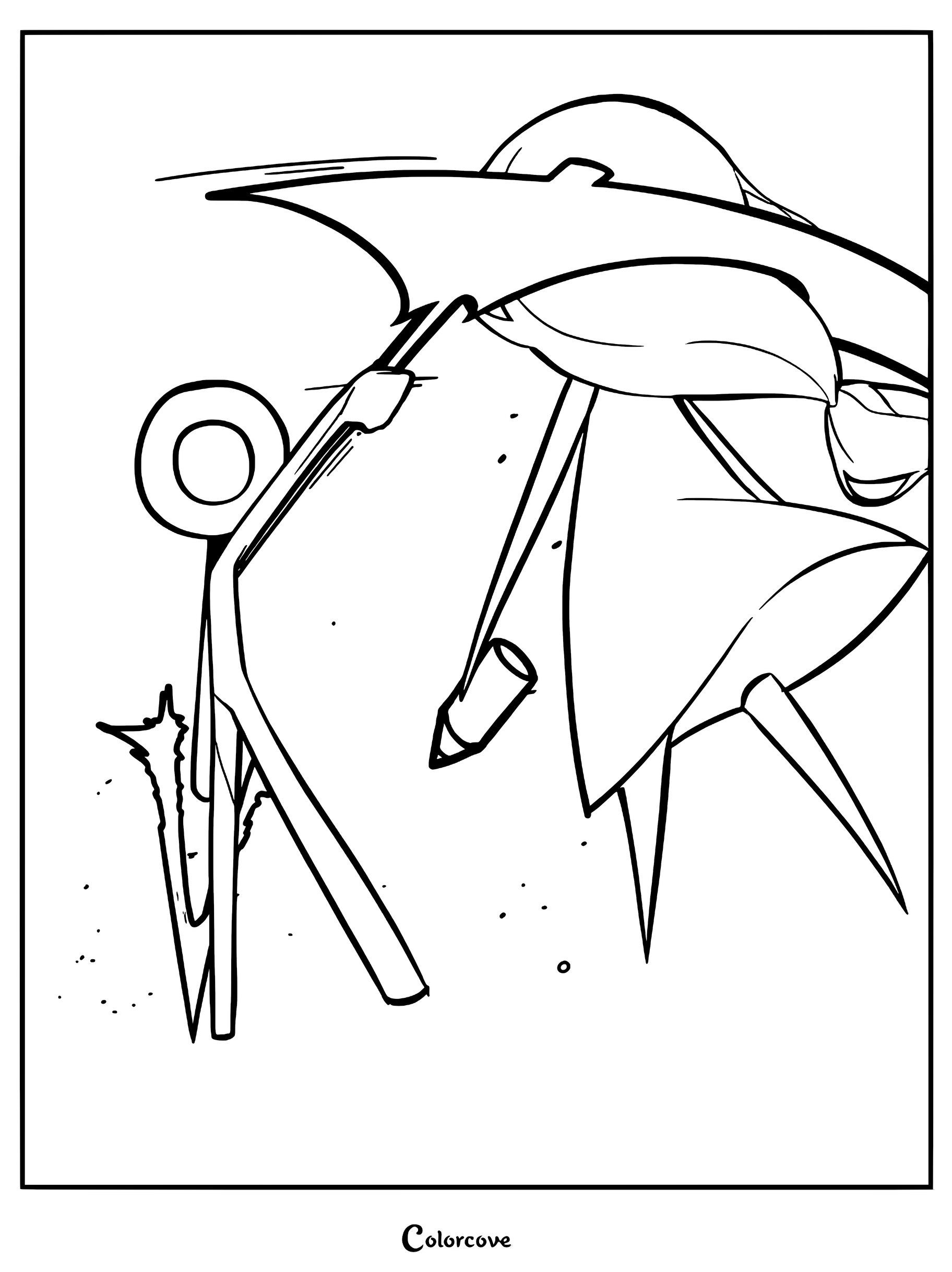
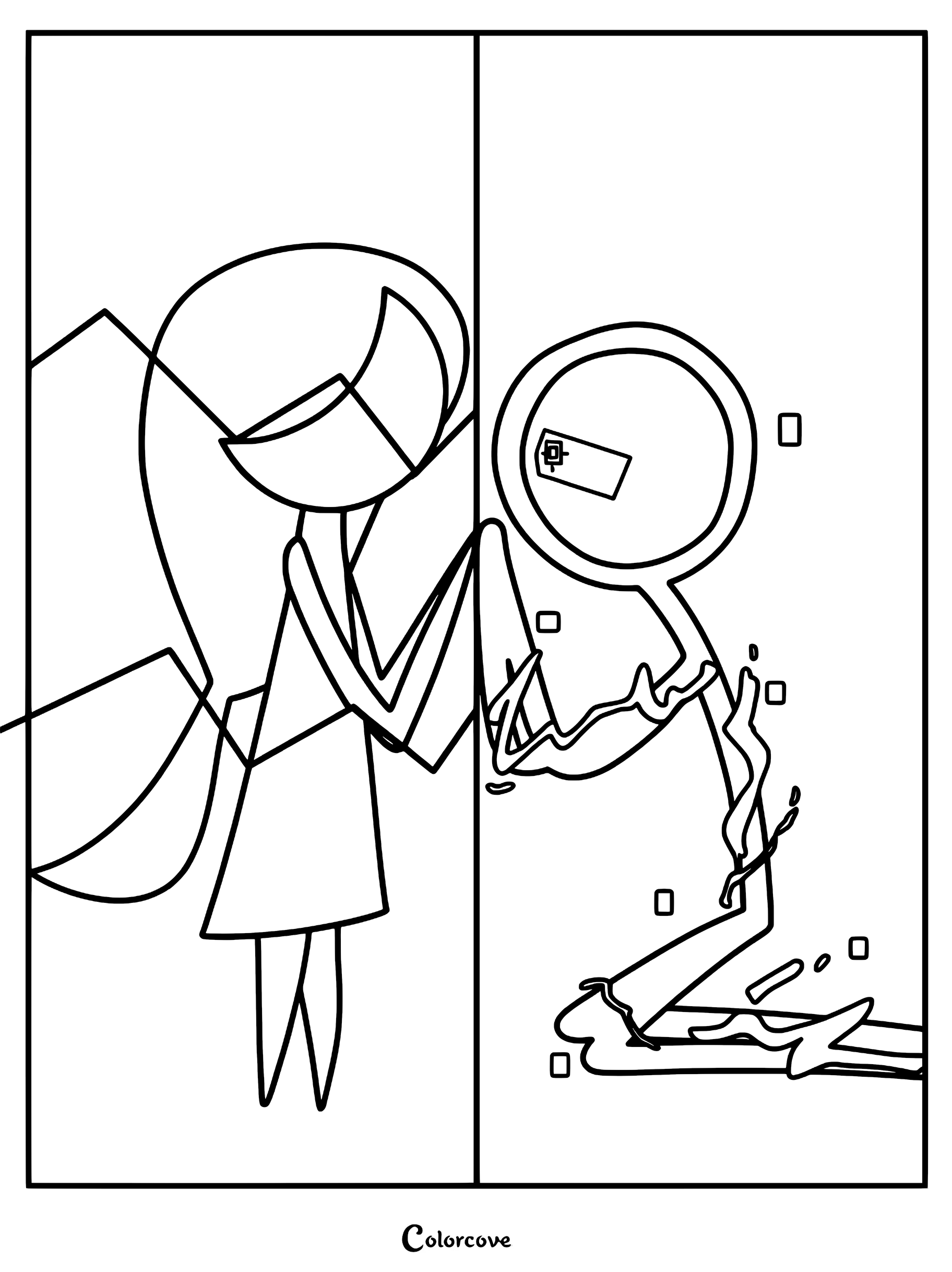
Relive the legendary battles that started it all with these intense pages of The Chosen One, The Dark Lord, and Victim. Emphasize their overwhelming power by using stark blacks and fiery reds to create dynamic, explosive lighting effects.
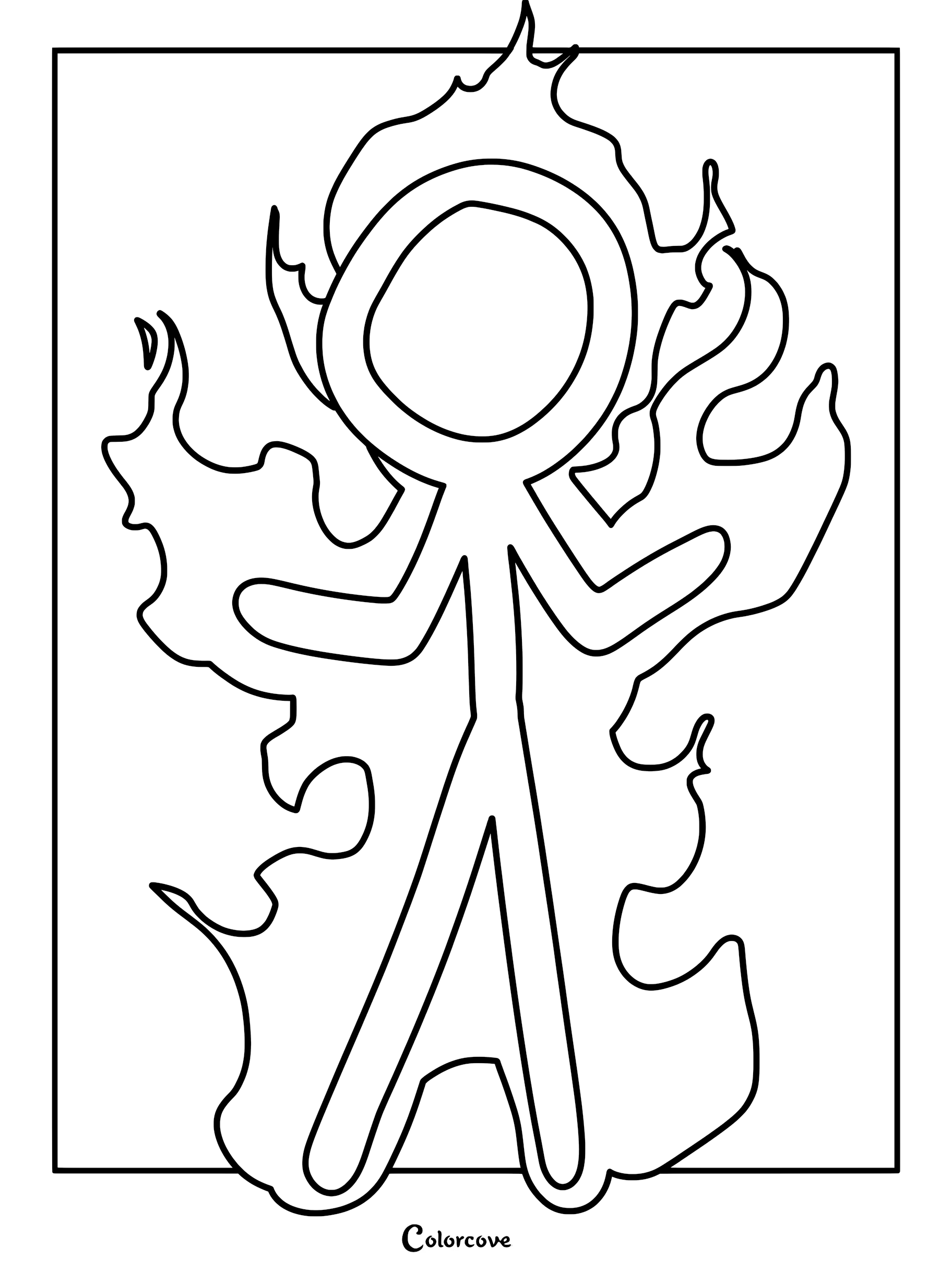
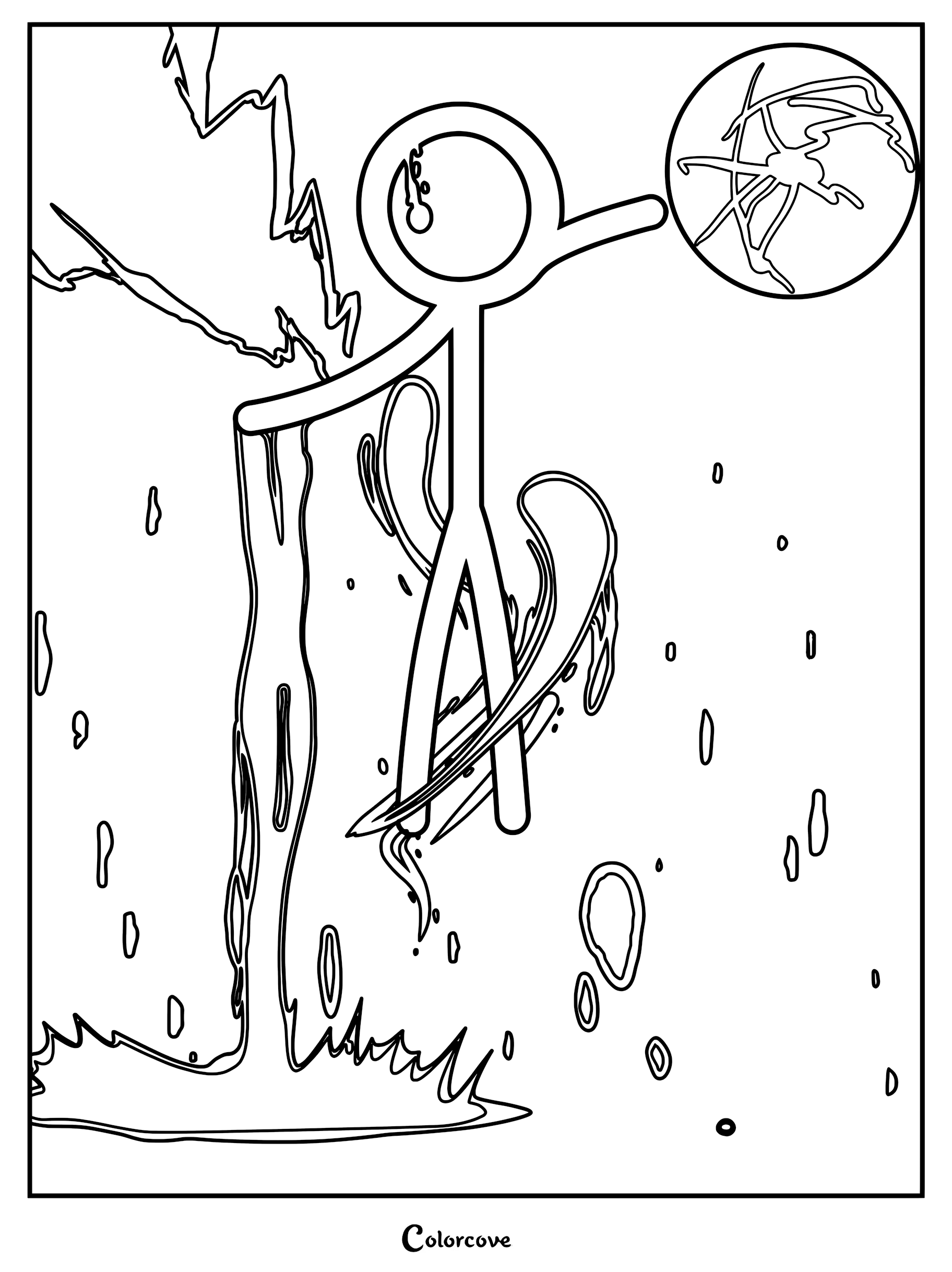
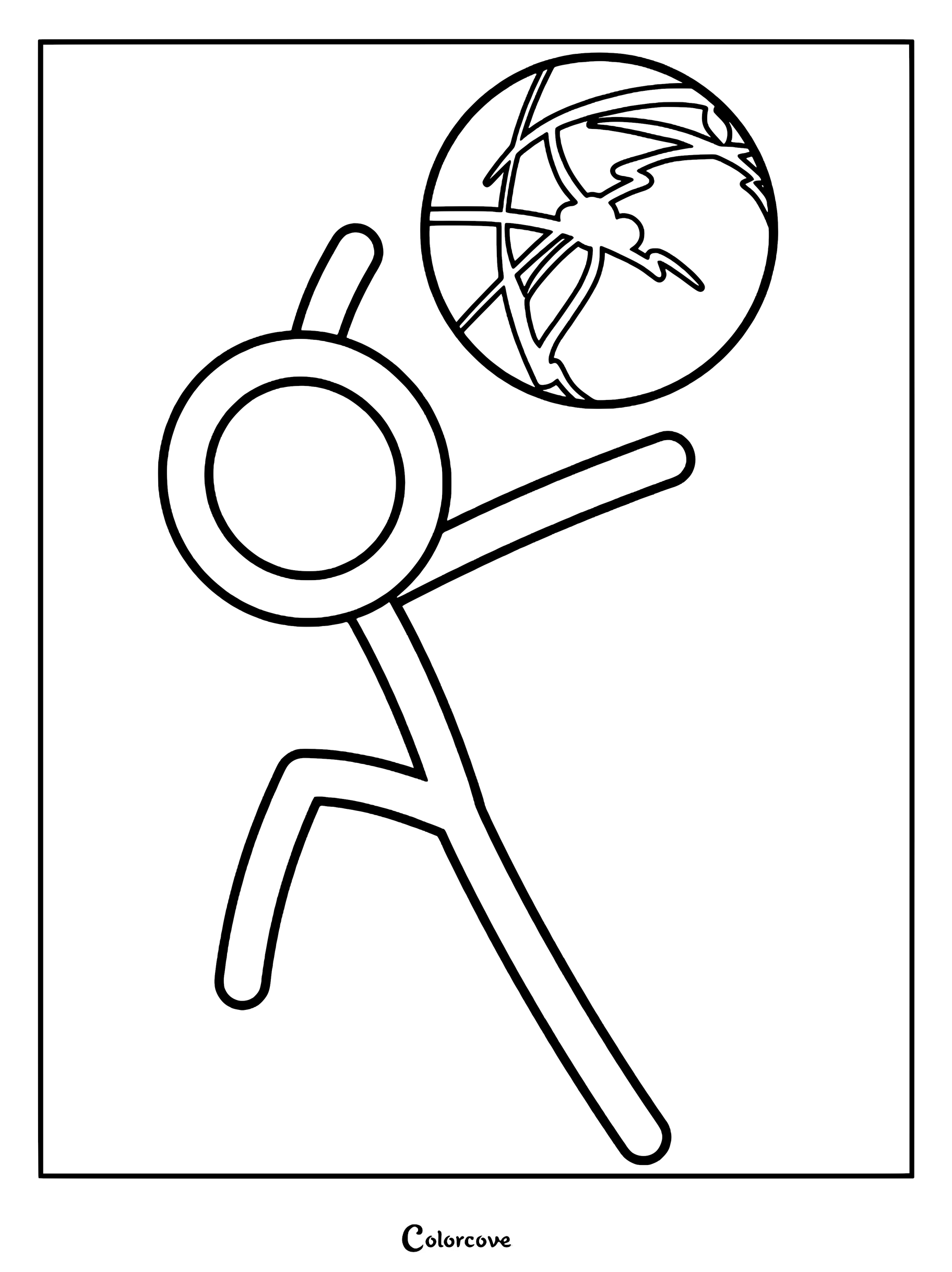
Animation vs. Minecraft
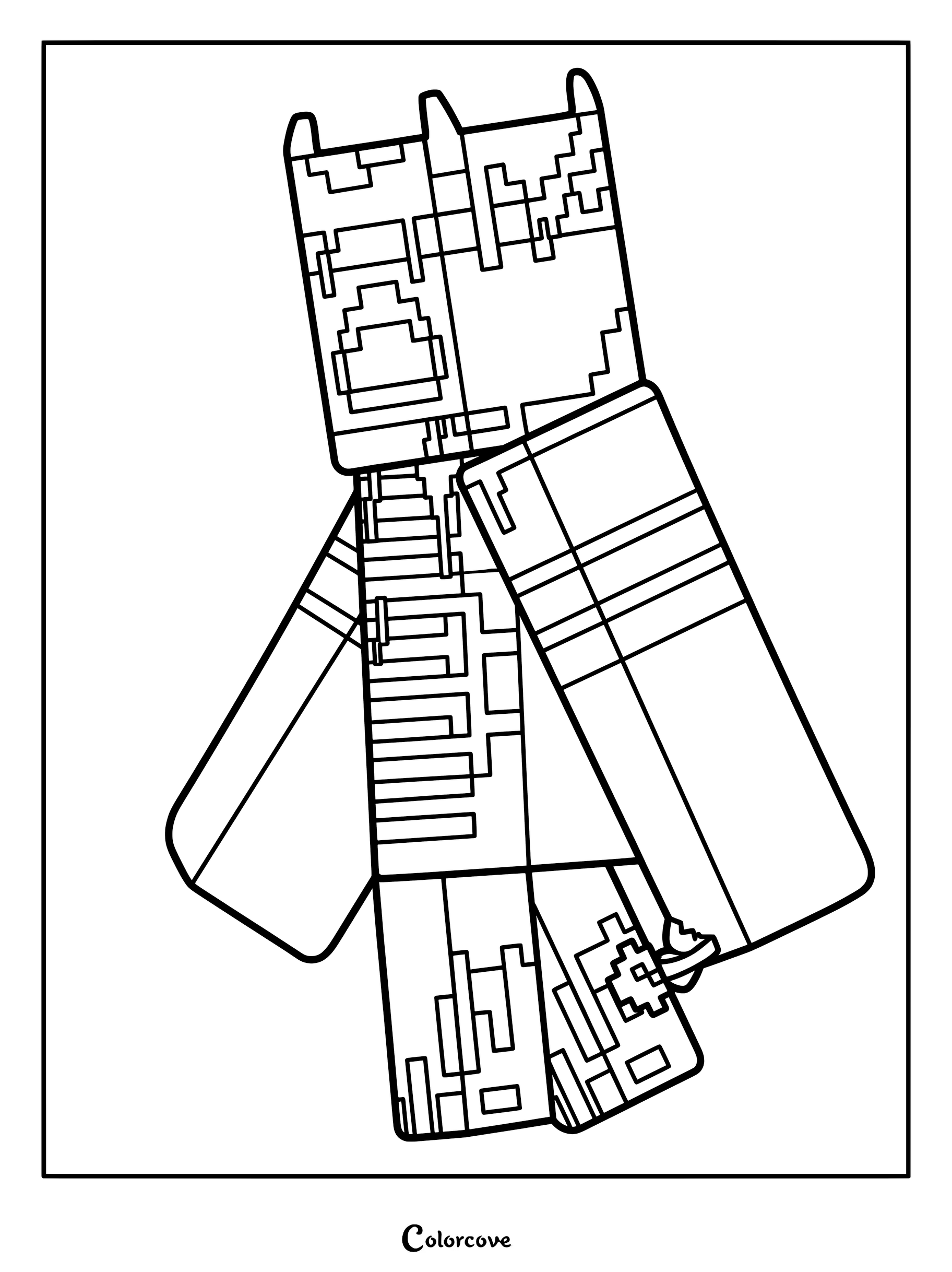
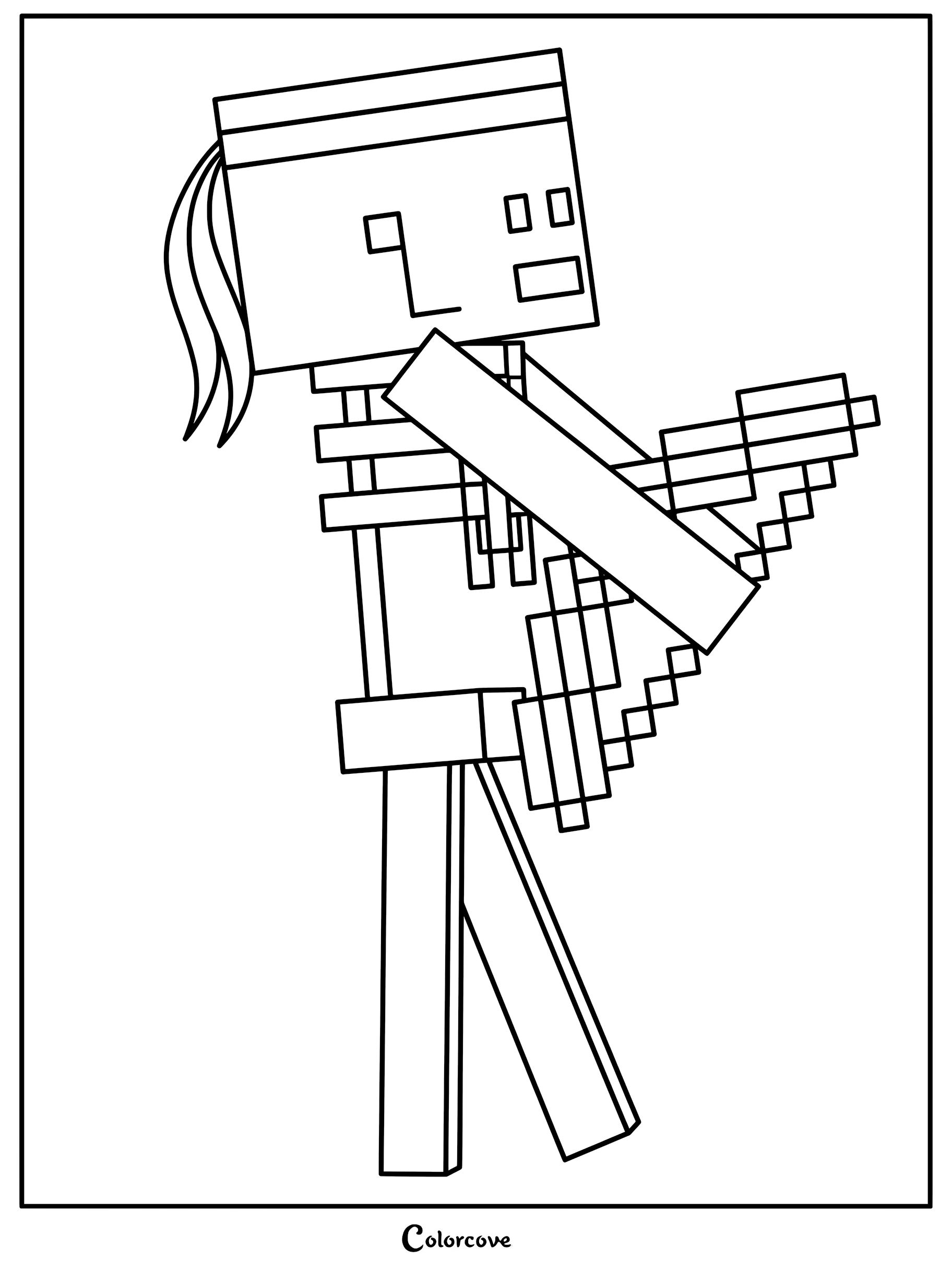
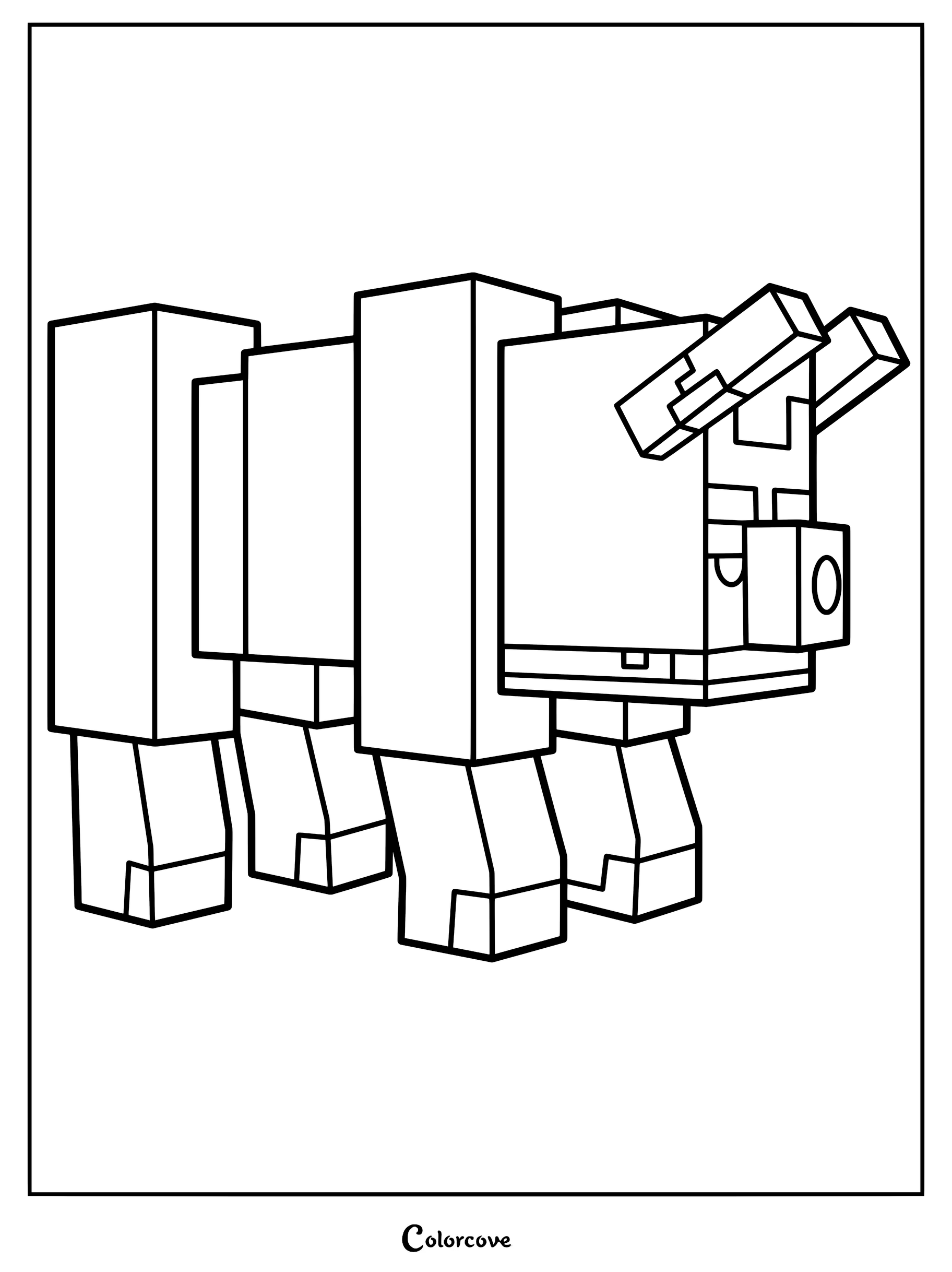
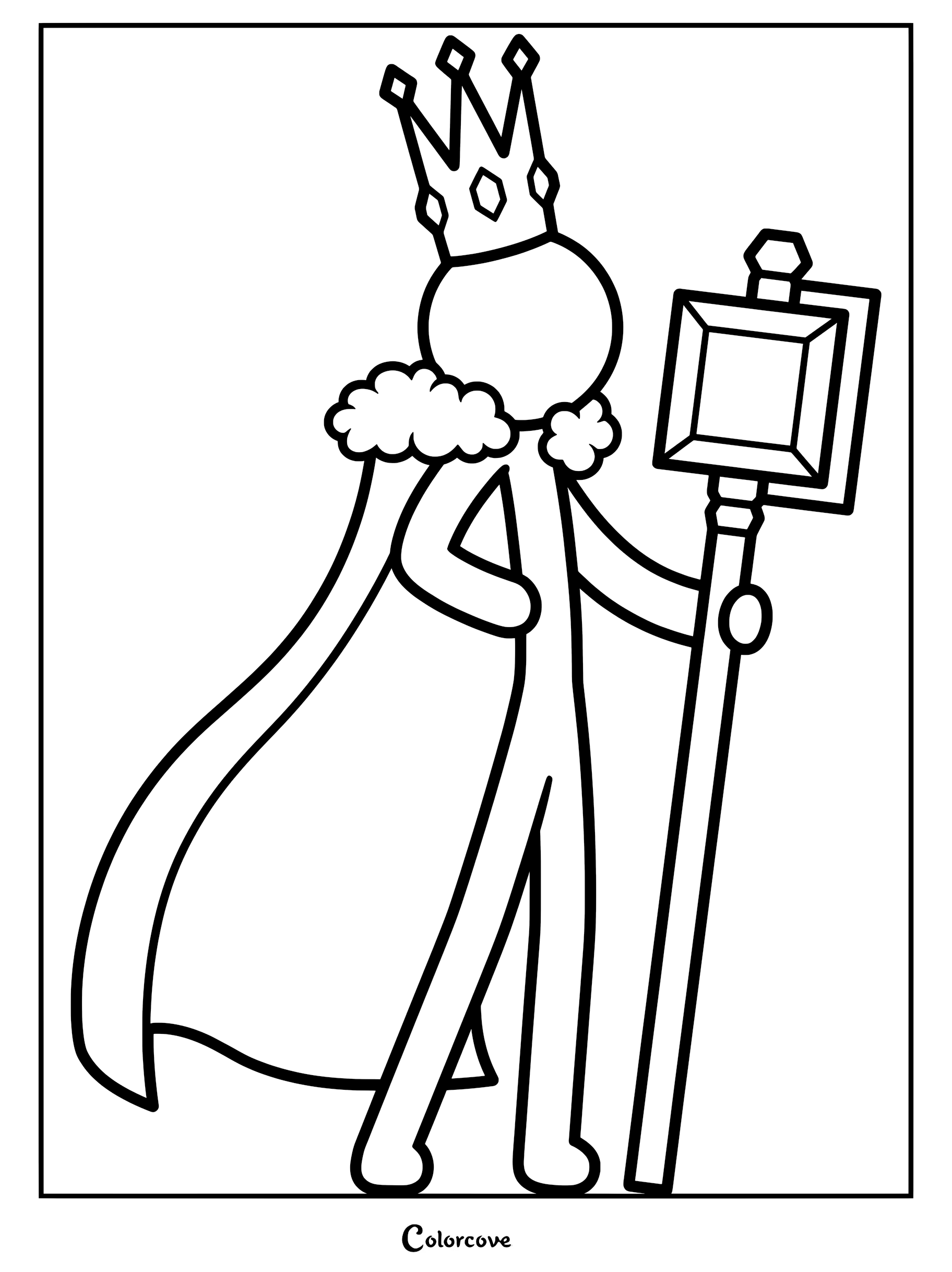
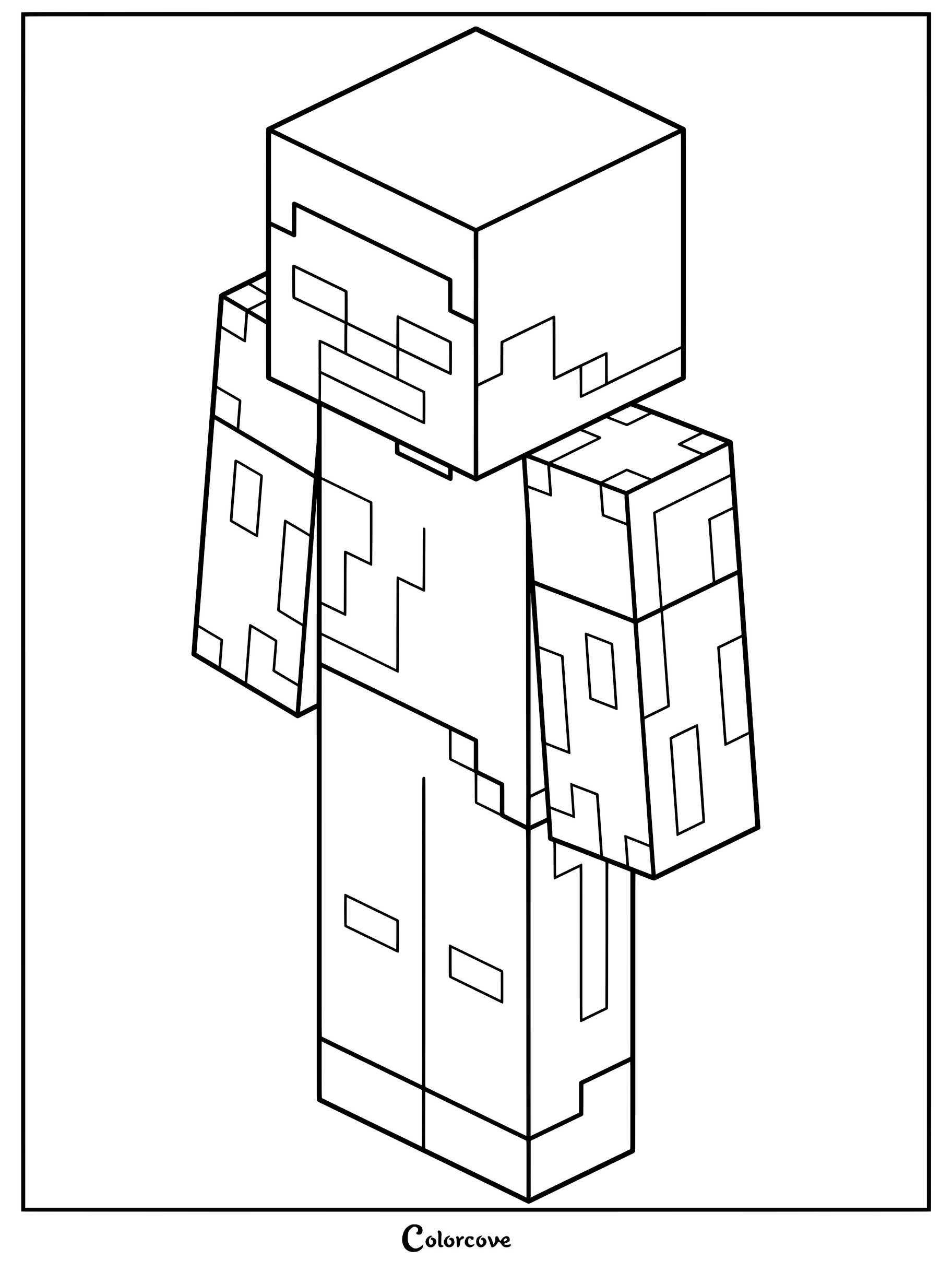
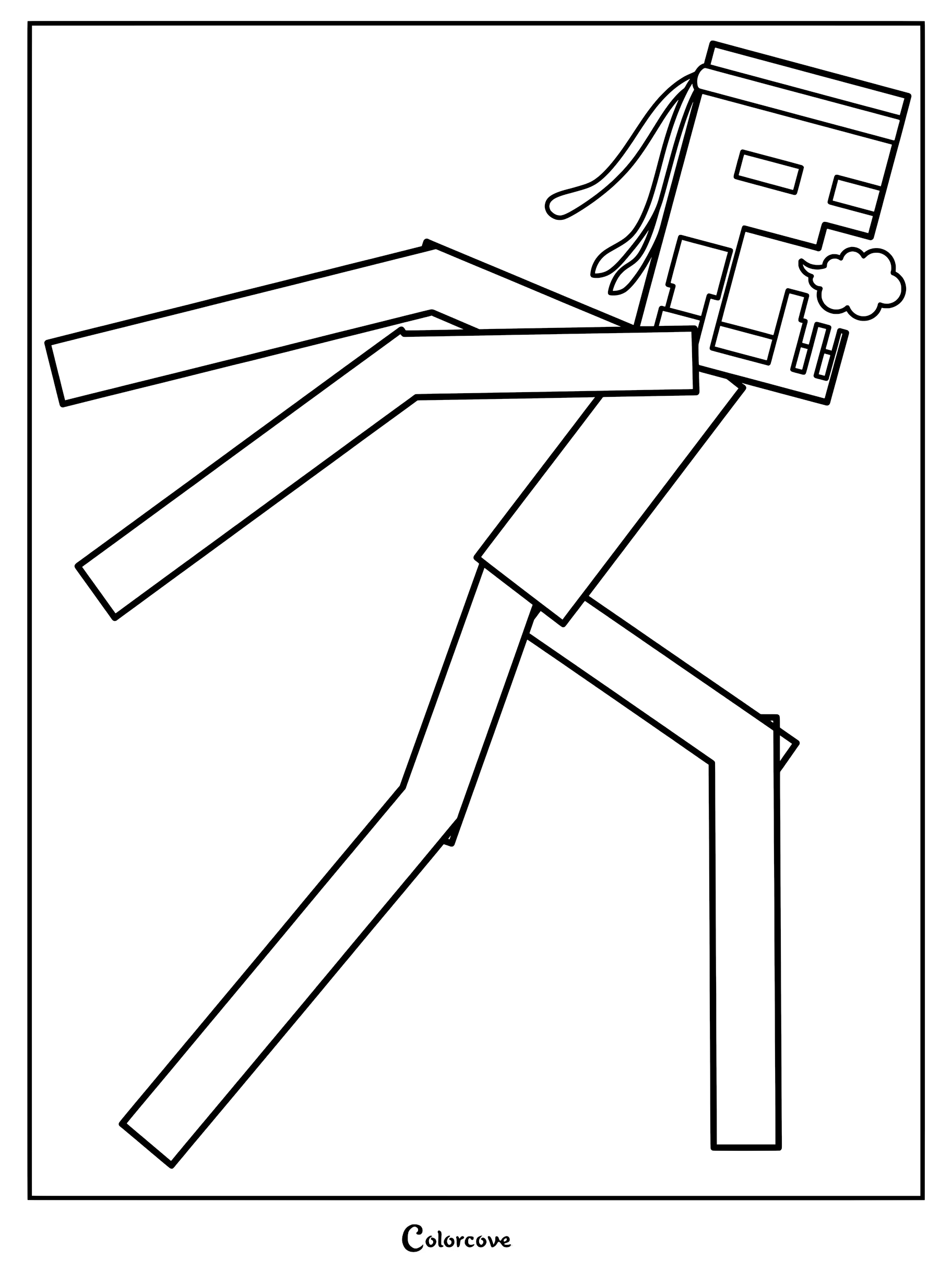
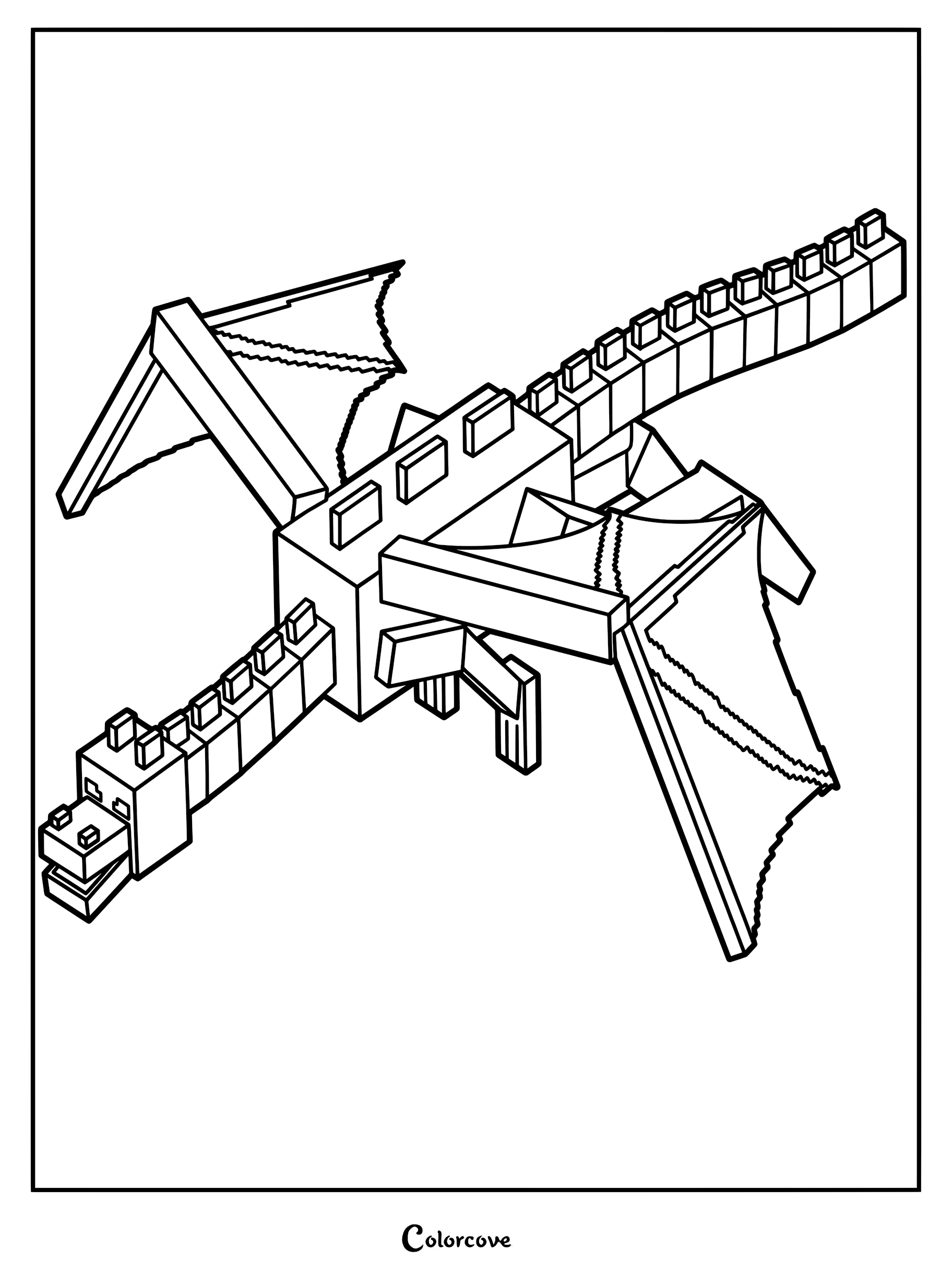
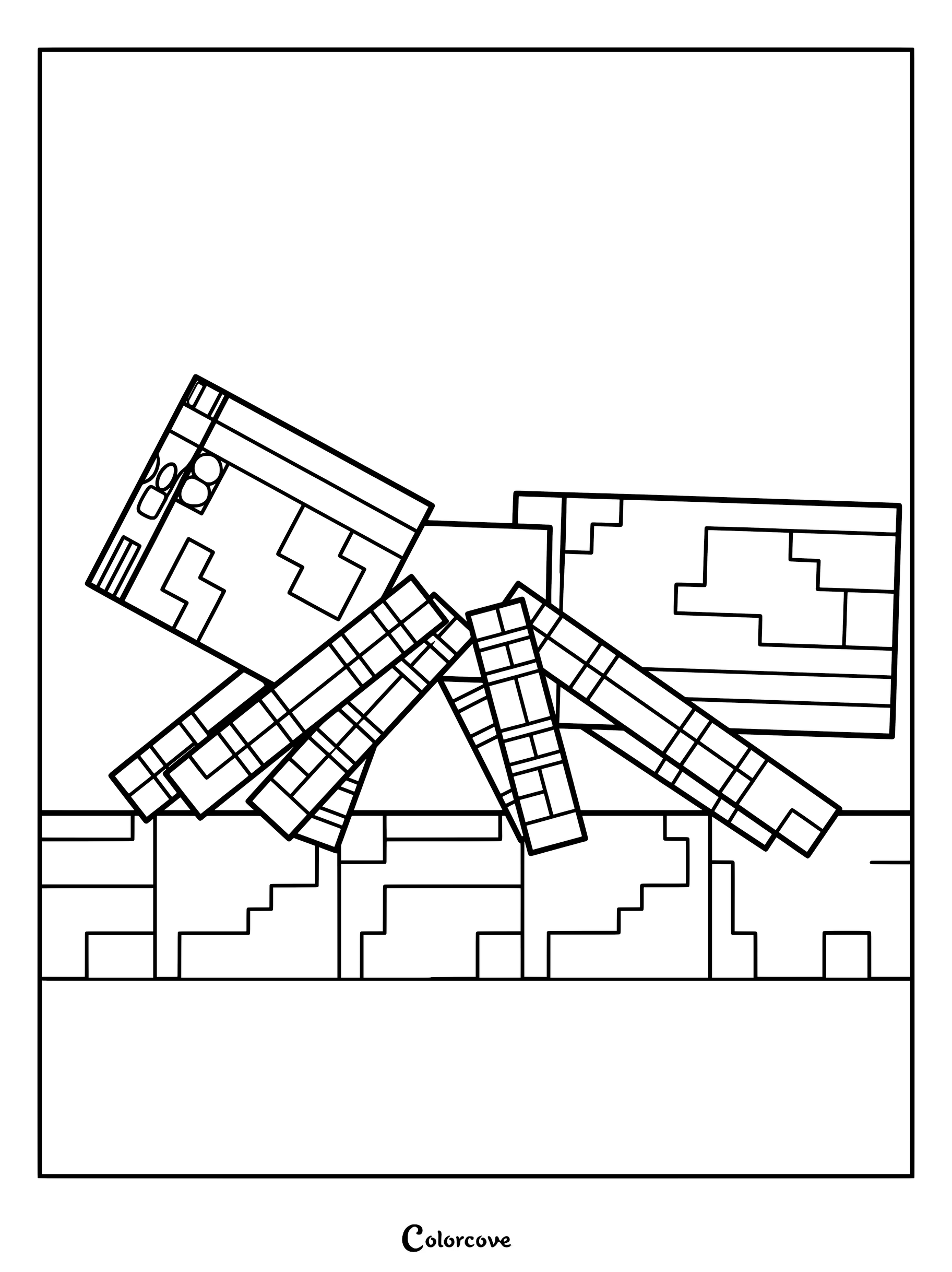
Step into the blocky world of the hit spin-off series, Animation vs. Minecraft. Experiment with sharp, geometric shading and pixelated textures to color Herobrine, the fearsome Ender Dragon, and King Orange.
Mercenaries & Agents
Encounter the dangerous and highly skilled adversaries that hunt the stick figures across the digital realm. Shade these tactical enemies using cool greys, tactical greens, and glowing tech accents to reflect their digital expertise.
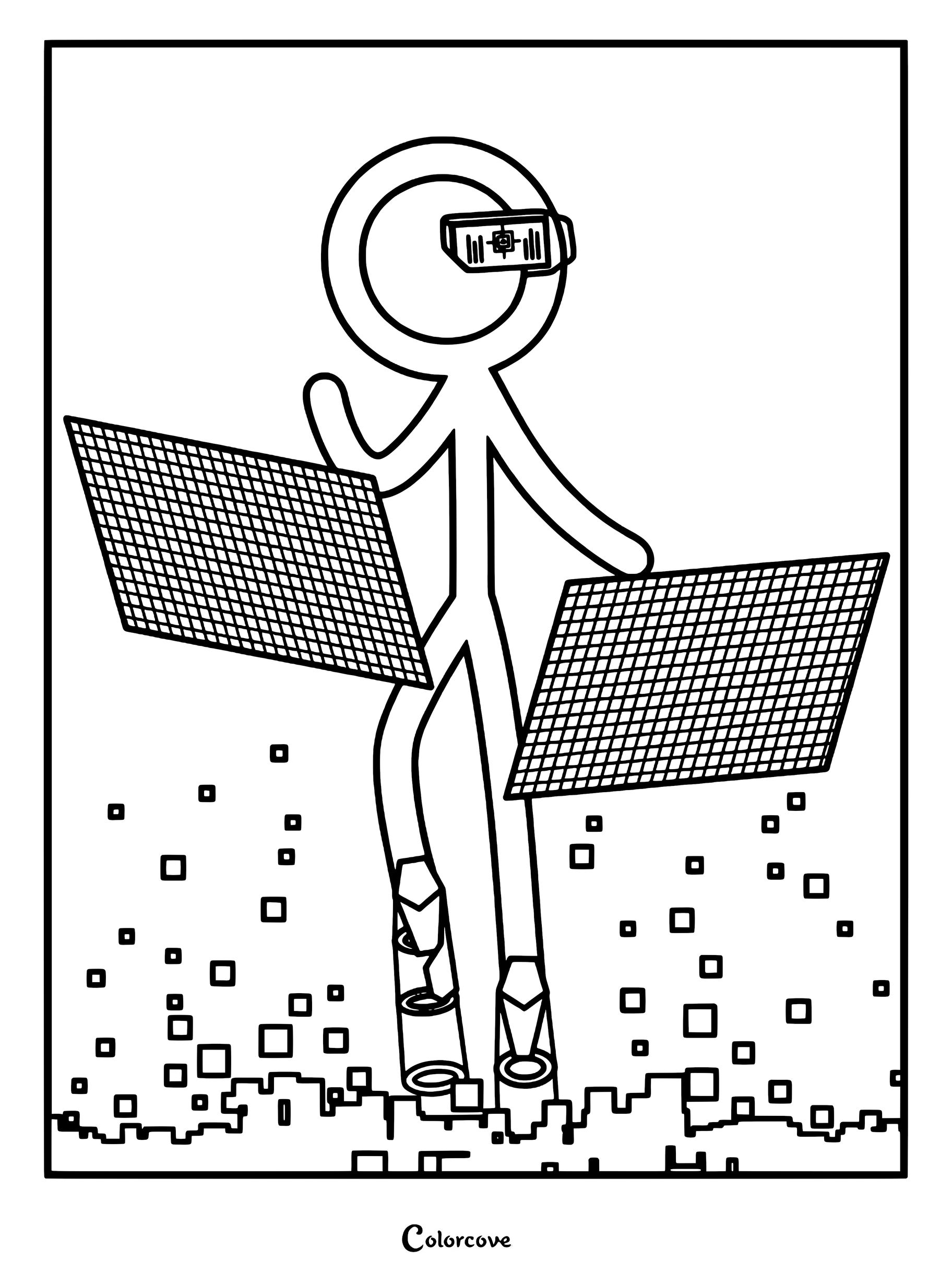

Animation vs. Math & Gaming
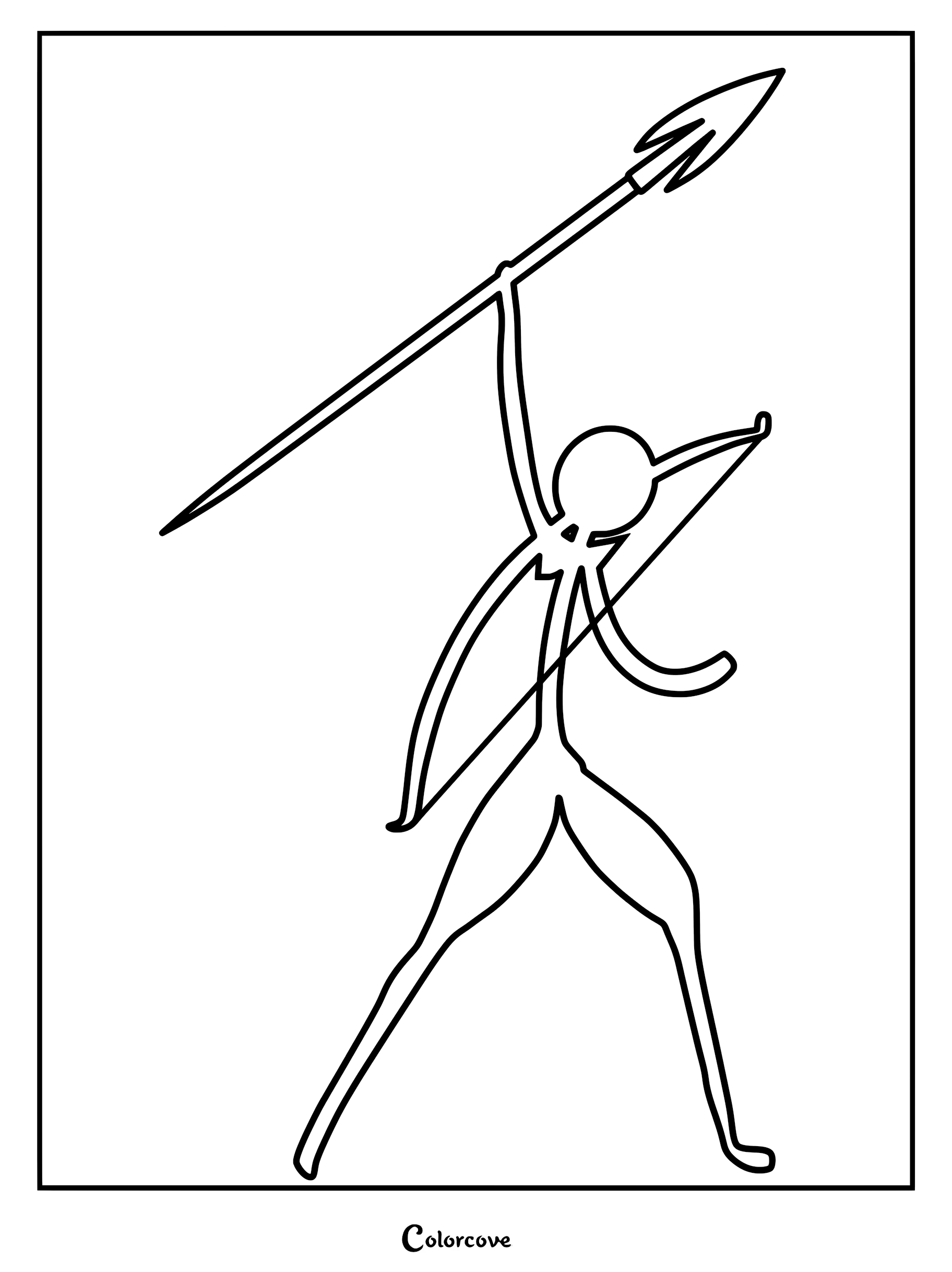
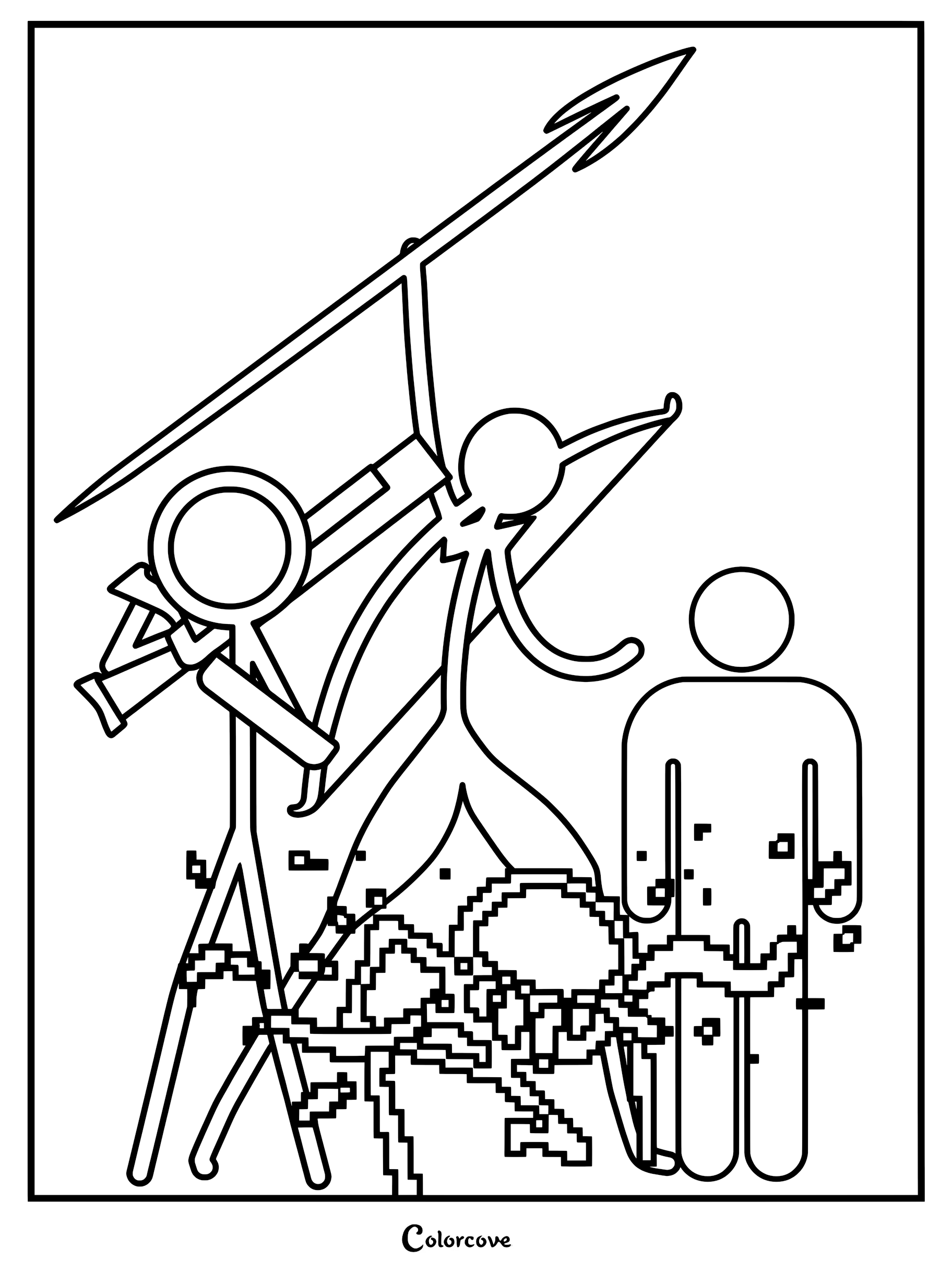
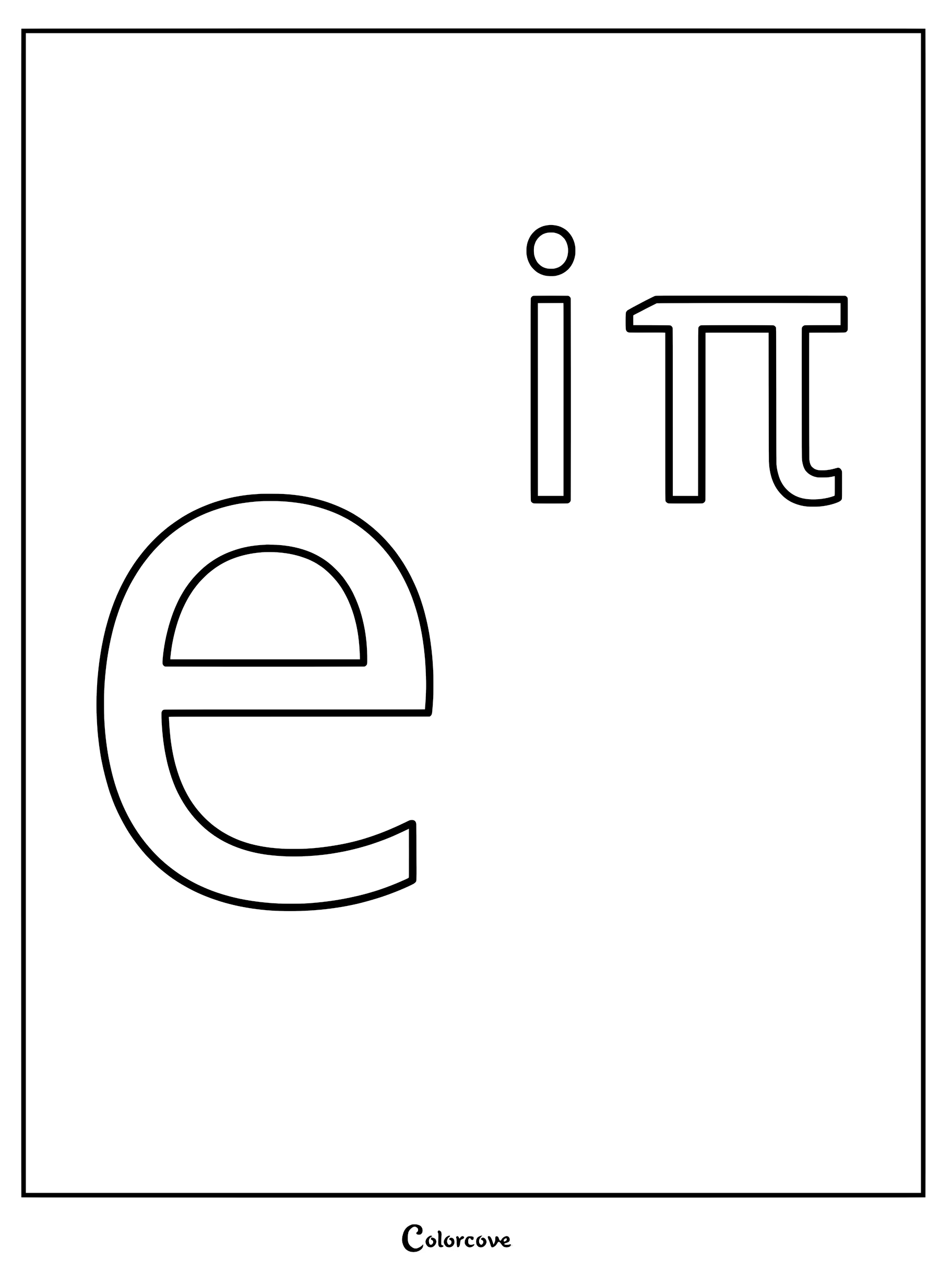
Explore the expanding multiverse of Alan Becker’s animations, from mathematical equations to retro video games. Get creative by blending classic 8-bit color palettes with the sleek, modern lines of the stick figures.
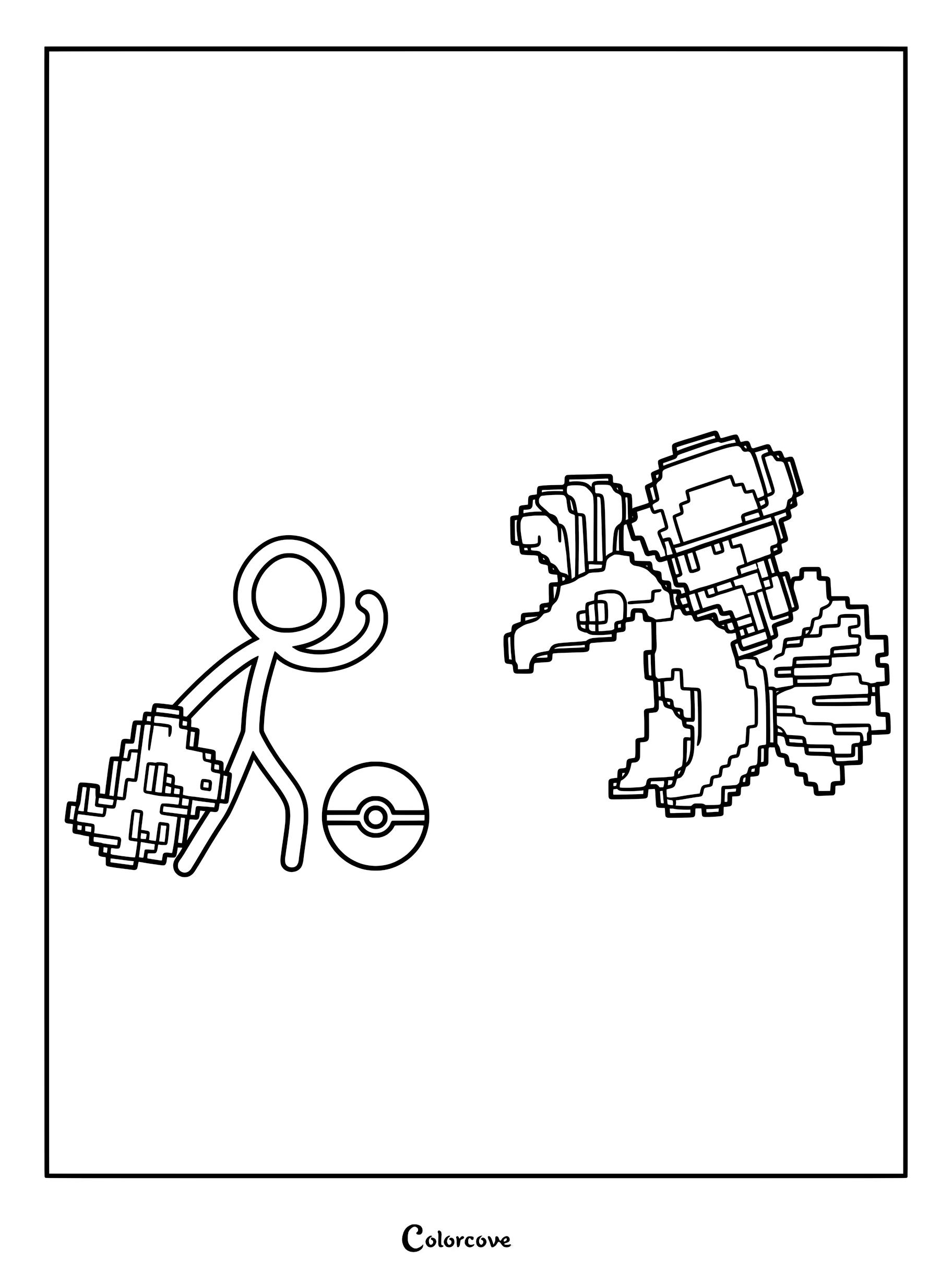

Watch The Epic Lucky Block Battle!
Experience the chaotic magic as the stick figures discover powerful lucky block staffs in this action-packed Animation vs. Minecraft adventure!

Craft Ideas & Creative Activities
Bring the high-octane action of Animator vs. Animation to life right at your desk! Because stick figures rely heavily on dynamic posing and minimal details, you can use these coloring sheets as an excellent creative opportunity to practice advanced drawing techniques and special effects. Here is how you can elevate your stick figure art!
Advanced Coloring Techniques
- ⚡ Energy Beams & Explosions: The battles between The Second Coming and The Dark Lord are legendary for their massive explosions and laser beams. To color these effects, always start with a bright, pure white center where the energy is the hottest. Surround the white with neon colors (like bright cyan for lasers or hot magenta for explosions), and use a cotton swab to softly smudge the edges outward, creating a realistic glowing halo effect.
- 💨 Motion Blur & Speed Lines: Stick figures move incredibly fast! You can show this speed by drawing thin, faint lines trailing behind their limbs using a sharp colored pencil. Alternatively, take an eraser and lightly smudge the back edge of the stick figure to make it look like they are moving so fast that they are blurring across the paper.
- ⚔️ Designing Custom Weapons: The great thing about Animator vs. Animation is that the characters can draw their own weapons! Don’t just color the page—grab a black pen and draw custom weapons for The Stick Gang to wield, like giant pencils, pixelated swords, or futuristic laser blasters!
- 🧊 Minecraft Pixel Textures: For the Animation vs. Minecraft sections, emphasize the blocky nature of the world by coloring in a grid pattern. Instead of smooth shading, use distinct blocks of light and dark colors to mimic the 8-bit, pixelated textures of Herobrine and the Ender Dragon.
Fun Craft Ideas & Activities
- 💻 Computer Monitor Invasion: Animator vs. Animation is famous for taking place directly on a computer desktop. Once you finish coloring your favorite stick figures, carefully cut them out. Use rolled-up pieces of tape to stick them to the plastic bezel of your computer monitor or laptop screen! You can arrange them so it looks like they are battling across your screen, peeking around the edges, or fighting the mouse cursor while you work.
- 🎬 Stop-Motion Animation: Alan Becker started his career making animations, and so can you! Cut out the stick figures and lay them flat on a table. Download a free stop-motion animation app on a smartphone. Take a picture, move the stick figure a tiny fraction of an inch, and take another picture. String the photos together to create your very own stick figure battle animation!
- 🖱️ Create a Paper Cursor: Draw, color, and cut out a giant computer mouse cursor out of thick cardstock. You can use it as a prop to interact with your cut-out stick figures, recreating the iconic scenes where they fight the animator!
Explore More Coloring Pages
 56 Hazbin Hotel Coloring Pages: Free Printable Fan Art
 90 Blox Fruits Coloring Pages: Epic Printable Fan Art
 32 Wallace And Gromit Coloring Pages: Free Printable Fun
 41 The Legend Of Korra Coloring Pages: Epic Avatar Art
 27 Roblox Doors Coloring Pages: Spooky Entity Art Collection
 107 Brawl Stars Coloring Pages: Ultimate Fan Art Collection
 52 Among Us Coloring Pages: Ultimate Sus Art Collection
 23 SMG4 Coloring Pages: Printable Fan-Favorite Characters
 43 Invincible Show Coloring Pages: Gritty Superhero Action
 30 Spooky Month Coloring Pages: Iconic Horror-Comedy Art
 37 Undertale And Deltarune Coloring Pages: Epic Fan Art
 37 Lethal Company Coloring Pages: Survive the Scrap Run


